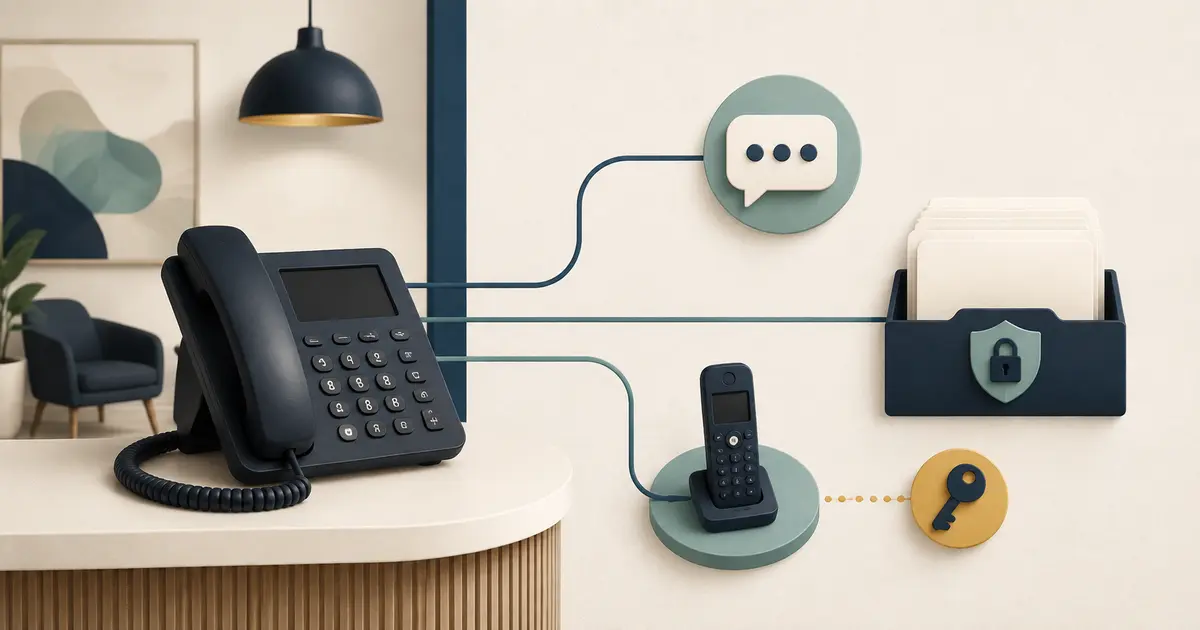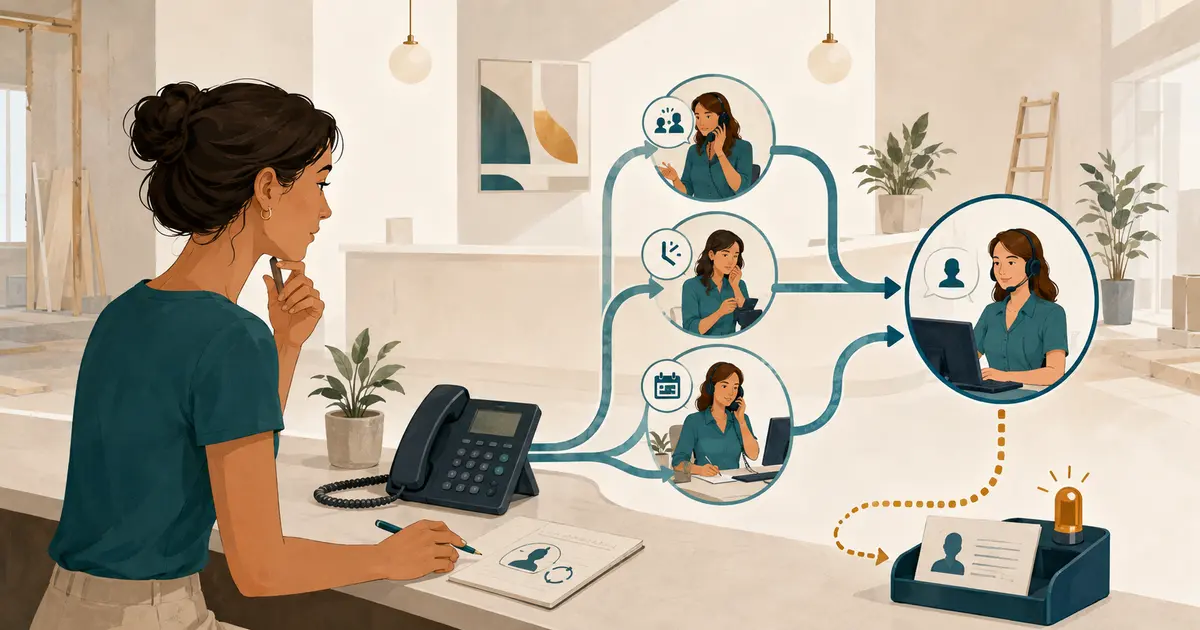
To set up dental call forwarding to an answering service, keep the practice's existing published number as the entry point, choose the exact conditions that should forward, and send only those calls to the answering destination. Confirm the feature with the practice's actual phone provider, configure ring and voicemail timing, test caller ID and failure behavior from outside numbers, and document how to turn forwarding off.
Do not begin by dialing a star code from a search result. Business landlines, mobile services, cloud phone systems, cable voice, and managed practice systems can use different controls and feature names. A safe dental call forwarding answering service setup follows the provider's current instructions for the exact account.
Draw the complete call path first
Write the normal route in one line before changing a setting:
Caller → existing dental office number → staff ring group → forwarding condition → answering-service number → front-desk request
Then write the fallback route:
Answering destination unavailable → approved fallback → visible request or voicemail → assigned staff review
Include every system that can answer or redirect the call:
- main published number;
- auto attendant;
- desk-phone ring group;
- call queue;
- busy and no-answer rules;
- office voicemail;
- after-hours schedule;
- answering-service destination;
- carrier outage or failover route;
- location-specific or department routes.
This map prevents two common failures: voicemail answers before forwarding can occur, or a forwarding rule sends the call back to a number that eventually forwards to the starting point.
The broader answering-service setup checklist for a new dental practice covers vendor and workflow decisions. This guide focuses on the phone path itself.
Identify the phone service that controls the rule
The number printed on the website may not be managed by the device sitting at reception. Determine who controls inbound routing.
Collect:
- phone provider and account name;
- service type for each location;
- main number and any department numbers;
- phone-system administrator;
- provider support contact;
- admin portal or device used to change routing;
- current business-hours and after-hours rules;
- voicemail destination and ring threshold;
- any managed-service company between the practice and carrier;
- whether a service order is required for busy or no-answer forwarding.
If the future practice is still choosing a phone service, ask the provider to demonstrate conditional forwarding on the proposed plan before signing. “Call forwarding included” may refer only to forwarding every call, not separate busy, no-answer, scheduled, or outage rules.
Choose the forwarding condition
Forwarding should match the coverage gap. Do not send every call to the service when the goal is only to recover calls staff cannot answer.
| Forwarding condition | What activates it | Typical use | Main setup question |
|---|---|---|---|
| All-call forwarding | Every inbound call | Temporary closure or full outsourced coverage | Can staff receive any calls directly while it is active? |
| No-answer forwarding | Staff or queue do not answer within the configured time | Missed-call recovery | How many rings or seconds occur before forwarding? |
| Busy forwarding | The provider considers the line or call path busy | Simultaneous-call overflow | What exact state does the provider define as busy? |
| Scheduled forwarding | A business-hours, lunch, or custom schedule is active | Predictable closed or reduced-staff windows | Which timezone, holidays, and exceptions control the schedule? |
| Unavailable or outage forwarding | The office system or connection is unreachable | Continuity planning | Does the feature work during the failure being planned for? |
Some systems combine conditions. Others require separate rules or provider support. AT&T, for example, documents distinct all-call, no-answer, busy, and safe forwarding features for certain business services. Verizon's traditional business-phone guidance notes that busy-line and don't-answer forwarding availability and configuration can vary by area. Those examples show why the exact service matters; they are not universal instructions.
Decide how long the office rings
No-answer forwarding needs a precise threshold. Too short, and calls leave the front desk while an employee is reaching for the phone. Too long, and callers hear repeated rings before the answering destination begins another greeting.
Test the full caller time, not only the number of desk-phone rings:
- auto-attendant greeting;
- menu selection;
- queue announcement;
- ring group;
- hold audio;
- forwarding connection delay;
- answering-service greeting.
Choose a threshold that gives staff a fair opportunity to answer without creating a long, uncertain caller experience. If the provider uses seconds, confirm how it counts. If it uses rings, time the result from an outside phone because ring cadence can vary.
The manager should be able to state: “Calls forward after this condition and this amount of caller time.” “After a few rings” is not a testable requirement.
Put forwarding and voicemail in the correct order
Voicemail and forwarding often compete for the same unanswered call.
Possible outcomes include:
- office voicemail answers before the forwarding threshold;
- the call forwards first and the answering destination handles it;
- the answering destination fails and its own voicemail answers;
- the call returns to the office voicemail as a fallback;
- both systems create separate messages for one caller.
Choose one intended order. For missed-call answering coverage, the normal design is often:
- staff have the defined opportunity to answer;
- the configured condition forwards the call;
- the answering service handles the permitted conversation;
- a documented fallback receives the call if coverage is unavailable.
Do not disable office voicemail until fallback has been tested. Do not assume the answering service will always answer. If two voicemail boxes remain active, assign ownership and a duplicate-handling rule for both.
AT&T's wireless guidance, for example, states that its all-call forwarding can override wireless voicemail and describes what happens when the destination is busy. That behavior is specific to the service. Verify the provider's current forwarding details for the account in use.
Confirm the destination number and its limits
Ask the answering service for the exact number and required dialing format. Confirm:
- whether the destination is unique to the practice or location;
- whether it can accept simultaneous forwarded calls;
- which U.S. calling regions it supports;
- whether the office must allowlist the destination;
- whether forwarding incurs carrier, long-distance, or usage charges;
- what happens when the destination is busy, unreachable, or disabled;
- whether calls can transfer back to the office without a loop;
- whether the service requires the original caller's number;
- which number appears when staff return a call.
Enter the number exactly once in a controlled configuration record. Copying it through chat, paper notes, and several admin portals increases the chance of a wrong digit.
Test original caller-ID behavior
The answering destination may need the patient's number to create an accurate callback request. Forwarded caller-ID behavior can differ by provider, service, trunk, and configuration.
Do not infer success because the destination received a call. Inspect what it received.
Run test calls from:
- at least two mobile carriers;
- a number with caller-ID blocking enabled, when appropriate for the test;
- a landline or cloud number if those callers are common;
- each location's published number;
- every forwarding condition.
For each test, compare:
- number shown at the answering destination;
- number saved in the request;
- number read back during the conversation, if the workflow confirms it;
- number shown to the front desk;
- number staff would use for follow-up.
Possible results include the original caller's number, the dental office number, another trunk identity, or no usable number. If the original number is not preserved, require the answering workflow to ask for and confirm a callback number. Stop the launch if the request can silently attach the wrong number.
Caller ID itself is not proof of identity. The FCC explains that displayed caller information can be falsified through caller-ID spoofing. Keep the practice's normal verification steps for protected or account-specific discussions.
Prevent forwarding loops
A loop can occur when:
- the office forwards to the answering service;
- the service transfers to the office main number;
- the main number immediately forwards back to the service.
Document a transfer destination that does not re-enter the same active rule, or define that transfers are offered only during a verified staffed state. Test transfer behavior while each forwarding condition is active.
Watch for less obvious loops through auto attendants, department numbers, hunt groups, or an external managed service. A call that repeats greetings or menu prompts has not reached a safe fallback.
Set a maximum path. After one failed coverage destination, the call should reach a deliberate fallback or end with an accurate message. It should not bounce indefinitely.
Configure schedules and exceptions
Cloud phone systems can apply work-hours, after-hours, and custom rules. RingCentral, for example, documents incoming-call rules that can use work hours, after hours, or custom conditions. The exact screens and precedence belong to that product and may change.
For any scheduled rule, confirm:
- account timezone;
- location timezone;
- weekday hours;
- lunch windows;
- holidays and one-time closures;
- training days;
- daylight-saving changes;
- who enters exceptions;
- whether a custom rule overrides the ordinary schedule;
- whether the route returns automatically when the window ends.
Keep busy, no-answer, lunch, and after-hours coverage conceptually separate. The busy-line call coverage plan and lunch-hour coverage playbook show why each trigger needs its own test and owner.
Prepare the answering-service side
Phone forwarding only delivers the call. It does not define what happens next.
Before activation, provide and approve:
- practice and location name;
- accurate hours and closure exceptions;
- address and directions;
- services the answering role may state;
- approved insurance, payment, and policy language;
- minimum request fields;
- appointment-request boundary;
- separate urgent-concern instructions;
- primary and backup front-desk handoff owners;
- protected destination for complete requests;
- rules for unknown questions;
- transfer and fallback conditions.
The answering role should record appointment preferences without claiming a time is booked, use only approved office information, and send clinical questions to the practice without diagnosis or triage.
Activate one condition at a time
Use a controlled sequence:
- Save or screenshot the current provider configuration without exposing credentials.
- Confirm the exact destination number.
- Configure one low-risk forwarding condition.
- Place controlled outside test calls.
- Compare caller experience with the resulting request.
- Test the failure and rollback paths.
- Correct the configuration.
- Repeat the full test.
- Add the next condition only after the first one passes.
Do not activate all-call, busy, no-answer, after-hours, and outage forwarding simultaneously. A single-condition pilot makes failures easier to locate and limits disruption.
Use a complete test matrix
Test during the actual conditions, not only from a desk phone while the office is closed.
| Test | Pass condition |
|---|---|
| Staff answer before threshold | Call stays with staff and does not create a duplicate request |
| No one answers | Call forwards after the documented time |
| All configured call paths are occupied | Provider's busy rule behaves as written |
| Office is after hours | Correct schedule and greeting apply |
| Caller asks for an appointment | Preference is captured without a booking promise |
| Caller changes the callback number | Corrected number appears in the final request |
| Original caller ID is unavailable | Workflow asks for and confirms a callback number |
| Caller asks an unknown office question | Request goes to staff without guessing |
| Caller describes an urgent concern | Practice-approved path is used without non-clinical triage |
| Answering destination is unavailable | Deliberate fallback prevents silent loss or a loop |
| Transfer back to office is attempted | Call reaches a staffed destination or an accurate fallback once |
| Forwarding is disabled | Normal office routing and voicemail return |
| Schedule ends | Route changes automatically and at the correct time |
Run each critical test twice and keep a short result log with time, source number category, condition, caller experience, received caller ID, request result, and pass/fail reason.
Write the rollback before launch
The person on duty should not need the installer to restore normal calls.
The rollback card should include:
- exact admin portal or authorized phone used;
- name of the active rule;
- how to disable it under the provider's current instructions;
- expected confirmation;
- outside test number to call;
- normal routing and voicemail pass condition;
- provider support contact;
- internal owner to notify;
- location-specific exception;
- date the steps were last tested.
Do not print passwords, access codes, or recovery secrets on the card. Store access under the practice's normal credential policy.
Practice rollback during the pilot. A switch that has never been tested is not a recovery plan.
Monitor the first week
Review daily:
- eligible calls received;
- calls that followed the intended condition;
- caller-ID preservation or callback confirmation;
- request completeness;
- duplicate voicemail and service records;
- unanswered or looped calls;
- time from request to staff ownership;
- schedule exceptions;
- forwarding and usage charges;
- staff ability to disable the route.
Keep the pilot narrow until the route works under normal and failure conditions. Expansion to more locations or conditions should repeat the same checklist.
Dental call forwarding setup checklist
Before relying on the route, confirm that:
- [ ] the complete normal and fallback paths are drawn;
- [ ] the exact phone provider and service control point are known;
- [ ] the intended forwarding condition is defined;
- [ ] ring and queue time are measured from the caller's perspective;
- [ ] forwarding occurs before or after voicemail exactly as intended;
- [ ] the answering destination and dialing format are verified;
- [ ] original caller-ID behavior is tested rather than assumed;
- [ ] callback number confirmation covers missing caller ID;
- [ ] transfer and fallback paths cannot loop;
- [ ] schedules, holidays, timezone, and rule precedence are correct;
- [ ] appointment requests remain requests, not confirmed bookings;
- [ ] clinical questions use the practice-approved handoff;
- [ ] every critical scenario has a recorded pass condition;
- [ ] rollback restores normal routing and voicemail;
- [ ] a named manager owns monitoring and exceptions.
Call forwarding is reliable when the team can explain the route, prove it with outside tests, and reverse it safely. The feature name alone is never enough.