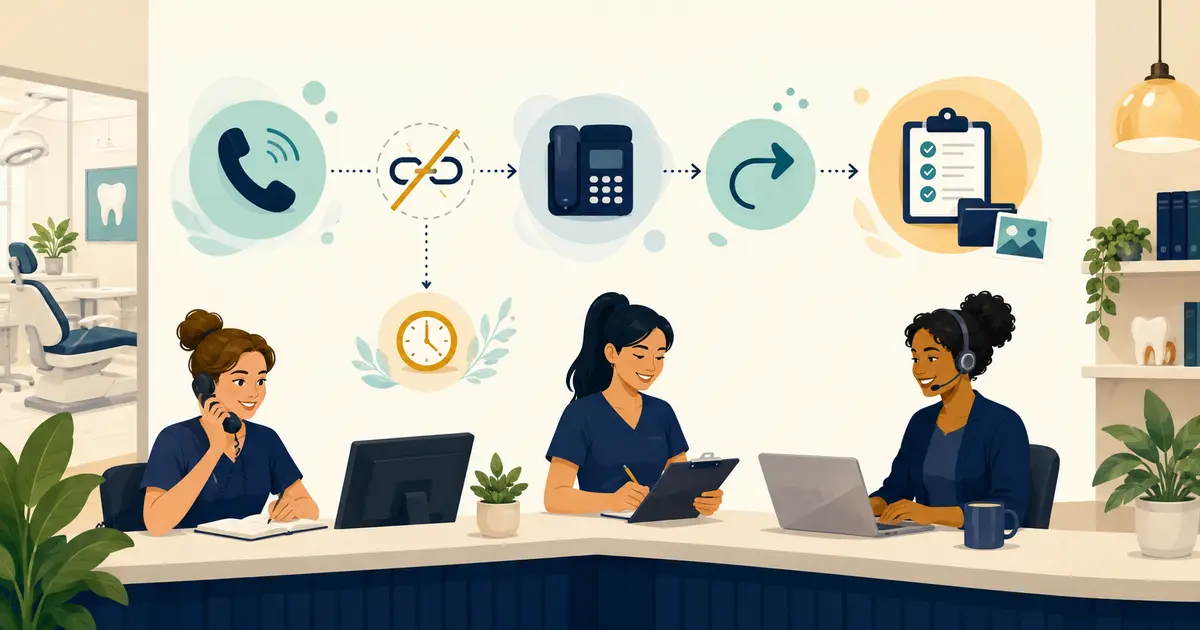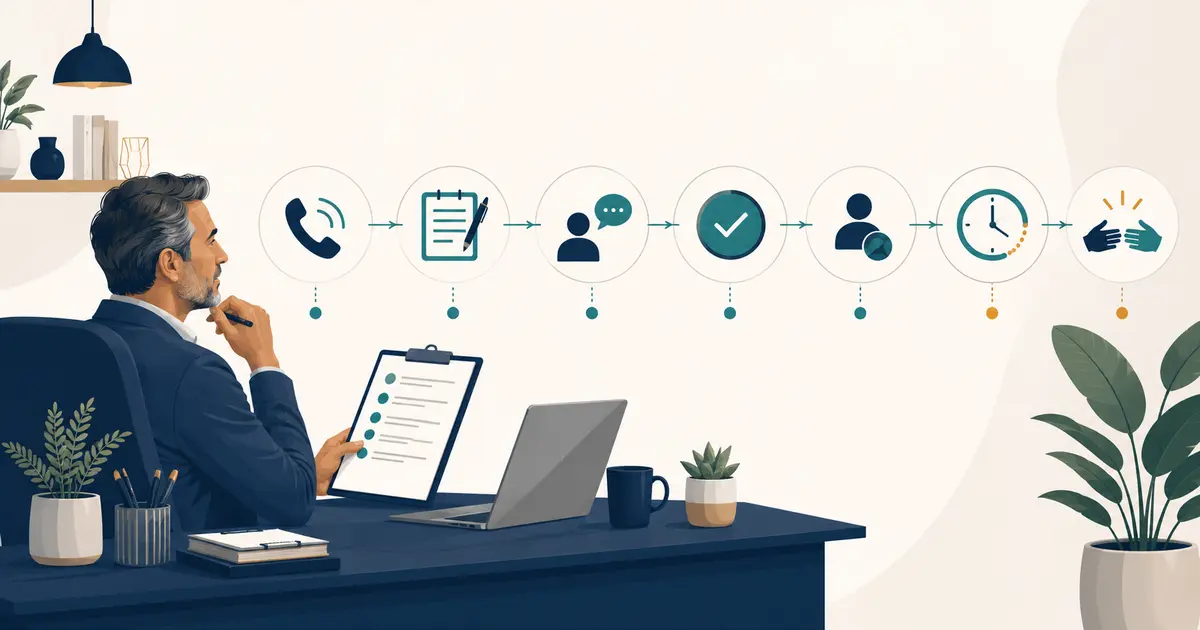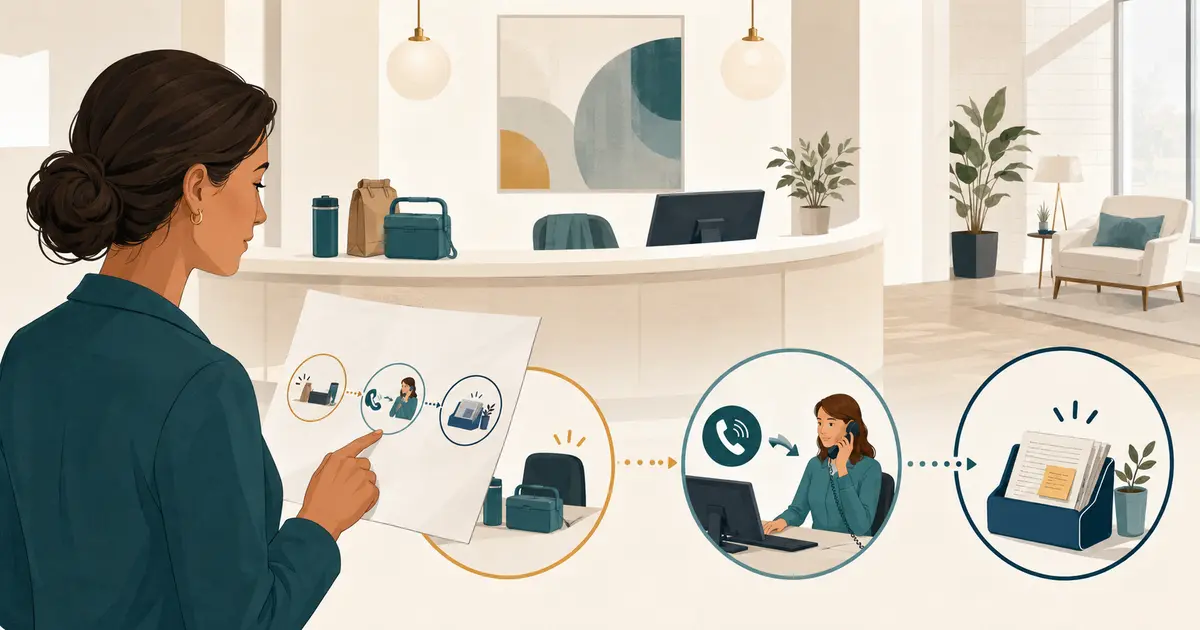
A dental lunch hour answering service is one way to cover the predictable midday gap, but the manager should design the operating rule before selecting the tool. Define when the lunch window begins, who remains available, what happens to new calls, which requests can wait, and who owns the queue when the front desk returns.
The goal is not to keep every receptionist at the desk. The goal is to give callers one clear path while employees take a real break and the office preserves control of patient follow-up.
Define the lunch-hour gap precisely
Start with the actual schedule rather than a generic noon-to-one assumption.
Document:
- when the phone coverage gap starts and ends;
- whether clinical care continues during that window;
- whether one front-desk person remains on duty;
- whether lunches are staggered;
- which days have a different schedule;
- whether a provider or manager is available for the practice-approved urgent path;
- what happens when lunch runs late;
- who changes the phone route on holidays or training days.
A 20-minute overlap gap needs a different solution from a fully closed 90-minute lunch. If the schedule varies by day, automate only what the phone system can follow accurately and give the manager a visible exception process.
Measure the midday call pattern
Use the practice's own call records for two to four weeks. Do not choose a solution from an invented dental benchmark.
Track:
- incoming calls during the proposed lunch window;
- calls answered by staff;
- calls sent to voicemail or another destination;
- callers who hang up without leaving a usable request;
- repeat calls after lunch;
- request type in broad non-clinical categories;
- messages missing callback information;
- time from request arrival to staff ownership;
- requests still unassigned at the end of the day.
The article on dental call tracking metrics provides a baseline method. The point is to learn whether the gap needs staffing, routing, interactive coverage, a better callback process, or a combination.
Choose one primary coverage model
Four common models can cover the lunch window.
| Coverage model | Best fit | Manager must define |
|---|---|---|
| Staggered lunches | Enough trained staff are available to keep one person on phones | Schedule, backup, handoff, and break fairness |
| Cross-trained backup | Another role can answer a limited set of calls | Approved scope, script, privacy, and escalation |
| Voicemail with owned callback queue | Call volume is low and staff return messages reliably | Greeting, required details, review time, and backup owner |
| Answering or forwarding coverage | Callers need interactive request capture during the gap | Trigger, script, approved information, destination, and fallback |
A hybrid may work best. For example, one employee answers during the first half of lunch, then no-answer forwarding sends only uncovered calls to an answering destination. Keep the number of branches small enough to explain and test.
Do not use simultaneous ringing, voicemail, and two separate answering destinations without a clear ownership rule. More endpoints can produce more duplicate requests rather than better coverage.
Distinguish lunch coverage from a busy-line plan
Lunch is a scheduled staffing condition. A busy line is a real-time phone condition. The same call may encounter either, but the trigger and owner are different.
- Lunch coverage begins at an approved time or when the manager activates the lunch route.
- Busy-line coverage begins when the phone system detects that its configured call paths are occupied.
- No-answer coverage begins after a call rings without staff response.
- After-hours coverage follows the closed-office schedule.
Keep these rules separate in the phone configuration and documentation. The busy-line call coverage plan explains how to define the provider-specific busy condition.
Decide which calls the coverage path handles
The lunch workflow should identify broad call types without asking non-clinical staff or software to make clinical decisions.
| Caller need | Lunch-hour action |
|---|---|
| New-patient inquiry | Capture name, callback number, general request, and preferences for front-desk follow-up |
| Appointment request | Record the request without confirming a time |
| Cancellation or rescheduling request | Document the request; do not claim the schedule changed |
| Basic office question | Use only approved current office information |
| Billing or insurance question | Send to the authorized office role without confirming an individual result |
| Records request | Capture contact details and route under the practice's approved process |
| Urgent concern | Follow the separate practice-approved path without non-clinical triage |
If the answering path cannot complete an action, it should say what it can do: record the request and send it to the office team.
Write a lunch greeting that matches reality
The greeting should identify the practice and explain the temporary coverage window without making the caller feel dismissed.
Interactive coverage example
“Thank you for calling [Practice Name]. Our front desk is currently assisting patients and taking the scheduled lunch break. I can take your request and contact information for the office team.”
Voicemail example
“Thank you for calling [Practice Name]. Our front desk will return after [approved time]. Please leave your name, callback number, and a brief reason for your call. The office team will review your message when the lunch period ends.”
Use a return time only when the schedule is dependable and someone owns the review. Otherwise say the team will follow up during the next staffed period.
Do not promise an appointment, insurance result, treatment answer, or exact callback time that the coverage role cannot verify.
Define the minimum request fields
Whether a person, voicemail box, or automated system answers, the front desk needs the same core information:
- caller name;
- confirmed callback number;
- new or existing patient status, if known;
- intended location;
- general reason for calling;
- preference or open question;
- time received;
- expectation given to the caller;
- assigned queue owner.
Keep the fields in the same order across channels. Consistency makes the return queue easier to scan and reduces the chance that staff call back only to ask for information that could have been collected safely the first time.
Assign the return queue before lunch starts
“The front desk will check it” is not a complete ownership rule.
Assign:
- one primary person who reviews lunch-period requests;
- one backup for absence or delayed return;
- a separate owner for each location, when applicable;
- the approved role for billing, records, or insurance questions;
- the practice-approved urgent-call destination;
- the manager who checks that no item remains unassigned.
Use a short reopening routine:
- Open the single lunch request queue.
- Identify urgent-path exceptions under the approved process.
- Remove obvious duplicates while preserving corrected information.
- Assign every routine request.
- Return calls or move them to the appropriate owner.
- Record the next step.
- Confirm that no item remains unassigned before the afternoon rush.
Do not rely on memory or a verbal “I thought you had it.” Ownership should remain visible when staff are interrupted.
Prevent duplicate handling
Midday calls often create duplicates because the caller reaches voicemail, calls again, and also submits a website form.
Define how staff recognize the same request:
- use the confirmed callback number as one matching clue;
- compare request time and location;
- preserve the newest corrected information;
- keep one primary request and note the duplicate source;
- avoid returning the same call from two roles;
- do not delete a request merely because the caller tried again.
If both voicemail and an answering service can receive lunch calls, decide which result becomes the primary front-desk item. Notifications should point to the same queue rather than create independent work.
Configure forwarding and voicemail in the right order
Phone systems vary. Confirm the exact behavior with the practice's provider.
Review:
- scheduled forwarding, if available;
- busy and no-answer forwarding as separate conditions;
- number of rings before a route changes;
- voicemail answer timing;
- whether the original caller's number remains available;
- what happens if the coverage destination does not answer;
- how the manager activates and disables the lunch rule;
- whether the route returns automatically after lunch;
- how outages or internet failures affect the path.
AT&T, for example, documents distinct busy and no-answer call-forwarding options, but features and activation steps vary by service. Use the instructions for the practice's actual account and test from outside numbers.
Make the rollback steps visible. The manager should be able to return calls to the normal office path without improvising.
Protect patient information during the handoff
Lunch coverage can create recordings, transcripts, summaries, emails, or mobile alerts. Decide where the complete request belongs and keep ordinary alerts limited.
Ask:
- who can access the request queue;
- what appears in notification previews;
- whether the coverage vendor creates or stores audio or transcripts;
- how long records remain available;
- how staff accounts are removed;
- whether the vendor relationship requires a business associate agreement;
- how the practice handles a message sent to the wrong location or person.
HHS provides business associate guidance for covered entities and vendors that create, receive, maintain, or transmit protected health information on their behalf. Use qualified advisors for conclusions about the practice's specific relationships and safeguards.
Do not copy detailed requests into a group text simply because the lunch team needs visibility. Use a protected source of truth and a lightweight alert.
Test the full lunch-hour path
Run controlled calls during the actual configured window.
| Test condition | Pass condition |
|---|---|
| Staff member remains available | Call reaches the intended person without unnecessary forwarding |
| Front desk is fully away | Call follows the approved lunch route |
| Call rings but no one answers | No-answer behavior matches the written rule |
| Every configured line is occupied | Busy behavior remains distinct and correct |
| Caller requests an appointment | Preference is captured without a booking promise |
| Caller corrects a callback number | Final request contains the corrected number |
| Caller asks an unknown question | Question goes to staff without guessing |
| Caller describes an urgent concern | Approved separate path is used without non-clinical triage |
| Coverage destination is unavailable | Fallback prevents silent loss |
| Lunch period ends | Normal routing returns and every test request has an owner |
Test from more than one outside number. Compare the caller experience with the resulting front-desk item.
Run a short pilot and review exceptions
Start with a limited pilot rather than changing every weekday at once. Review the lunch queue daily during the first two weeks.
Track:
- lunch-period calls received;
- calls that reached the intended path;
- messages or requests with usable callback details;
- duplicate requests;
- requests still unassigned after the reopening routine;
- repeat calls before follow-up;
- common office questions the coverage path could not answer;
- routing, notification, or voicemail failures;
- staff time required to review and complete the queue.
Do not judge success only by how many calls were forwarded. The outcome should be a usable request with a visible next owner.
Dental lunch-hour coverage checklist
Before launch, confirm that:
- [ ] the exact lunch gap is documented for each day;
- [ ] the primary coverage model is selected;
- [ ] busy, no-answer, lunch, and after-hours triggers remain distinct;
- [ ] the greeting matches the actual schedule;
- [ ] request fields are consistent across channels;
- [ ] appointment requests are not described as bookings;
- [ ] urgent concerns use a separate practice-approved path;
- [ ] a primary and backup return-queue owner are named;
- [ ] duplicate requests have one handling rule;
- [ ] forwarding, voicemail timing, and fallback are tested;
- [ ] privacy, access, retention, and vendor responsibilities are reviewed;
- [ ] normal routing returns reliably after lunch;
- [ ] rollback steps are available to the manager;
- [ ] the two-week review is on the calendar.
The best way to answer dental calls during lunch is the one the team can explain in one minute: where the call goes, what the caller is told, what information is captured, and who takes ownership when the front desk returns.