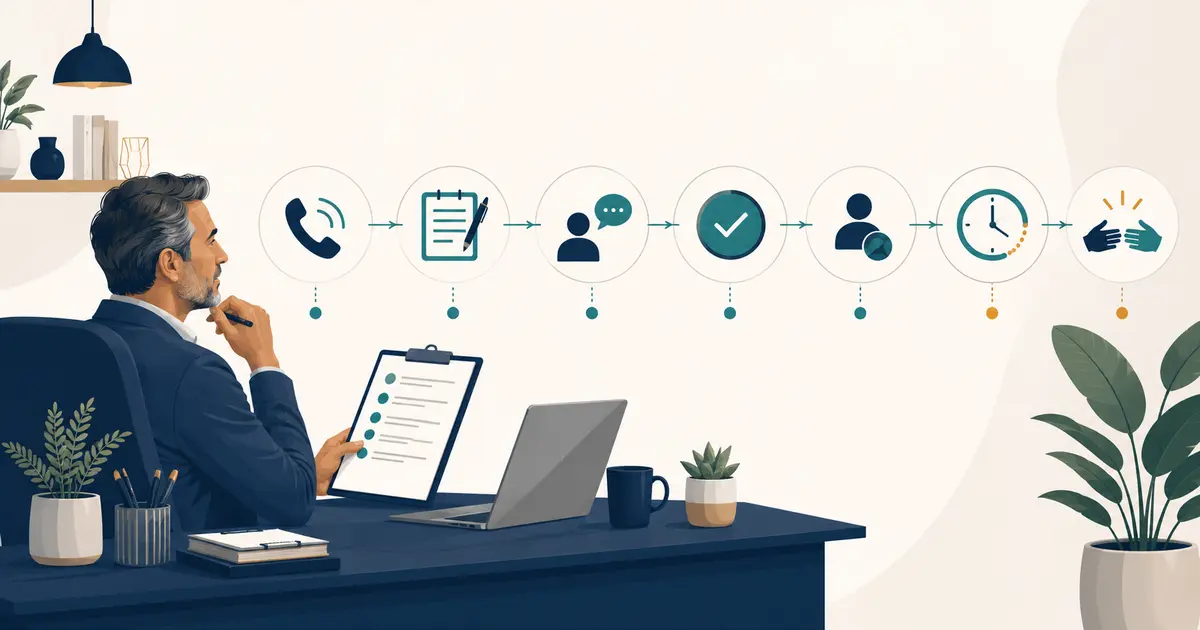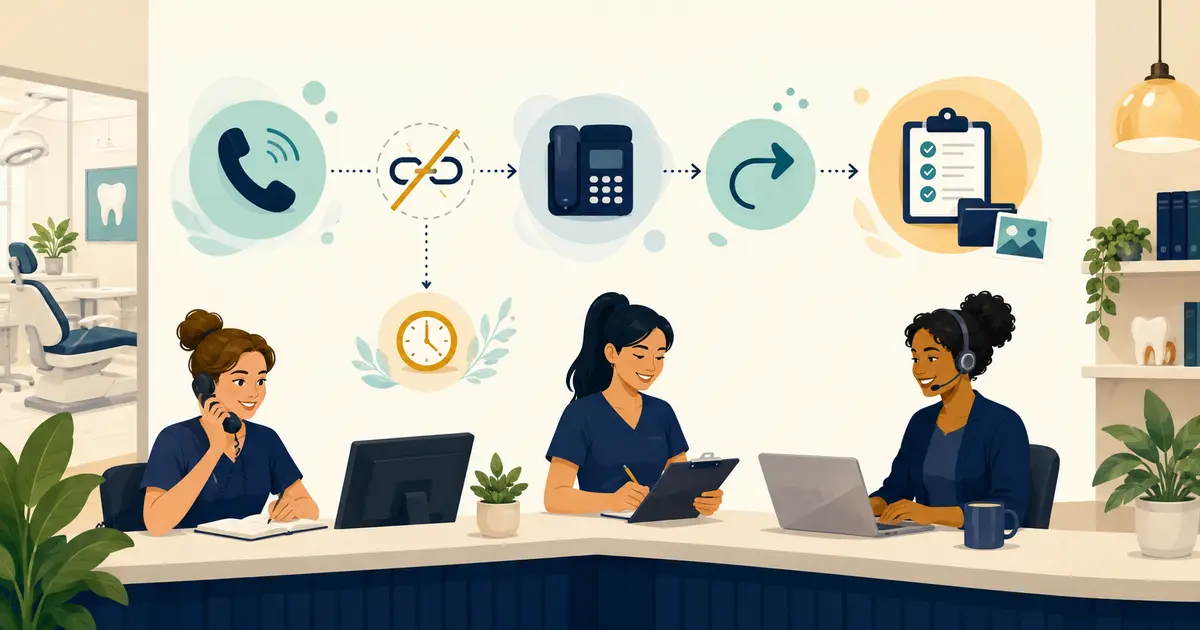
Dental office call transfer problems usually occur because the destination is unavailable, the transfer method is wrong for the phone system, the user or destination lacks permission, a routing rule conflicts, the device or application has lost connectivity, or an outside-call leg cannot be completed. Recover the caller first; troubleshoot second.
Do not change several settings while a patient waits. Capture a callback number under office policy, explain the next step, assign the request, and test the phone path with fictional calls after the live interaction is safe.
Use this caller recovery script
When a transfer fails or returns to the front desk, say:
“I’m sorry—the transfer did not connect. I can try one more approved option, or I can take your callback information and make sure the right person receives your request. Which would you prefer?”
If the caller chooses a callback:
“What is the best number to use, and is there a time or voicemail preference we should note? I’ll read the number back to make sure I have it correctly.”
Do not claim the callback has been completed or promise an exact response time unless the practice has authorized that commitment. Record the caller’s request, the attempted destination, the failed action, the callback preference, the new owner, and the due time.
The recovery standard belongs beside the practice’s call transfer best practices. Training should cover both successful transfers and failure recovery.
Identify the exact transfer symptom
“Transfers do not work” is too broad for useful troubleshooting. Choose the closest symptom:
| Symptom | First checks |
|---|---|
| Transfer button is missing or disabled | User role, license, device mode, active-call state, application version |
| Destination never rings | Correct extension/number, sign-in state, do-not-disturb, queue membership, permissions |
| Caller disconnects immediately | Transfer method, external-transfer restrictions, route, recent changes, provider logs |
| Recipient answers but hears silence | Network and audio path, device, headset, firewall, call-leg quality |
| Transfer returns to front desk | No-answer rule, timeout, voicemail setting, queue overflow |
| Internal transfers work; outside transfers fail | Outbound permission, number format, carrier/SIP route, caller ID requirements |
| One employee fails; others succeed | User configuration, device, network, training, application state |
| Every transfer fails after a change | Configuration release, software update, carrier incident, rollback status |
The symptom determines the next test. It also helps avoid privacy problems: a vendor generally needs route and technical evidence, not a complete patient conversation.
Run the six-isolation test
Use fictional names and numbers. Change only one variable at a time.
1. Does the problem follow the user?
Have the same employee attempt the approved transfer from another working device. Then have a second trained employee use the original device. This separates a user permission or technique problem from a device problem.
2. Does it follow the device or application?
Compare the desk phone, approved desktop application, and approved mobile application if the practice supports them. Record software version, network, headset, and whether the user was signed in correctly.
3. Does it follow the destination?
Test a known internal extension, a queue, voicemail, and an authorized external test number. If only one destination fails, inspect that destination’s status and rules before changing the entire phone tree.
4. Does it follow the method?
Compare a warm transfer, blind transfer, and the platform’s documented transfer-to-voicemail method. The button sequence and behavior vary by provider and device; use the provider’s instructions rather than assuming a universal code.
5. Does it follow the route?
Test calls arriving through the main number, a tracking number, and another approved inbound route. A transfer may fail only when the original call passed through a particular forwarding rule, carrier, auto attendant, or queue.
6. Did it begin after a change?
Check recent phone settings, user licenses, number changes, internet/firewall work, software updates, device replacements, and vendor maintenance. Follow the practice’s phone routing change management plan before rolling back or releasing another change.
Copy this transfer test matrix
| Test ID | Inbound route | User/device | Method | Destination | Expected result | Actual result | Time/timezone |
|---|---|---|---|---|---|---|---|
| T-01 | Main number | Front desk phone 1 | Warm | Extension 204 | Recipient and caller connected | ||
| T-02 | Main number | Front desk phone 1 | Blind | Test mobile | Test mobile rings | ||
| T-03 | Tracking number | Desktop app | Warm | Extension 204 | Recipient and caller connected | ||
| T-04 | Main number | Front desk phone 2 | Voicemail | Test mailbox | Fictional message recorded |
For each failed test, note what the caller heard, what the employee saw, whether the destination rang, and whether a call record or technical identifier exists. Do not place passwords, full patient details, or recordings in a general support ticket.
Know when the issue is operational, not technical
Some failures come from process design:
- The receptionist sends a blind transfer to a person who is routinely away.
- The destination has no no-answer or fallback rule.
- Staff transfer clinical questions without confirming that qualified coverage exists.
- A queue sends calls back to the same unavailable destination.
- Employees use personal numbers that are not part of the approved workflow.
- No one owns the request after a failed handoff.
Fix these with availability rules, named backups, clear transfer methods, and owned callbacks. A technically successful transfer can still be a failed patient experience if the caller reaches an unattended mailbox or must repeat the entire request.
Separate common technical failure patterns
Phone systems differ, but these categories help a vendor investigate:
User, license, or permission
The employee may be signed out, assigned the wrong role, missing a required voice license, restricted from external transfers, or using an account that was never provisioned for the destination. Compare the affected user with a working user without copying credentials.
Number and destination formatting
An external transfer may require a particular number format, country code, dialing rule, or authorized destination. Internal extensions can work while public numbers fail.
Routing or signaling
Cloud and SIP-based phone systems create more than one call leg during a transfer. Provider documentation may expose separate statuses, response codes, or call identifiers for the original and destination legs. Microsoft’s Direct Routing guidance, for example, is explicitly limited to certain Teams configurations; do not apply vendor-specific fixes to a different platform.
Network and audio
Packet loss, firewall rules, Wi-Fi changes, VPN behavior, device registration, or degraded internet can produce dropped calls or one-way audio. A transfer test should record whether the control action failed, the connection failed, or the audio failed after connection.
Timeout and fallback
The destination may ring, but its timeout sends the caller to voicemail, back to the auto attendant, or into a loop. Record the seconds until the unexpected behavior and compare them with the configured no-answer rules.
Send a support ticket that can be reproduced
Use this structure:
Subject: Call transfer fails from front desk to external destination Business impact: Callers cannot reach the intended approved destination; callback recovery is active First observed: Date, local time, timezone Last known working: Date and time Affected scope: Users, devices, locations, inbound numbers, transfer methods, destinations Reproduction: Fictional test steps in exact order Expected result: What should happen Actual result: What caller, employee, and destination experienced Evidence: Call identifiers, timestamps, error text, test matrix, recent approved changes Temporary fallback: Callback, alternate queue, or other approved route Contact: Named practice owner for technical follow-up
The related phone quality trouble-ticket guide can be used when the transfer connects but audio quality fails.
Close the problem only after a controlled retest
A vendor message saying “resolved” is not the final test. Repeat the failed scenario, confirm the caller experience, verify the destination, and test the fallback. Then reconcile every callback or message created during the incident.
Record:
- root cause if confirmed;
- configuration or process changed;
- affected period;
- successful test cases;
- remaining exceptions;
- caller requests still open;
- monitoring owner and review time.
If the problem returns, use the approved fallback and reopen the evidence trail rather than beginning an unrelated round of changes.