An easy setup dental answering service should be easy to understand, test, and turn off—not merely quick to activate. For a new dental practice, the setup must connect your published office number, phone provider, coverage rules, caller experience, and front-desk handoff before the first patient call arrives.
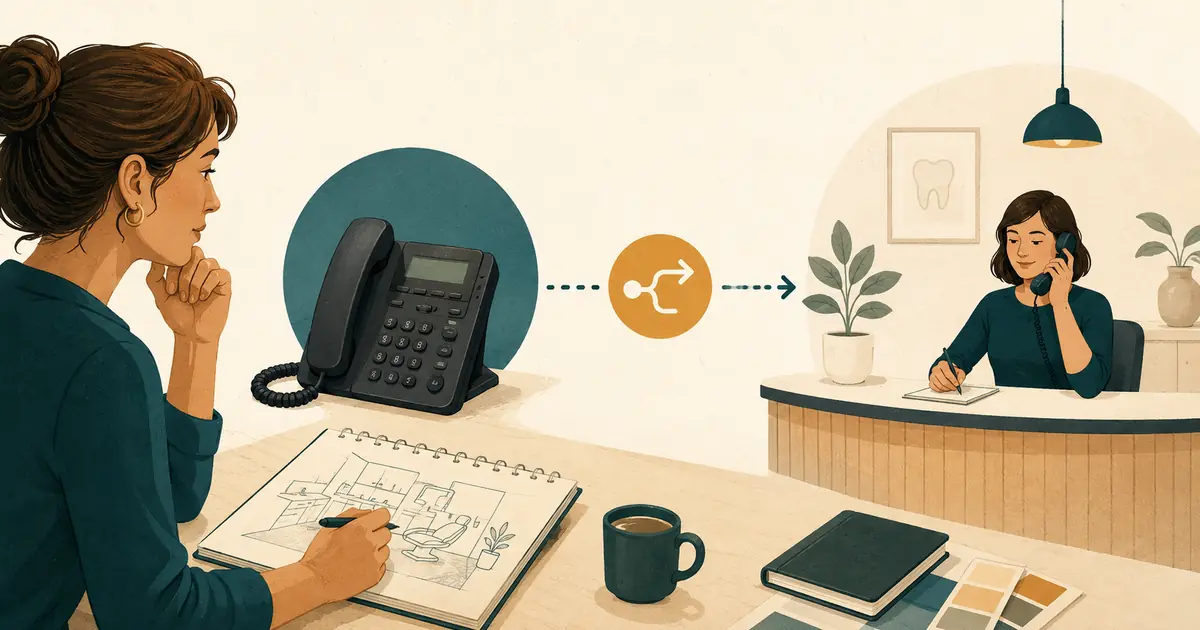
You may not need new desk phones or a replacement phone system. A service can often work with your current office number by forwarding selected calls to a separate answering number. But “no hardware” does not mean “no phone setup.” Your provider must support the forwarding rule you need, and the full path must be tested from an outside number.
Use this checklist while the practice is still in pre-opening mode. It is much easier to correct ring timing, voicemail conflicts, office information, and staff ownership before the number appears on signs, directory listings, insurance records, and marketing.
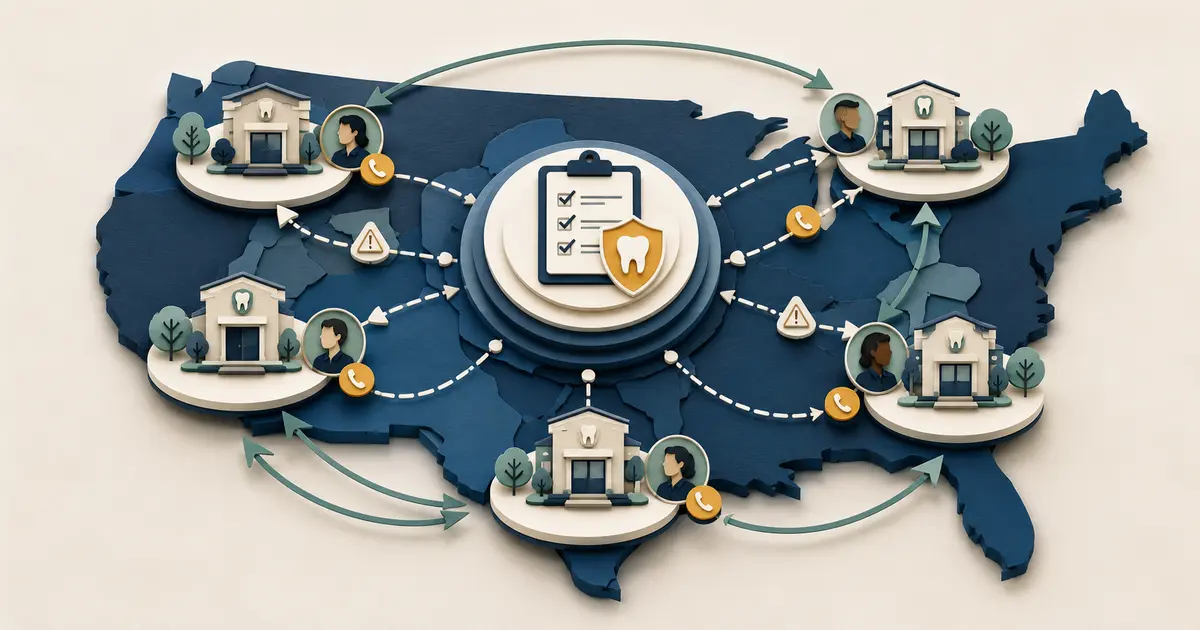
Start with one written call path
Draw the path from the caller to the person who completes the follow-up. Keep the first version simple enough to explain in one minute.
For example:
- A caller dials the practice's existing main number.
- The front desk gets the first opportunity to answer during office hours.
- A busy, unanswered, or after-hours call follows the approved forwarding rule.
- The answering service responds within its approved scope.
- The service saves the caller's request and contact details.
- A named team member reviews the handoff and returns the call.
This map should identify systems and people, not just technology. “The service sends a message” is incomplete. Write where the request appears, who checks that location, when it is checked, and who becomes the backup owner.
If you are still choosing a coverage model, first review how dental answering services work and decide whether you need human answering, automated call capture, voicemail, or a combination.
Inventory the phone system you already selected
Record these details before asking a vendor to configure anything:
- the exact main number patients will call;
- the phone provider and plan name;
- whether the line is traditional, hosted VoIP, mobile, or part of a multi-line system;
- every hunt group, auto attendant, extension, and voicemail box in the current path;
- the number of rings before voicemail answers;
- whether busy, no-answer, unavailable, and scheduled forwarding are supported;
- whether the original caller's number remains available after forwarding;
- who has permission to change routing in the provider portal;
- the provider's support contact and account-verification process.
Do not assume that star codes or menu names are universal. AT&T, for example, documents separate small-business options for no-answer and busy call forwarding, but the available features and activation steps depend on the specific service. Get instructions for your own account and test them rather than copying another office's setup.
Choose exactly when coverage should begin
“Forward our calls” is not a complete rule. Select the conditions that match your staffing plan.
| Coverage condition | Question to answer before setup |
|---|---|
| No answer | How many rings should the front desk receive before the call moves? |
| Busy | Does one active call create a busy condition, or does the system have multiple call paths? |
| After hours | Is routing controlled by a schedule, a manual switch, or full-time forwarding? |
| Unavailable | What happens during an internet, power, carrier, or equipment interruption? |
| Overflow | Which call volume or queue condition sends additional calls elsewhere? |
Start with the narrowest condition that solves a real problem. A new practice might begin with after-hours and no-answer coverage, then add busy-line coverage after observing actual call patterns. A smaller first scope makes testing clearer and rollback easier.
Also decide how the practice returns to its normal call path. Write the exact disable or rollback steps and name the people authorized to use them.
Prevent forwarding and voicemail from competing
The unanswered-call timer, voicemail timer, auto attendant, and forwarding timer must agree. If voicemail answers first, the answering service never receives the call. If forwarding happens too quickly, the front desk loses calls it could have answered.
Test at least these paths:
- front desk answers before forwarding;
- no one answers and the call follows the intended path;
- the front desk is already on a call;
- the office is closed;
- the forward-to number does not answer;
- forwarding is disabled and the normal voicemail path returns;
- the caller hangs up during the transition.
Call from a mobile number that is not connected to the practice. Watch every ring, note which number appears to the answering service, and confirm which system creates the final record.
Prepare one approved office-information sheet
An answering service should not invent an answer when your new practice has not finalized a policy. Create a controlled source with only approved information.
Include:
- legal and public practice name;
- location address and directions that are ready for patients;
- regular and holiday hours;
- main phone number and approved callback number;
- services the practice is prepared to discuss publicly;
- general new-patient status;
- accepted payment methods and carefully approved financing language;
- general insurance-participation language without confirming individual benefits;
- languages offered by the office;
- accessibility information;
- the practice-approved urgent and emergency instructions;
- questions that must always go to staff.
Assign one owner for this information. A contractor, vendor, or team member should not change hours, policies, or service language without that owner's approval.
Separate appointment requests from appointment bookings
A caller can request an appointment even when the answering service has no access to the practice schedule. Define the difference in writing.
For request capture, the service may collect:
- caller name;
- callback number;
- new or existing patient status;
- general reason for the call;
- preferred days or time ranges;
- intended location, if the practice has more than one;
- preferred contact method, when appropriate.
None of those details confirms an appointment. The caller should understand that the dental office will review the request and follow up. Do not let a script promise a particular time, provider, treatment, insurance result, or availability unless a verified and practice-approved workflow can actually complete that action.
Define the urgent-call boundary before launch
Your answering workflow should not ask non-clinical staff or software to diagnose or make treatment decisions. The practice owner must approve a clear path for callers who describe an urgent concern and a separate instruction for life-threatening emergencies.
Document:
- the exact approved message;
- which calls go to an on-call dentist or another practice-approved destination;
- what contact information is collected before a handoff;
- what happens if the on-call path does not answer;
- what the answering service must never say or decide;
- who reviews the workflow with clinical and legal advisors.
Keep this path separate from routine appointment requests. The ADA's emergency-treatment guidance recommends that closed-office messages give clear instructions for life-threatening emergencies and explain how patients of record can reach the practice's after-hours resource. Adapt the process to your practice and applicable requirements.
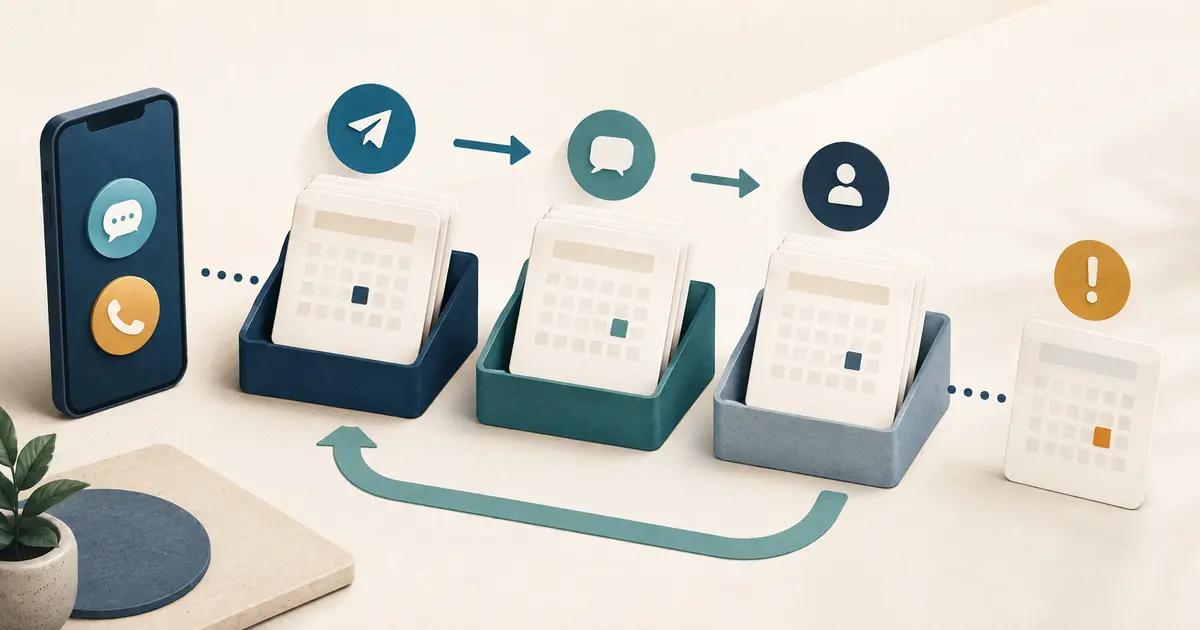
Specify the handoff your future front desk will receive
Ask to see the actual handoff format during setup. A useful request should answer:
- Who called?
- What number should staff use?
- Which location is involved?
- Why did the person call?
- Is the caller new or existing, if known?
- What preference or unanswered question did the caller state?
- When did the call occur?
- What did the service tell the caller would happen next?
Avoid a workflow that leaves every request in a general email inbox without ownership. Choose one primary queue and one backup alert. Decide which fields may appear in ordinary notifications and which details should stay inside a protected workspace.
Assign follow-up ownership by time window
Create a simple ownership table before hiring the first receptionist.
| Request arrives | Primary owner | Backup owner | Review expectation |
|---|---|---|---|
| During office hours | Front desk role on duty | Office manager | Check the shared queue during the shift |
| After hours | Opening front desk role | Office manager | Review at the next staffed opening |
| Weekend or holiday | Named coverage role | Practice owner or manager | Follow the written holiday plan |
| Urgent path | Practice-approved on-call role | Defined clinical backup | Follow the separate urgent-call process |
Do not publish a callback promise that your staffing plan cannot support. A clear “the office will follow up” statement is better than a precise deadline that becomes false on holidays, during outages, or before the practice is fully staffed.
Review privacy, access, and vendor responsibilities
Map what the service creates from a call: audio, transcript, summary, caller details, notifications, and analytics. Then ask where each item is stored, who can access it, how long it is kept, and how it can be deleted or exported.
If a vendor creates, receives, maintains, or transmits protected health information on behalf of a HIPAA covered entity, review whether a business associate relationship and written agreement are required. The U.S. Department of Health and Human Services provides business associate guidance. Use qualified privacy or legal advisors for conclusions specific to your practice.
Limit access from the beginning. Give each team member an individual account where available, remove temporary setup users, and record who can change routing, office information, users, and retention settings.
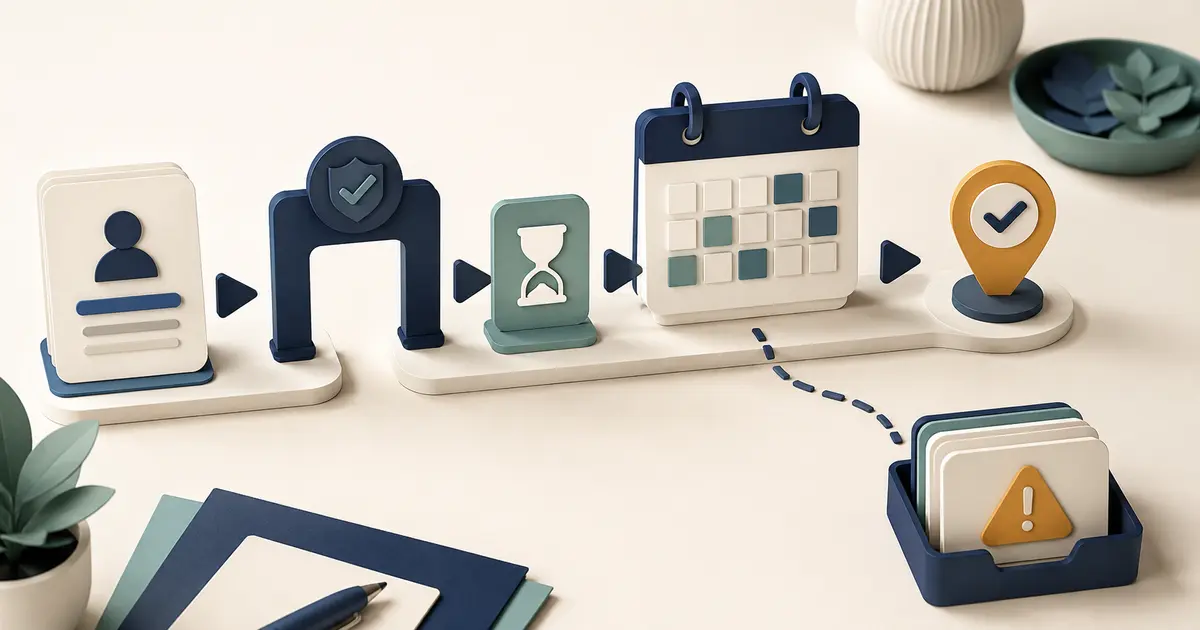
Run a pre-opening test matrix
Do not call the setup complete after one successful demo. Use at least two outside callers and test ordinary, uncertain, and failure paths.
| Test | Pass condition |
|---|---|
| Office-hours answer | Front desk can answer before forwarding |
| No-answer coverage | Call moves after the intended number of rings |
| Busy-line coverage | The defined busy condition follows the approved route |
| After-hours coverage | Closed-office calls use the correct greeting and handoff |
| Known office question | Service uses the approved current information |
| Unknown office question | Service does not guess and sends the question to staff |
| Appointment request | Preference is captured without confirming a booking |
| Urgent concern | Practice-approved instructions are followed without diagnosis |
| Caller correction | Corrected name or callback number appears correctly in the handoff |
| Forwarding disabled | Main number returns to the normal office path |
| Destination unavailable | Documented fallback works and the request is not silently lost |
Review the caller experience and the staff output. A natural greeting cannot compensate for a missing callback number, wrong location, unclear owner, or unusable summary.
Use a controlled launch, not opening-day improvisation
Finish the setup several business days before the practice begins taking patient calls. Use a limited coverage window first, keep the rollback instructions nearby, and ask the team to record every exception during the first week.
After launch, review:
- calls that did not reach the intended destination;
- requests without usable callback details;
- office questions the service could not answer;
- handoffs that lacked a clear next action;
- calls that reached voicemail unexpectedly;
- staff confusion about ownership;
- any urgent-call path that did not behave as approved.
Update one controlled process at a time, then retest it. This creates a stable operating system for the phone before call volume grows.
Final dental answering service setup checklist
Before marking the project ready, confirm that:
- [ ] the main number and phone provider are documented;
- [ ] busy, no-answer, after-hours, and unavailable options are verified for the actual account;
- [ ] ring timing and voicemail order are tested;
- [ ] the original caller information needed for follow-up is preserved;
- [ ] approved office facts have one owner;
- [ ] appointment requests are not described as confirmed bookings;
- [ ] urgent and life-threatening call instructions are practice-approved;
- [ ] the handoff contains the information staff needs;
- [ ] primary and backup follow-up owners are named;
- [ ] privacy, access, retention, and contract questions are resolved;
- [ ] normal, uncertain, and failure calls pass from outside numbers;
- [ ] forwarding can be disabled without vendor assistance;
- [ ] the first-week review is on the calendar.
The best setup is not the one with the fewest clicks. It is the one your future team can explain, verify, operate, and reverse while patients continue to use the office number they already know.