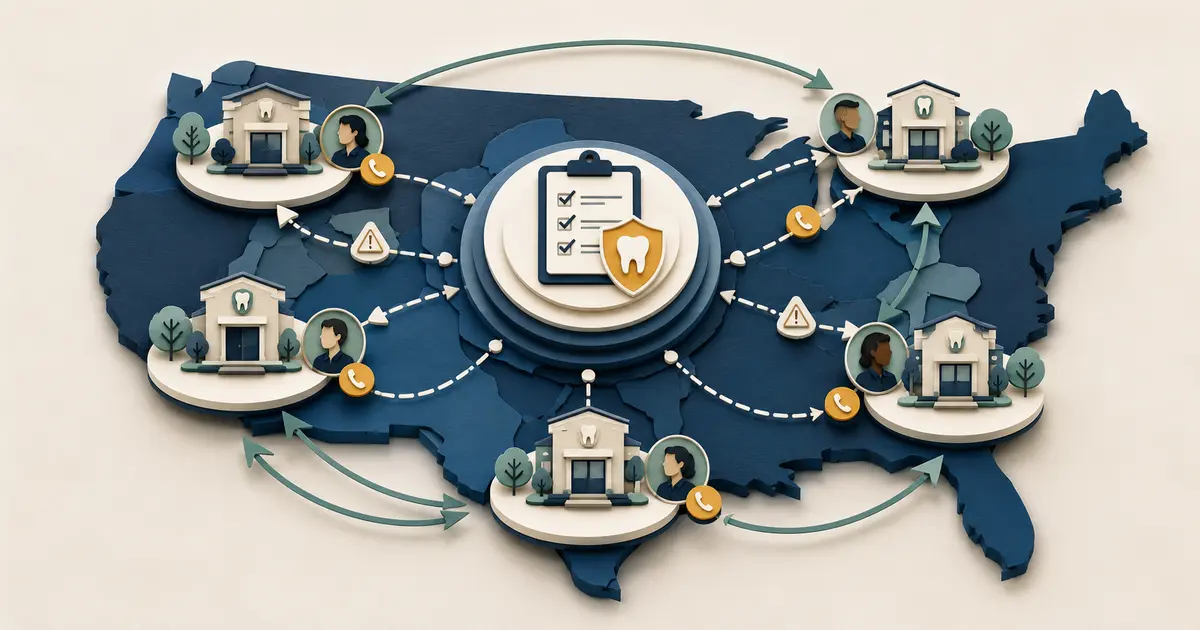
A dental scheduling workflow should make the status of every request obvious. The most common operational error is treating “the patient asked for Tuesday” as if Tuesday is reserved. Clear states prevent double promises, lost follow-up, and conflicting messages.
The owner should define the workflow with clinical, scheduling, financial, and privacy input. Technology can support the process, but authority remains with the practice.
Name the states before choosing tools
Use a controlled sequence:
- inquiry received;
- request captured;
- information or identity review;
- appointment type and constraints reviewed;
- candidate times identified;
- time offered;
- temporary hold, if used;
- patient accepts;
- authoritative schedule updated;
- confirmation issued;
- reminder or preparation communication;
- completed, changed, canceled, or closed with reason.
Not every practice needs every state, but every state it uses needs a definition, owner, and allowed transition.
The online versus phone scheduling guide explains how channels can share one authoritative schedule without pretending they are identical.
Define intake by appointment type
Different requests require different information and review. A general consultation, hygiene visit, treatment visit, postoperative check, emergency slot, referred visit, and multi-visit sequence may have different duration, provider, operatory, records, deposit, or clinical requirements.
Create a table showing minimum fields, allowed staff actions, required reviewer, candidate durations, and exceptions for each approved type. Do not ask front desk staff or automation to infer a clinical procedure from symptoms.
For new patients, collect enough to understand the request and arrange the next step. The new-patient call intake guide provides a pre-opening framework.
Keep request capture channel-neutral
Calls, web forms, texts, voicemail, answering services, and staff conversations should feed one request model. Record source, timestamp, caller-provided contact, request type, preferences, constraints, current state, owner, and due rule.
Avoid creating a separate spreadsheet for each channel. A duplicate request should remain visible but linked, not silently counted as a second patient or second appointment.
Missed Calls Dental captures eligible missed-call requests for front-desk follow-up. It does not book, cancel, or reschedule appointments. The captured record should enter the same practice-owned review queue as other requests.
Separate offers, holds, and confirmations
An offered time can disappear before the patient accepts. A temporary hold can expire. A patient saying “that works” does not prove the schedule write succeeded.
Define:
- whether staff may offer more than one time;
- whether a hold is placed and for how long;
- who can override blocks;
- how collisions are prevented;
- which event writes the appointment;
- which event sends confirmation;
- what happens when the write result is unknown.
Confirmation should follow the authoritative schedule. If review remains, the message should call the item a request.
Create an exception queue
Common exceptions include identity mismatch, unclear appointment type, no suitable availability, linked visits, referral missing, records missing, deposit question, insurance question, accessibility need, urgent concern, wrong location, provider request, failed write, duplicate, and failed confirmation.
Give every exception a responsible role and escalation deadline. Keep the caller's original request visible. Do not force a complex case into a generic slot simply to clear the queue.
Control changes and cancellations
Preserve the original appointment until an authorized change succeeds. Define which changes staff may make, which require clinical or financial review, and how fees or deposits are discussed.
When an appointment is canceled, record the authoritative state before releasing the slot. Then apply waitlist policy. The dental waitlist automation guide describes how to offer openings without double-booking or pressuring patients.
Use neutral cancellation reasons. The purpose is operational learning, not blame.
Build patient communication around state
Each message should tell the patient what is true now and what happens next:
| State | Clear message direction |
|---|---|
| Request received | Office will review and contact the patient |
| Candidate offered | Time is available now but not yet confirmed, if accurate |
| Hold placed | Explain expiration and required action |
| Confirmed | State confirmed date, time, location, and next step |
| Review required | Identify what the office needs or will check |
| Change pending | Original remains unless policy says otherwise |
| Canceled | Confirm cancellation only after the authoritative update |
The ADA recommends selecting confirmation methods and timing that work for the patient base and recording communication preferences. Follow applicable privacy and communication requirements.
Design the daily operating rhythm
At opening, reconcile overnight requests, voicemail, answering records, web submissions, and failed messages. At midday, review aging, holds, and same-day exceptions. Before closing, resolve or reassign every open item and verify the after-hours path.
Use visible queue views by state and owner. Protect focused scheduling time from constant interruption while keeping urgent escalations visible.
Add these scheduling reviews to the practice's opening, midday, and closing checklists.
Test the workflow end to end
Run fictional or approved scenarios for new and existing patients, same-day requests, no availability, correction, duplicate, multiple locations, provider absence, accessibility needs, a possible emergency, a failed write, and confirmation to the wrong destination.
Test two staff members acting on the same request. Confirm that the system prevents or exposes collisions. Test a caller who contacts the office again through another channel.
Record expected state, actual state, evidence, owner, and retest. A workflow passes only when the patient message and authoritative schedule agree.
Measure flow, not just bookings
Track requests by channel and type, complete intake, review time, offers, holds, confirmations, failed writes, corrections, changes, cancellations, waitlist offers, unresolved exceptions, and completed visits. Keep denominators explicit.
Do not call every request a lead or every confirmation a completed visit. Use cohort dates so a request received late in one month is not compared unfairly with a completed appointment in another.
The dental call conversion rate guide explains how to keep outcome stages separate.
Govern changes
Assign owners for appointment types, scheduling rules, message templates, integrations, and reports. Version changes and retest high-risk paths. Review permissions and remove access promptly when roles change.
Maintain a manual fallback for system outages. Staff should be able to preserve requests, avoid conflicting commitments, and reconcile the schedule after recovery.
A strong dental appointment scheduling workflow is not defined by how many clicks it removes. It is defined by accurate states, clear authority, reliable patient communication, and no request left without an owner.
Maintain a scheduling control record
Document each appointment type, allowed duration, eligible providers and locations, required records, referral rules, financial review, clinical review, communication template, and exception owner. Link every rule to its approving role and effective date.
When a rule changes, identify open requests and holds that may be affected. Update the authoritative source, notify staff, test the changed path, and preserve the prior version for audit. Avoid editing several scheduling assumptions at once without a release record.
Review common manual overrides. An override may reveal that the documented rule is incomplete, that staff need training, or that the schedule is constrained in a way the request workflow cannot solve. The practice should learn from overrides without granting broad authority to automation. Review the control record whenever appointment rules change.