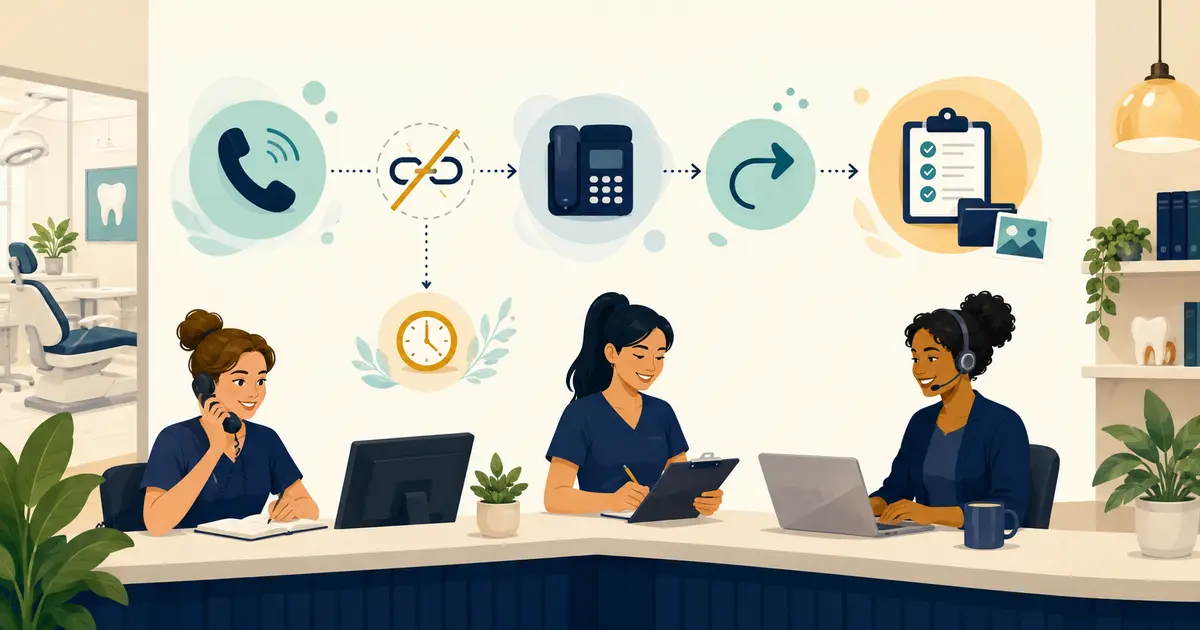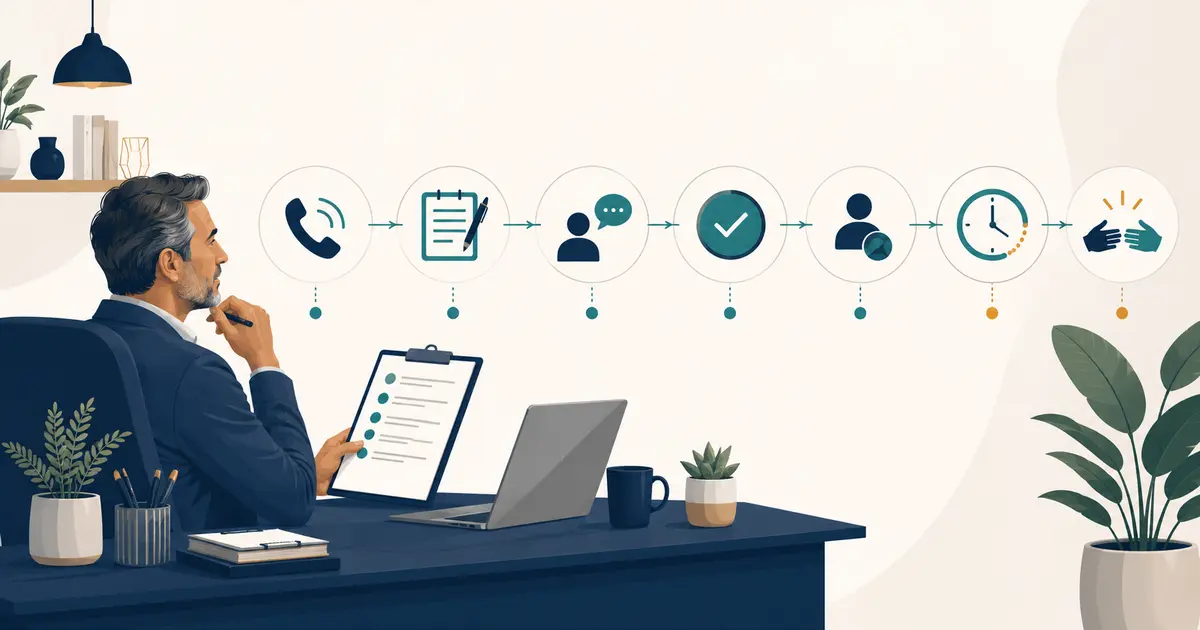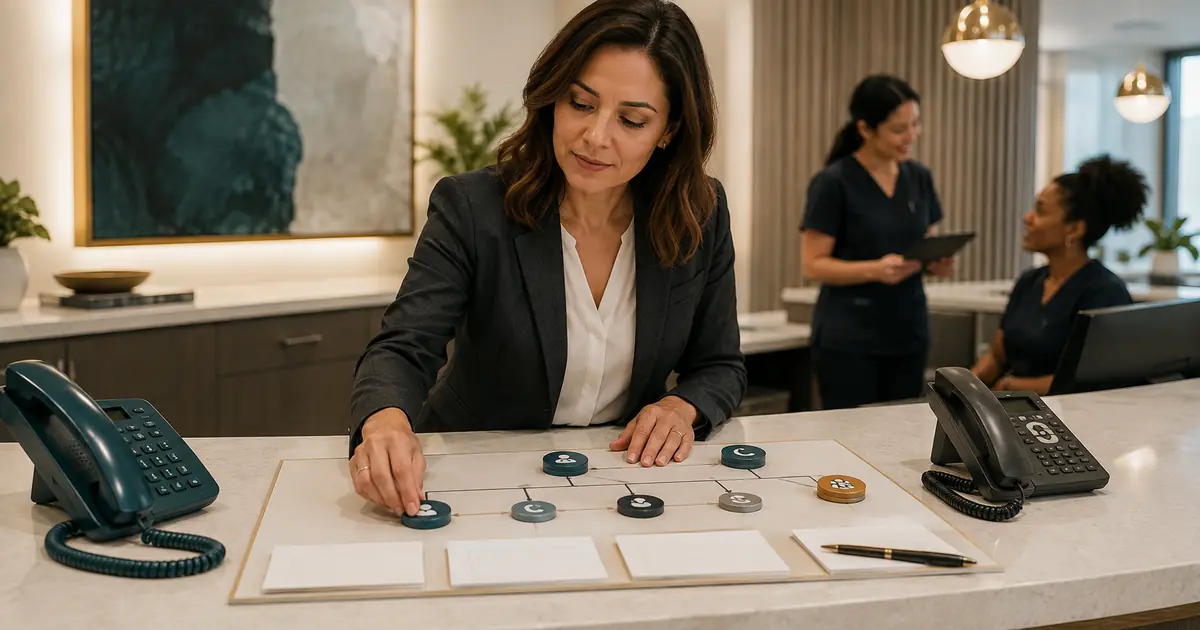
A backup receptionist for a dental office should activate under specific conditions and perform a written, limited call role. Define whether backup covers staff absence, simultaneous calls, lunch, after-hours, or outages; what it may say and collect; where each request appears; who owns follow-up; and how the office returns to normal. Backup coverage is a workflow, not merely another phone number.
The best plan supports the primary front desk without creating a second, hidden front desk.
List the conditions that need backup
Review a typical week and mark:
- opening and closing periods with one employee present;
- lunch and breaks;
- recurring staff meetings;
- check-in or checkout rushes;
- days with one receptionist absent;
- simultaneous-call periods;
- evenings, weekends, and holidays;
- temporary phone, internet, or building outages;
- unusual campaigns or seasonal call volume.
Choose a trigger for each condition. Examples:
- no answer after a measured threshold;
- queue exceeds a defined wait or count;
- all front-desk employees are occupied;
- manager activates absence coverage;
- scheduled after-hours route begins;
- incident lead activates the outage route.
Avoid “use backup when it gets busy.” Staff and phone systems need an observable condition.
The busy-line coverage plan can help you distinguish ordinary queue handling from true backup activation.
Choose the backup model
Cross-trained employee
An employee in another role answers selected calls. This can preserve office context but may interrupt other duties. Define which work can be paused and which calls the backup should take.
Another location
A nearby or centralized team answers for the office. This requires accurate location identification, separate hours and policies, role-based access, and local follow-up ownership.
Outside live answering service
Human agents answer under approved scripts. Review staffing, consistency, escalation, privacy, request delivery, and pricing.
AI answering
An AI assistant may capture requests and share approved facts. Review disclosure, boundaries, accuracy, exceptions, data handling, and failure behavior. It should not pretend to be human.
Layered plan
Staff answer first, another employee covers briefly, and an outside or AI destination handles overflow or after-hours calls. Layering can improve coverage but creates more routes to test.
Compare models on the same call scope and handoff outcome.
Write the backup call scope
Backup may be allowed to:
- identify the correct practice and location;
- share approved hours, address, and general office facts;
- collect caller name and callback information;
- record a general reason for contact;
- create an appointment request;
- transfer defined calls;
- follow the practice's approved after-hours instruction;
- tell the caller when the office expects to review the request.
Backup should not:
- diagnose or recommend treatment;
- make clinical triage decisions without proper authority;
- promise appointment availability;
- claim an appointment is booked, canceled, or changed without verified completion;
- confirm individual insurance benefits;
- quote an unverified final fee;
- collect payment without an approved process;
- promise a response time the assigned team has not accepted.
If an internal employee has more authority than an outside service, document the difference. Do not use one script for roles with different permissions.
Build one handoff standard
Every backup request should include:
- call date and time;
- practice and location;
- caller-provided name and callback number;
- new or existing patient status when relevant;
- general reason for contact;
- preferred callback window;
- information already provided;
- transfer or escalation result;
- current status;
- primary follow-up owner;
- next action.
Do not rely on a paper message, personal text, and vendor email at the same time. Choose one visible queue or controlled system of record for operational ownership.
The phone responsibilities guide helps define answer, document, escalate, and return-call duties.
Assign primary and secondary ownership
Use a coverage table:
| Condition | Primary answer role | Backup role | Follow-up owner | Manager trigger |
|---|---|---|---|---|
| Ordinary open hours | Front desk | Cross-trained employee | Front desk assignee | Unanswered queue threshold |
| Simultaneous calls | Available receptionist | Overflow service | Front desk assignee | Aging unclaimed request |
| Lunch | Scheduled staff member | Outside coverage | Named afternoon owner | Request pending after lunch |
| After hours | Approved service | Controlled voicemail | Opening-shift owner | Urgent-process failure |
| Outage | Incident route | Fallback voicemail | Incident coordinator | Route or request loss |
The backup answers or captures the call; it does not automatically own the final resolution. Make that ownership explicit.
Align phone routing and voicemail
Ask the actual phone provider about:
- no-answer and busy forwarding;
- queues, hunt groups, and simultaneous-call limits;
- scheduled after-hours routing;
- original caller-ID preservation;
- ring thresholds;
- voicemail order;
- transfer behavior;
- destination failure;
- rollback.
Test from outside numbers. Verify that voicemail does not answer before backup and that the destination sees the caller number when the workflow needs it.
Use the dental call-forwarding guide for setup questions and the phone outage plan for continuity.
Prepare urgent and after-hours language
Backup staff or services should follow an approved operational instruction, not make clinical judgments beyond their role.
Define:
- the life-threatening-emergency statement;
- the path for dental concerns under office policy;
- patients-of-record and other-caller instructions when they differ;
- on-call contact method;
- what happens if the on-call person does not answer;
- the response expectation given to the caller;
- documentation and manager review.
The ADA says a closed-office message should tell callers with a life-threatening emergency to call 911 or go to the nearest emergency department and should provide the approved dental-emergency path. Review the ADA emergency-treatment guidance while practice leadership and counsel approve the final wording.
Review privacy and access
Backup coverage may expose caller information to more employees, locations, or vendors. Map who can access the request and why.
HHS explains that outside organizations handling protected health information on behalf of a covered entity may be business associates and that written assurances may be required. Review the HHS business-associate guidance with qualified advisors.
Verify:
- individual accounts;
- minimum role and location access;
- approved devices and workspaces;
- user provisioning and removal;
- operator and support access;
- notification content;
- retention, export, deletion, and backups;
- incident reporting;
- subcontractors and contracts.
An employee covering phones from another desk should not use a shared account or personal messaging thread merely because the coverage is temporary.
Train with scenarios
The ADA recommends consistent greetings, scripts for common calls, and role-play so staff become comfortable with phone situations. Review the ADA guidance for prospective-patient calls and adapt the training to each backup role.
Practice:
- ordinary new-patient inquiry;
- existing patient callback request;
- appointment request with no scheduling authority;
- general insurance question;
- price question;
- clinical question outside the role;
- urgent-sounding statement;
- wrong location;
- caller correction of name or number;
- transfer failure;
- duplicate call;
- unavailable request system.
Inspect both the conversation and the final handoff.
Test activation and return to normal
For each coverage condition, test:
- trigger activates at the intended time;
- primary staff still receive the expected opportunity;
- caller ID is preserved;
- correct greeting and location answer;
- request enters the owned queue;
- backup ends at the defined time;
- ordinary routing returns;
- calls do not remain stuck at the backup destination;
- manager can perform rollback;
- a second administrator can restore the route.
Temporary coverage often fails when no one owns deactivation.
Review practical measures
Track:
- calls offered to backup by condition;
- requests captured;
- time to staff acknowledgment;
- time to completed follow-up;
- calls returned to primary staff;
- unassigned and aging requests;
- duplicate messages or callbacks;
- routing and handoff failures;
- staff corrections;
- times backup activated earlier or longer than intended.
Use the findings to fix staffing and routing. Backup coverage should not hide a permanent capacity problem.
Backup receptionist checklist
- [ ] Each backup condition has a measurable trigger.
- [ ] The selected model fits the same written call scope.
- [ ] Allowed and prohibited tasks are explicit by role.
- [ ] One handoff format serves primary and backup coverage.
- [ ] Every request has a follow-up owner and backup.
- [ ] Phone forwarding, caller ID, voicemail, and rollback are tested.
- [ ] Urgent and after-hours wording is approved.
- [ ] Privacy, access, contracts, retention, and incidents are reviewed.
- [ ] Staff and vendors pass fictional scenario training.
- [ ] Activation and deactivation work without vendor rescue.
- [ ] Measures expose unresolved work and route failures.
A backup receptionist plan succeeds when callers receive a consistent path and staff receive one owned request. Define the trigger, limit the role, test the handoff, and make the return to normal as deliberate as activation.