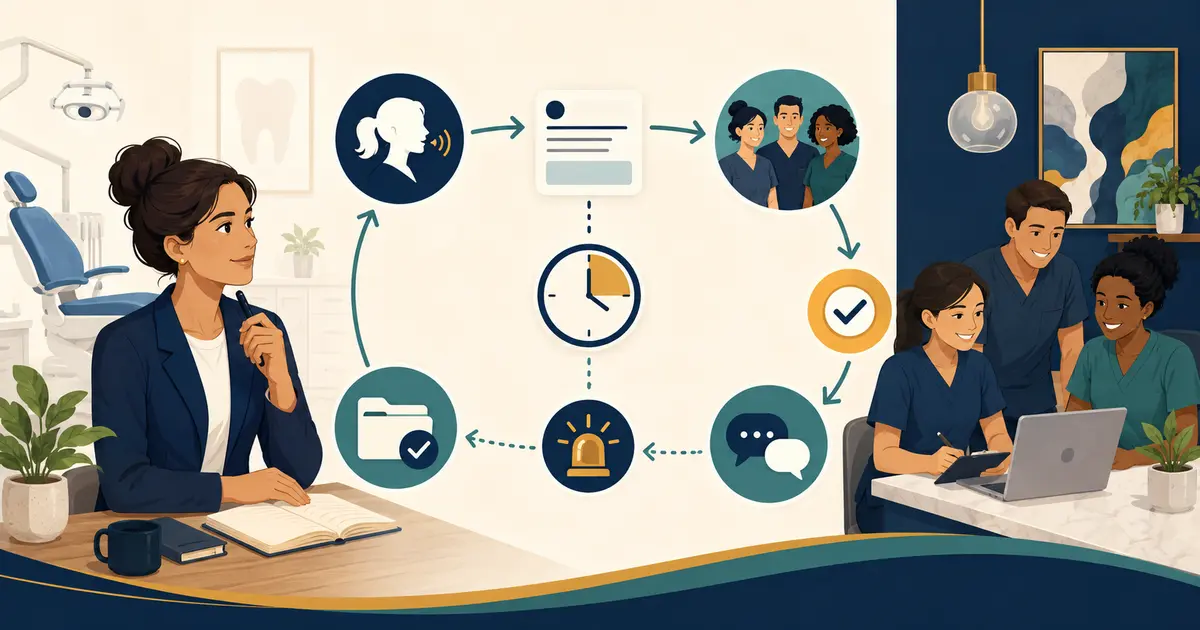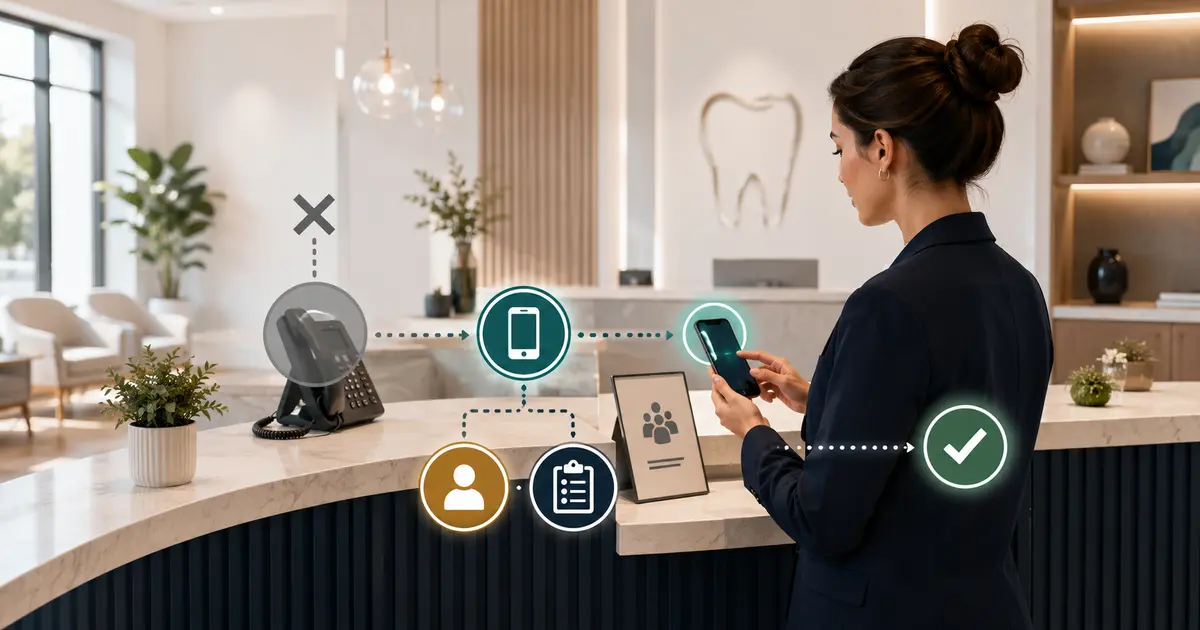
A dental office phone outage plan should define how the team detects and declares an outage, which backup communication path it activates, how patients learn the temporary contact method, where staff record requests, and how the office verifies that normal routing is restored. Build and test the plan before opening; an improvised response can lose calls, expose patient information, or leave temporary forwarding active after the phone service returns.
The plan should cover more than the phone vendor failing. Power, internet, local network equipment, desk phones, softphones, the main number, forwarding rules, an answering destination, and the staff request queue can fail independently.
List the failure modes
Walk from the caller to the employee and identify every dependency:
- published office number;
- carrier or VoIP provider;
- internet connection;
- modem, firewall, switch, and local network;
- power and battery backup;
- desk phones or softphone app;
- call queue, ring group, forwarding, and voicemail;
- answering or AI coverage destination;
- staff notification channel;
- request queue or system of record.
Create separate scenarios:
- incoming calls fail but internet works;
- internet fails but mobile service works;
- power fails;
- one phone or workstation fails;
- the main number is unreachable;
- outbound calls work but inbound calls do not;
- the backup answering destination fails;
- the practice cannot access the request queue;
- a local disaster affects staff and patients, not only technology.
Do not write “call provider” as the whole plan. Staff need an operating path while support investigates.
Define who declares the outage
Assign an incident lead and backup before the first day of business. The lead should be able to:
- confirm the failure from an outside phone;
- contact the phone, internet, power, and coverage vendors;
- activate the approved backup route;
- publish temporary patient information;
- assign staff work;
- approve restoration;
- record the timeline and follow-up.
Use clear triggers. For example:
“Declare a phone outage when two outside test calls from different carriers fail, when the provider confirms an incident, or when the office cannot receive calls for five tested minutes and local equipment restart does not resolve the problem.”
Adapt the threshold to the practice. The important part is that one named person makes the decision rather than several employees changing routes independently.
Keep the current provider account number, support channel, service address, main number, and authorized administrators in a secure location available during an outage. Do not post passwords or sensitive account details on a reception-desk sheet.
Choose a backup phone service for the dental office
The fallback should not depend on the exact component that failed.
Possible layers include:
- cellular service on an office-owned mobile phone;
- a secondary internet connection;
- provider-hosted call forwarding;
- a separate coverage number;
- a controlled voicemail or answering service;
- a temporary website notice;
- approved email or portal communication;
- a paper or offline request log.
No single layer covers every scenario. Cellular backup may fail during a regional incident. Provider forwarding may not help when the carrier platform itself is unavailable. A website notice may not help a patient who knows only the phone number.
Verify that emergency calling works under the provider's instructions for every office device and fallback. Do not assume a softphone or forwarded number reports the practice location to 911. Obtain exact 911 and power-loss behavior from the phone provider and train staff on the approved emergency process.
The new-practice communication tools guide helps place the phone fallback beside email, website, patient messaging, internal communication, and the system of record.
Decide what callers hear during the outage
Prepare a short temporary greeting:
“You have reached Green Valley Dental. Our main phone service is temporarily unavailable. Please leave your name, callback number, and a brief reason for calling, or use [approved alternate contact]. No appointment is scheduled or changed until our team confirms it. If you believe you have a life-threatening emergency, call 911.”
Use only the practice's approved emergency and on-call wording. If an after-hours dentist or mutual-aid arrangement exists, include the exact process authorized by the practice.
The ADA recommends that closed-office messages clearly direct life-threatening emergencies to 911 and provide the approved path for dental emergencies and patients of record. Review the ADA emergency-treatment guidance when drafting the practice's message.
Do not say:
- “Our phones will be back in one hour” unless the provider has confirmed it and the practice is prepared to update the message;
- “Text us your symptoms”;
- “Your appointment is automatically canceled”;
- “Call the doctor's personal number” unless the number and use are explicitly approved;
- “Use any employee's cell phone.”
Create an outage request log
When the normal queue is unavailable, use a controlled alternative. A paper or encrypted offline log might include:
- time received;
- caller name when provided;
- confirmed callback number;
- intended location;
- brief general reason;
- source channel;
- assigned employee;
- next action;
- status and outcome;
- time entered into the normal system after restoration.
Limit the information. Do not record detailed clinical history on a sheet visible to visitors. Number pages, keep them under a named custodian, and reconcile every entry when systems return.
If the normal application is available but phones are not, use its existing request queue instead of creating a parallel spreadsheet or chat thread. The outage plan should reduce duplicate records.
Publish a temporary patient notice
Prepare templates before launch for:
- website banner;
- Google Business Profile or other controlled directory update if appropriate;
- approved patient email or text for materially affected appointments;
- front-door notice if the location is inaccessible;
- internal staff message.
A website notice can say:
“Phone service notice: Green Valley Dental is experiencing a temporary phone outage. For non-urgent administrative requests, use [approved secure contact path]. Do not include detailed health information. Existing appointments remain unchanged unless our team contacts you.”
State what is known, what the patient should do, and what has not changed. Do not publish an estimated restoration time until the incident lead approves it.
If contacting patients by phone, email, or text, follow the practice's consent, privacy, content, and opt-out procedures. An outage does not erase those requirements.
Protect privacy during downtime
Temporary tools can create permanent risk. Prohibit:
- personal employee messaging accounts;
- shared public documents;
- unapproved consumer chat apps;
- photographs of patient request sheets;
- detailed patient information in a public outage notice;
- downloading records to unmanaged devices merely for convenience.
HHS says the Security Rule is not suspended during an emergency and requires contingency planning for emergencies or occurrences that damage systems containing ePHI. See the HHS emergency Security Rule FAQ.
The practice should decide in advance:
- what staff may access during emergency operations;
- which devices are approved;
- how identity is verified;
- how temporary records are stored and destroyed;
- how information is entered into the normal system;
- who reviews possible misdirected communications or data exposure.
Keep scheduling status explicit
A phone outage does not automatically cancel appointments. Staff should maintain one current status:
- open as scheduled;
- delayed;
- contacting affected patients;
- closed for a defined period;
- reopening at a verified time.
Prepare scripts:
“The office remains open and your appointment is unchanged. Our main phone line is temporarily unavailable.”
“The practice is reviewing today's schedule because of [approved operational reason]. Your appointment has not been canceled yet. We will contact you through the approved method when a decision is confirmed.”
“The office has confirmed that your appointment on [date/time] is canceled. A scheduling team member will contact you about next steps. No replacement appointment has been booked.”
Only an authorized role changes the schedule. Keep the public notice and individual messages aligned.
Plan for a longer business interruption
A phone outage may be part of a power failure, flood, fire, cyber incident, or building closure. The ADA recommends a business continuity plan prepared before a disaster and identifies prolonged power outages and computer failures as common disruptions reported by practices. Review the ADA disaster and business-continuity guidance.
Connect the phone plan to:
- employee contact tree;
- facility access and safety;
- patient schedule decisions;
- alternate work location;
- vendor and insurance contacts;
- data backup and restoration;
- supply and equipment procedures;
- financial and payroll continuity;
- public communication approval;
- reopening criteria.
HHS contingency guidance includes data backup, disaster recovery, emergency-mode operations, application and data criticality analysis, and periodic testing. The HHS ransomware fact sheet summarizes these elements even though the same planning principles also matter for non-cyber outages.
Restore normal routing carefully
When the provider reports recovery, do not immediately announce resolution. Run outside tests first.
Verify:
- main number rings the intended phones;
- outbound caller ID is correct;
- call queue and ring groups work;
- no-answer, busy, after-hours, and holiday forwarding are correct;
- voicemail is in the intended position;
- the backup destination is no longer receiving ordinary calls;
- website and directory notices can be removed;
- request logs are reconciled;
- staff know the normal route is active;
- unresolved patient requests still have owners.
Use two outside carriers and test during both open and closed states when practical. The call-forwarding setup guide includes caller-ID and rollback checks relevant to restoration.
Record the restoration time, approver, test results, and temporary changes removed. A route that remains active after the outage can quietly send calls away from the front desk for days.
Run a pre-opening outage exercise
Schedule a tabletop exercise and a live technical test.
Tabletop scenario
At 9:20 a.m., incoming calls fail while the office remains open. Ask the team:
- Who declares the incident?
- How is it confirmed?
- Which backup path activates?
- What do patients hear?
- Where are requests recorded?
- Who communicates with scheduled patients?
- What privacy limits apply?
- Who authorizes restoration?
Live test
Use fictional information and a short maintenance window. Test the backup number, forwarding, temporary greeting, website notice process, staff alert, request log, and restoration sequence.
Do not test by making an unannounced production change during patient hours. Coordinate with the provider and team.
After the exercise, record every unclear step and update the plan. Repeat after a provider change, number change, routing redesign, office move, or material staffing change.
Dental phone system disaster-recovery checklist
Before opening, confirm:
- [ ] phone, internet, power, local equipment, routing, coverage, and queue failures are separate scenarios;
- [ ] an incident lead and backup can change approved routes;
- [ ] vendor contacts and account authority are securely available;
- [ ] the fallback does not rely only on the failed component;
- [ ] 911 and power-loss behavior are verified with the provider;
- [ ] temporary caller, website, patient, and staff messages are prepared;
- [ ] an outage request log has a custodian and reconciliation process;
- [ ] privacy and device rules remain active during downtime;
- [ ] schedule status and cancellation authority are explicit;
- [ ] the phone plan connects to broader business continuity;
- [ ] restoration includes outside calls, routing, voicemail, notices, and backlog;
- [ ] tabletop and live tests were completed and documented.
A backup phone service for a dental office is one component, not the complete answer. The reliable plan gives the team authority, safe communication, an owned request record, and a tested return to normal—before the first real outage arrives.