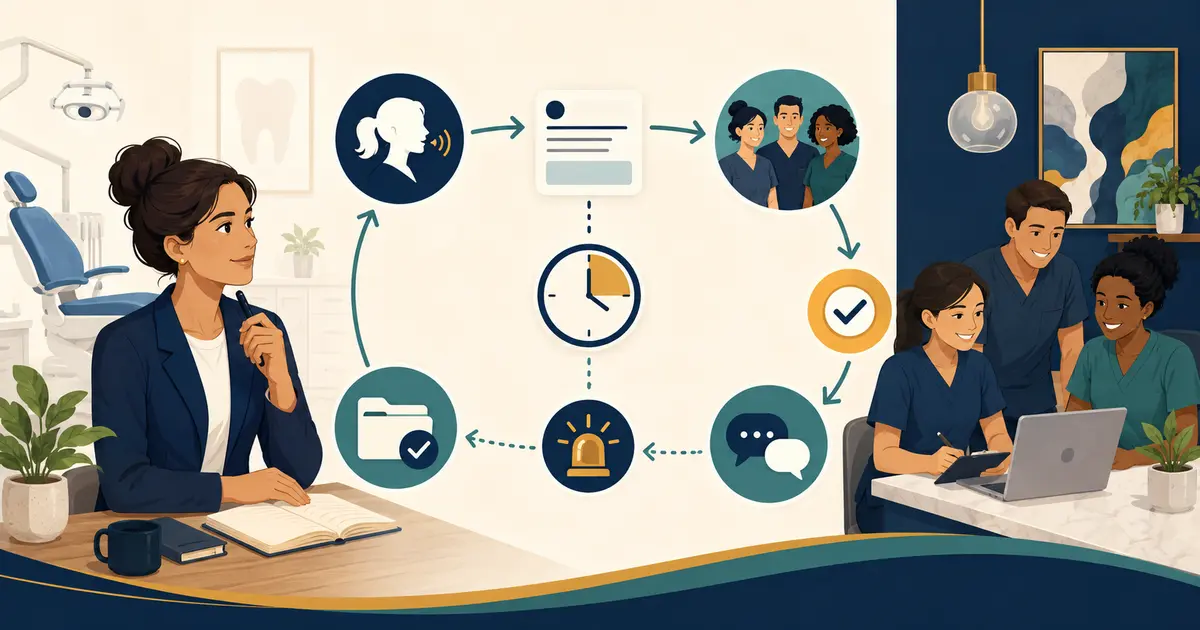
A dental office onboarding checklist should begin before the employee's first day and continue until the employee demonstrates the specific tasks assigned to the role. It should cover employment documents, workplace orientation, safety and privacy training, system access, supervised practice, feedback, and task-by-task sign-off.
Onboarding is more than handing over an employee manual. The American Dental Association describes it as the process of welcoming, training, and educating new hires so they have the knowledge, information, skills, and resources to perform effectively.
Use the checklist below as an operating template. Employment, licensing, payroll, safety, privacy, and clinical requirements vary by role and jurisdiction. Have qualified owners review the final process.
Before the new hire starts
Employment and schedule
- Confirm the accepted offer, title, reporting relationship, start date, location, and schedule.
- Complete required payroll, tax, eligibility, and policy documents through approved processes.
- Identify role classification and compensation terms with qualified HR or legal guidance.
- Provide arrival instructions, parking or building access, dress expectations, and first-day contact.
- Tell the employee what documents or credentials to bring without requesting sensitive information through an insecure channel.
Workspace and equipment
- Assign a workstation or clinical work area.
- Prepare approved computer, phone, headset, keys, badge, and other equipment.
- Confirm the space is clean, functional, and appropriate for the role.
- Record assigned equipment and the person responsible for return.
- Test basic access before the start date.
Training plan
- Name the primary trainer and backup.
- Build a first-week schedule with observation, learning, practice, and review.
- Select current policies, role guides, scripts, and checklists.
- Prepare fictional training records and scenarios.
- Define which tasks require formal competency validation.
- Inform the team about the new hire's role and start date.
Do not create broad system access simply to avoid a first-day delay. Access should match the person's role and expand only when the work requires it.
First-day dental employee onboarding checklist
Welcome and orientation
- Introduce the employee to the practice owner, manager, providers, and team.
- Explain the practice's purpose, patient population, locations, services, and team structure.
- Tour entrances, work areas, restrooms, break areas, supplies, exits, and assembly points.
- Review the day's schedule and who will answer questions.
- Explain how staff communicate routine issues and urgent operational concerns.
Role clarity
Review:
- the job description;
- essential duties;
- tasks outside the role;
- decision authority;
- reporting relationship;
- coverage expectations;
- performance review schedule;
- how to request clarification or accommodation.
Use examples. “Help patients” is vague; “capture an appointment request, verify the callback number, place it in the approved queue, and state the next step” is observable.
Policies and safety
- Provide access to the current employee handbook and required policies.
- Review attendance, timekeeping, breaks, workplace conduct, and reporting paths.
- Complete required safety orientation for the role and facility.
- Show how to report an injury, hazard, equipment problem, or threatening behavior.
- Explain emergency and evacuation procedures.
- Record completion according to applicable requirements.
Privacy and security
- Explain the practice's privacy and security expectations.
- Review role-based access and minimum-necessary use of patient information.
- Prohibit shared accounts, unattended screens, unapproved personal devices, and insecure storage.
- Show how to report a suspected privacy or security incident immediately.
- Use fictional information for practice exercises.
- Document required training.
HHS states that covered entities should make reasonable efforts to limit protected health information access based on workforce roles and the minimum necessary standard.
System access checklist
Create one access record per employee:
| System or resource | Role needed | Approved by | Granted by | Test completed | Removal trigger |
|---|---|---|---|---|---|
| Practice management system | |||||
| Phone and voicemail | |||||
| Email and team communication | |||||
| Scheduling tools | |||||
| Billing or payment tools | |||||
| Records or imaging access | |||||
| Building, alarm, and keys | |||||
| Vendor portals |
Do not place passwords in the checklist. Record the authorization and completion, not the secret.
Test that the employee can sign in, use required multi-factor authentication, recover access through the approved process, and reach only the information needed for the role. Keep privileged administrator access separate from ordinary work.
First-week checklist by role
Every employee needs common orientation, but practice tasks should match the job.
Front desk or patient service
- Practice the phone greeting, hold, transfer, voicemail, and callback process.
- Learn appointment-request and scheduling rules.
- Use the new-patient phone call checklist.
- Practice identity verification and representative requests.
- Create neutral, actionable notes using the dental call notes template.
- Observe check-in, checkout, payment, and document workflows.
- Learn complaint, accessibility, language, outage, and escalation paths.
Dental assistant or hygienist
- Confirm role-specific credentials and training requirements.
- Review operatory setup, cleaning, instrument, exposure-control, and waste procedures under qualified supervision.
- Learn approved documentation and handoff processes.
- Demonstrate equipment use before independent operation.
- Review patient communication and emergency roles.
Office manager
- Review staffing, schedule, finance, vendor, reporting, and compliance-support responsibilities.
- Confirm spending and approval authority.
- Learn open-work queues, recurring reports, and escalation contacts.
- Review access administration and offboarding controls.
- Establish weekly and monthly reporting expectations.
Clinical competencies must be defined and validated by appropriately qualified personnel. A generic office checklist should never authorize independent clinical work.
Use supervised practice and sign-off
For each important task, move through four stages:
- Explain: trainer states the purpose, steps, boundaries, and expected result.
- Demonstrate: trainer performs the task and narrates decisions.
- Practice: new hire performs with fictional data or direct supervision.
- Validate: trainer observes the complete task and signs off against defined criteria.
Use this sign-off record:
| Task | Training date | Practice scenario | Pass criteria | Result | Follow-up date | Trainer |
|---|
“Reviewed policy” is not the same as demonstrated skill. A team member may understand a transfer script but still need practice recovering from a failed transfer.
Days 8–30: build consistency
- Increase independent work only for signed-off tasks.
- Schedule brief daily or twice-weekly check-ins.
- Review a small sample of work with context.
- Correct inaccurate reference documents immediately.
- Ask what instructions are hard to find.
- Add common exceptions gradually.
- Confirm the employee knows how to escalate uncertainty.
- Review workload and whether access matches actual duties.
Use the front desk shift handoff checklist to teach continuity before assigning opening or closing responsibility.
Feedback should be specific: name the observed behavior, explain its impact, restate the expected process, let the employee practice, and set a recheck date.
30-, 60-, and 90-day review
30 days
- Which core tasks are signed off?
- Where is supervision still required?
- Are the job description and real work aligned?
- Does the employee have too much or too little access?
- Which training material was unclear?
- What support is needed next?
60 days
- Can the employee manage common exceptions?
- Are documentation and handoffs consistent?
- Is workload sustainable?
- Has the employee demonstrated safe escalation?
- Are there patterns requiring coaching or process improvement?
90 days
- Confirm ongoing duties and authority.
- Complete the planned performance discussion.
- Close or extend remaining training items.
- Update goals for the next period.
- Verify policy and equipment acknowledgments.
- Ask the employee for onboarding feedback.
Do not wait until day 90 to reveal a serious concern. Coaching and documentation should occur close to the event.
New-hire onboarding tracker
The manager can keep a compact dashboard:
| Category | Owner | Due | Status | Evidence |
|---|---|---|---|---|
| Employment documents | ||||
| Workspace/equipment | ||||
| Safety orientation | ||||
| Privacy/security training | ||||
| System access | ||||
| Role training | ||||
| Task sign-offs | ||||
| 30-day review | ||||
| 60-day review | ||||
| 90-day review |
Restrict the tracker to people who need it. Keep personnel information in the practice's approved HR or employment record system, not in an open team checklist.
Final onboarding quality check
Before declaring onboarding complete, ask the new hire to explain:
- the purpose of the role;
- the three most common tasks;
- where current instructions live;
- which decisions the employee may make;
- which situations require help;
- how to report privacy, security, safety, or patient-service concerns;
- what to do when a system is unavailable;
- what success will be reviewed.
If the answers depend on one trainer being present, the onboarding system is not yet resilient. Update the documentation and assign a backup.