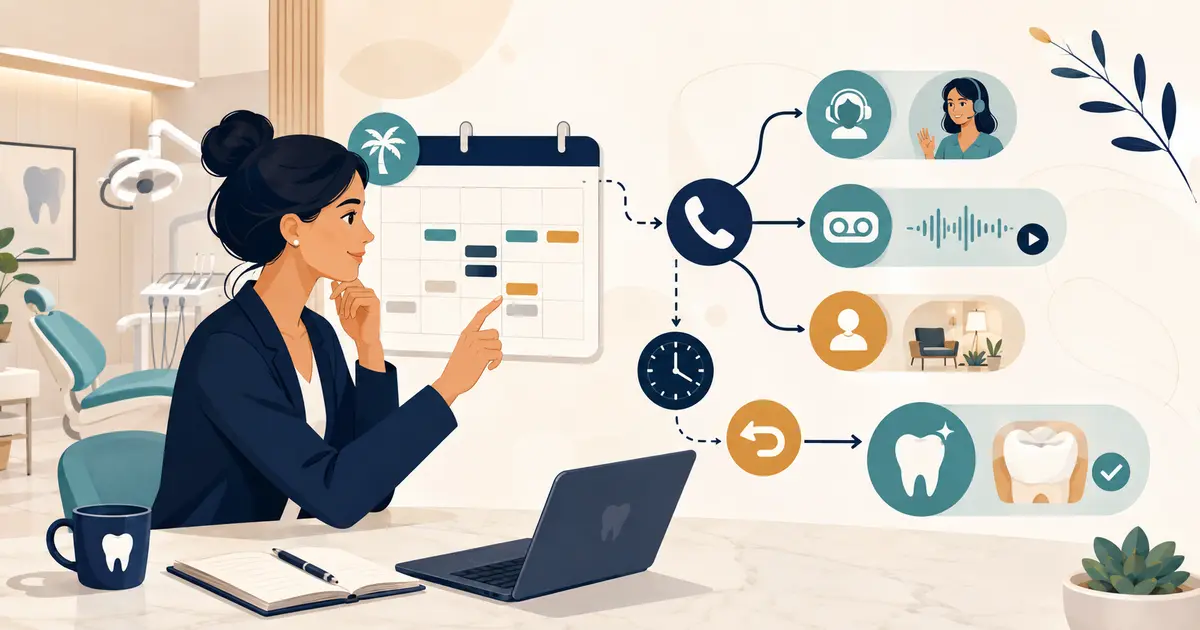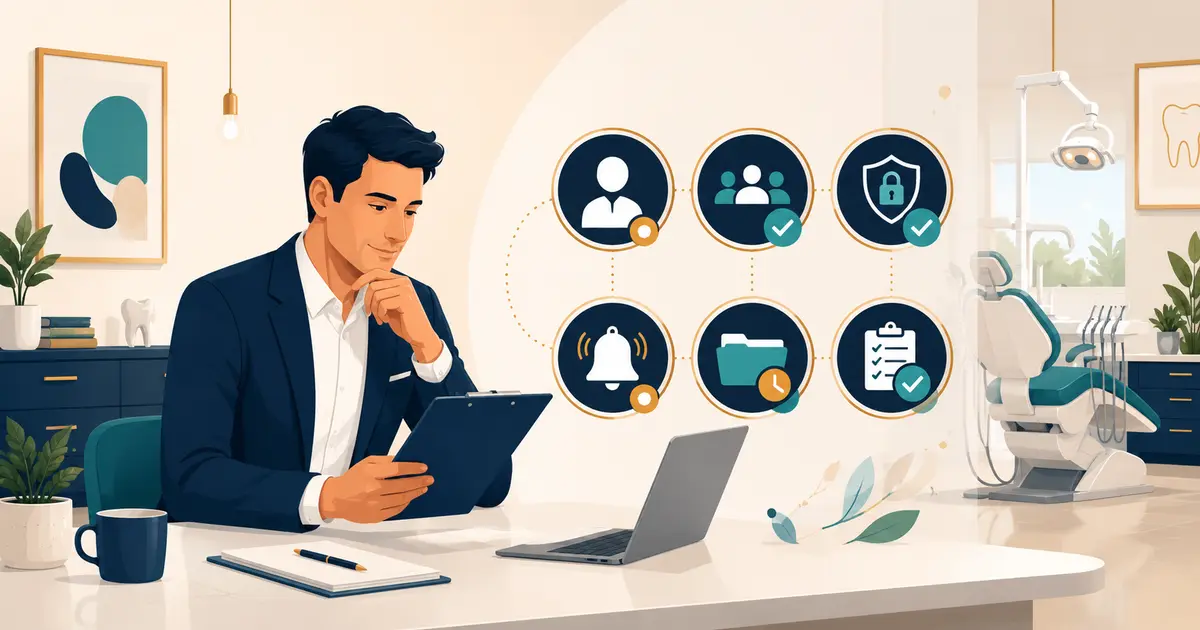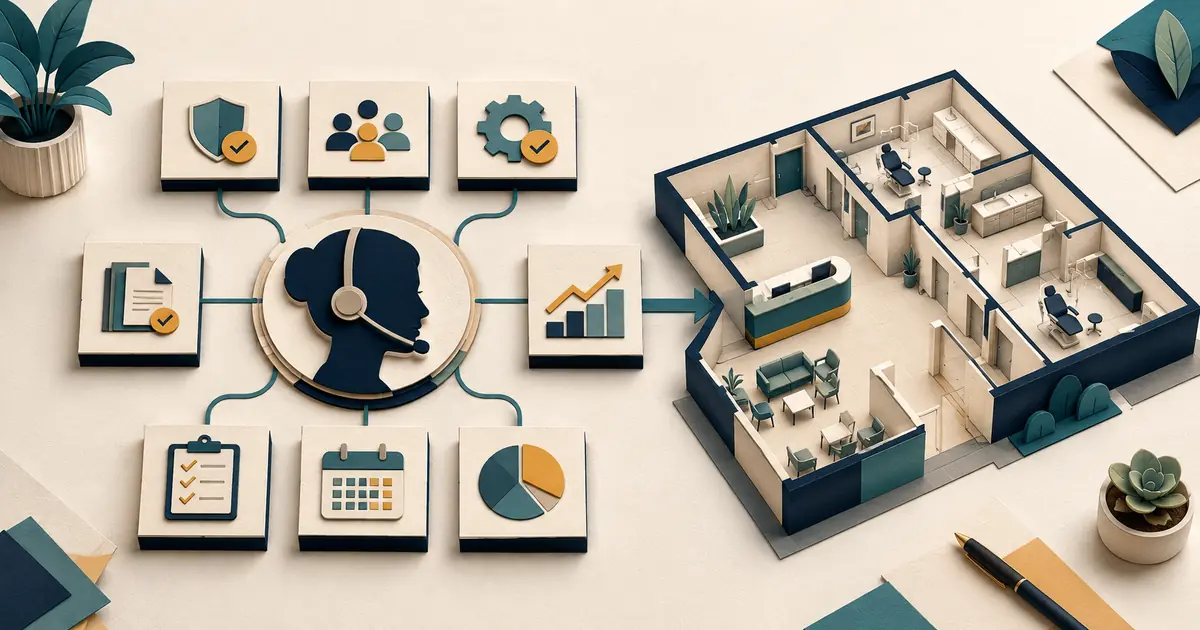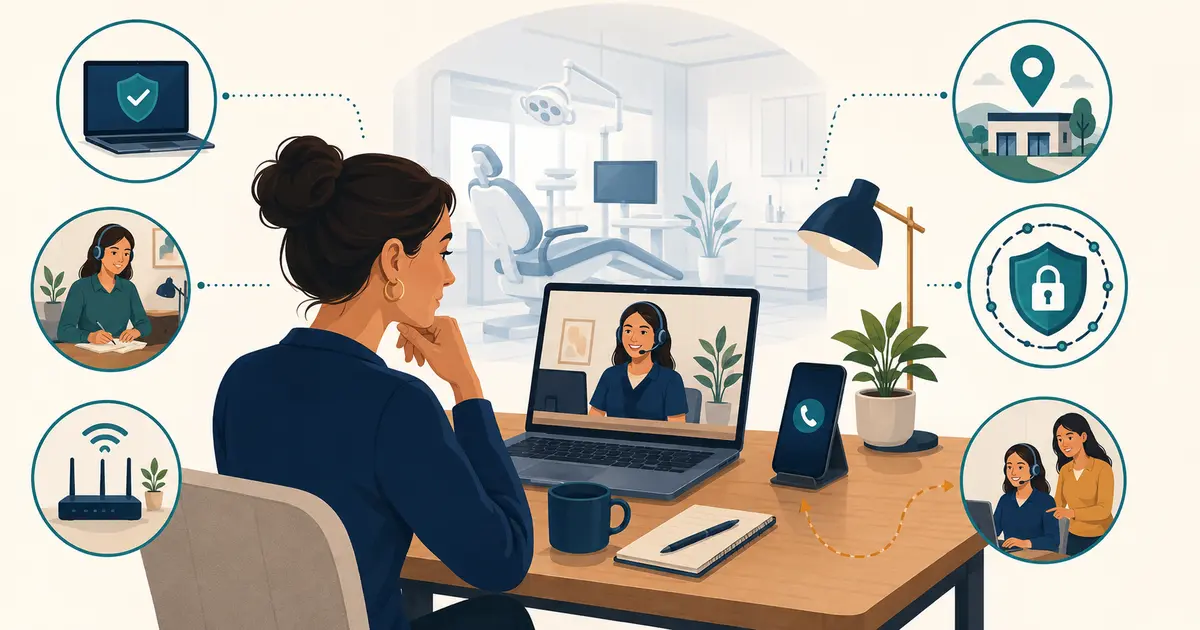
To set up a remote dental receptionist, define the role first, then provide an approved workspace, managed equipment, secure access, a business phone identity, written call and scheduling boundaries, supervised practice, and an on-site backup. Do not begin by forwarding the dental office number to a personal phone.
A remote employee changes where work happens, not who owns it. The practice remains responsible for patient communication, privacy and security, employment compliance, vendor oversight, supervision, and continuity.
Decide which remote model you are building
“Remote dental receptionist” can describe different arrangements:
| Model | Relationship | Main design question |
|---|---|---|
| Remote employee | Works directly for the practice | How will the practice equip, supervise, schedule, and support the role? |
| Shared employee across locations | Works for one dental group | How will location identity, queues, permissions, and handoffs remain clear? |
| Outsourced human service | Works for a vendor | What scope, training, contract, privacy terms, coverage, and quality controls apply? |
| Hybrid remote/on-site role | Alternates work locations | How will access, equipment, schedule, and registered phone location change safely? |
This guide focuses on a human employee or closely managed human role. If the practice is comparing human, automated, and hybrid services, begin with the broader virtual receptionist for a dental office guide.
Write the role scope in one page
List tasks under three headings.
The remote receptionist may
- answer calls using the approved business phone system;
- provide approved office facts such as hours, location, and general services;
- capture new and existing patient requests;
- use approved scheduling workflows within assigned authority;
- send approved administrative messages;
- document call outcomes and create owned handoffs;
- process approved administrative work using practice systems;
- escalate clinical, privacy, financial, or service exceptions.
The remote receptionist may not
- diagnose, recommend treatment, or independently triage clinical concerns;
- promise appointment availability or confirm a change outside assigned scheduling authority;
- guarantee insurance coverage, benefits, reimbursement, or final patient cost;
- use personal email, messaging, storage, or unapproved devices for practice information;
- share accounts or passwords;
- download, print, photograph, or record information unless specifically authorized;
- move calls or data to a new vendor or personal number without approval.
The remote receptionist must escalate
- urgent or unclear clinical concerns;
- identity, permission, or representative-authority questions;
- threats, harassment, safety concerns, or suspected fraud;
- privacy or security incidents;
- disputed balances or adjustments outside assigned limits;
- system outages and recurring call failures;
- any request outside written authority.
Set the workspace standard
A quiet room alone is not a complete remote-work control. Approve the physical location and document:
- private conversations cannot be overheard by household members or visitors;
- screens are not visible through windows, cameras, or shared spaces;
- the employee uses an approved headset rather than speakerphone;
- paper notes and printing are prohibited or controlled under policy;
- devices lock automatically and are secured when unattended;
- local downloads and removable media follow practice rules;
- the employee has stable power and internet plus an approved outage fallback;
- relocation requires review before calls resume.
NIST’s telework guidance recommends policies and safeguards for remote access and bring-your-own-device risks. A consumer VPN or employee promise does not replace the practice’s risk analysis and technical controls.
Choose and configure the equipment
Minimum equipment checklist
- practice-managed computer where feasible;
- supported operating system and current security updates;
- full-disk encryption and automatic screen lock;
- approved endpoint protection and remote support;
- separate named user account with least privilege;
- multifactor authentication where supported;
- approved noise-reducing headset;
- business phone application or managed desk phone;
- reliable primary internet connection;
- approved secondary connection or fallback procedure;
- surge protection or battery backup appropriate to the risk;
- no shared browser profiles or personal cloud synchronization.
HHS states that covered providers and business associates may use mobile devices to access electronic protected health information when appropriate administrative, physical, and technical safeguards are in place and required business associate agreements exist with third parties that access the information. Have the privacy and security lead assess the actual tools and vendors.
Build access by job, not convenience
Create an access matrix:
| System | Access needed | Actions allowed | Restricted actions | Review owner |
|---|---|---|---|---|
| Phone | Assigned queues and call controls | Answer, hold, approved transfer | Admin routing changes | Phone administrator |
| Scheduling | Assigned locations/providers | View and schedule within rules | Template changes, unauthorized overrides | Office manager |
| Patient records | Minimum fields for assigned work | View/update approved administrative fields | Broad exports, clinical edits | Privacy/clinical owner |
| Payments | Only if job requires | Approved collection workflow | Refunds or adjustments above limit | Financial owner |
| Messaging | Approved channels | Templates and owned replies | Personal channels, bulk export | Office manager |
Review access during onboarding, after role changes, periodically, and immediately at separation. The dental phone system access audit can be adapted to all remote-work systems.
Configure the phone experience
The remote receptionist should present the practice’s approved business number and caller identity, not a personal number. Test:
- inbound calls through each assigned number and queue;
- correct location or practice greeting;
- warm and blind transfers;
- hold and return;
- voicemail and after-hours behavior;
- outbound caller ID;
- callback workflow;
- call records and ownership;
- loss of internet or application access;
- on-site backup when the remote user is unavailable.
For VoIP services, emergency calling and location handling can differ from traditional phone service. FCC guidance explains that interconnected VoIP relies on registered location information and may behave differently during power or internet outages. Confirm provider-specific requirements and do not use an unapproved live 911 test.
Keep location and phone controls in the dental office softphone policy so changes are reviewed consistently.
Train with six fictional calls
Do not route real callers to a new remote employee before supervised practice.
Scenario 1: New-patient inquiry
The caller asks whether the office is accepting patients and requests a late-afternoon appointment. Test approved facts, request status, callback details, and no unsupported confirmation.
Scenario 2: Existing patient wants to reschedule
Test identity verification, scheduling authority, documentation, and confirmation language.
Scenario 3: Clinical concern
The caller describes pain and asks what to do. Test accurate capture and approved clinical escalation without diagnosis.
Scenario 4: Insurance and price question
Test the difference between general information, an estimate, benefits information, and a guarantee.
Scenario 5: Family member calls for information
Test whether the employee recognizes the need to verify permission or authority rather than relying on relationship.
Scenario 6: Connection drops during transfer
Test caller recovery, callback ownership, incident evidence, and use of the backup route.
Score each scenario on accuracy, warmth, boundaries, documentation, ownership, and closure.
Use a first-week quality scorecard
| Measure | Definition | Review method |
|---|---|---|
| Schedule adherence | Logged in and available during assigned coverage | Phone status plus manager review |
| Request accuracy | Required facts captured without invented details | Sample fictional and eligible work items |
| Handoff completion | Accepted requests reach a named owner and outcome | Queue review |
| Callback ownership | Due callbacks are attempted and documented under policy | Aging report |
| Boundary use | Clinical, privacy, and financial exceptions are escalated correctly | Scenario and sample review |
| Call quality | Audio, greeting, and business identity work as intended | Controlled test calls |
Do not evaluate an employee only on call speed. Very short calls can reflect rushed discovery, incomplete notes, or unnecessary transfers. Combine efficiency with accuracy and patient-service outcomes.
Establish a daily remote operating rhythm
Opening
- confirm approved location, device, network, phone status, and queues;
- review schedule changes and coverage;
- reconcile open work from the prior shift;
- run a fictional test call when configuration or location changed.
During the day
- maintain presence status accurately;
- record requests in the approved workspace;
- use named handoffs and due times;
- report degraded audio, routing, or system access promptly;
- avoid local notes or unapproved workarounds.
Closing
- finish or hand off open requests;
- reconcile voicemail and missed calls;
- record system exceptions;
- sign out and secure the device;
- confirm the next coverage owner.
The remote employee should participate in team huddles and coaching. Isolation increases the risk that local changes, new scripts, or provider preferences never reach the person answering calls.
Plan for failure before launch
Write answers to these questions:
- What happens if the employee’s internet fails?
- What happens if the phone application fails but other systems work?
- Who takes the queue during an absence or local emergency?
- How will the practice contact the employee outside the failed system?
- How quickly can access be disabled after a lost device or separation?
- How will unfinished caller requests be recovered?
- Which personal devices or numbers are explicitly prohibited as fallback?
Test the fallback quarterly and after major changes. A remote dental front desk is ready only when the practice can continue safely without that one location, device, or person.