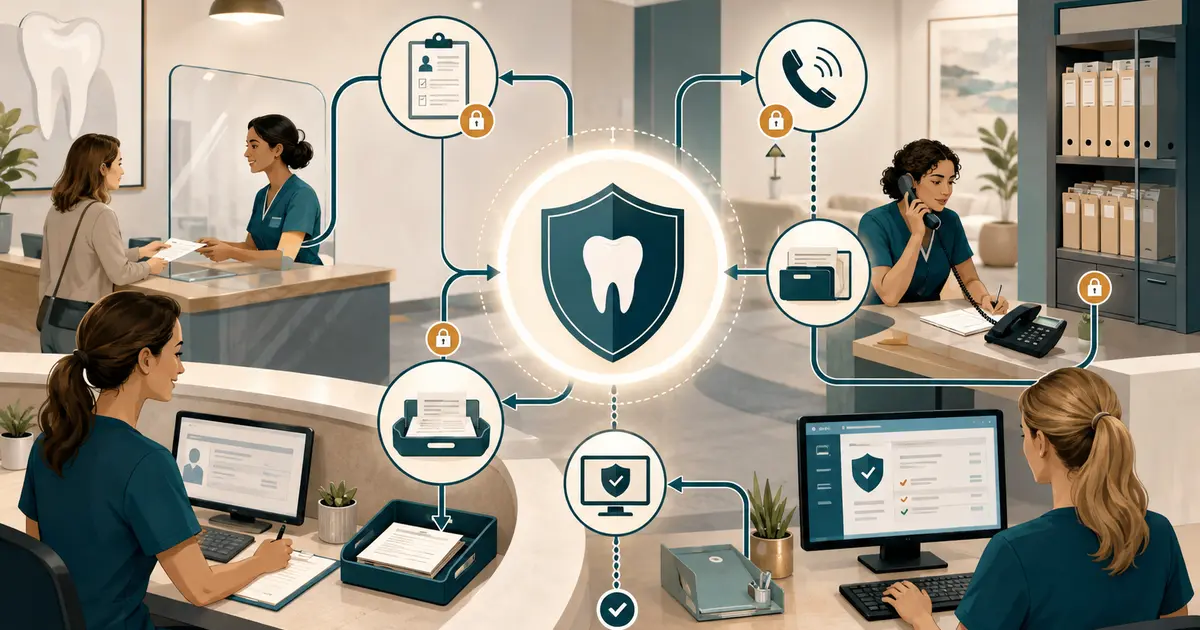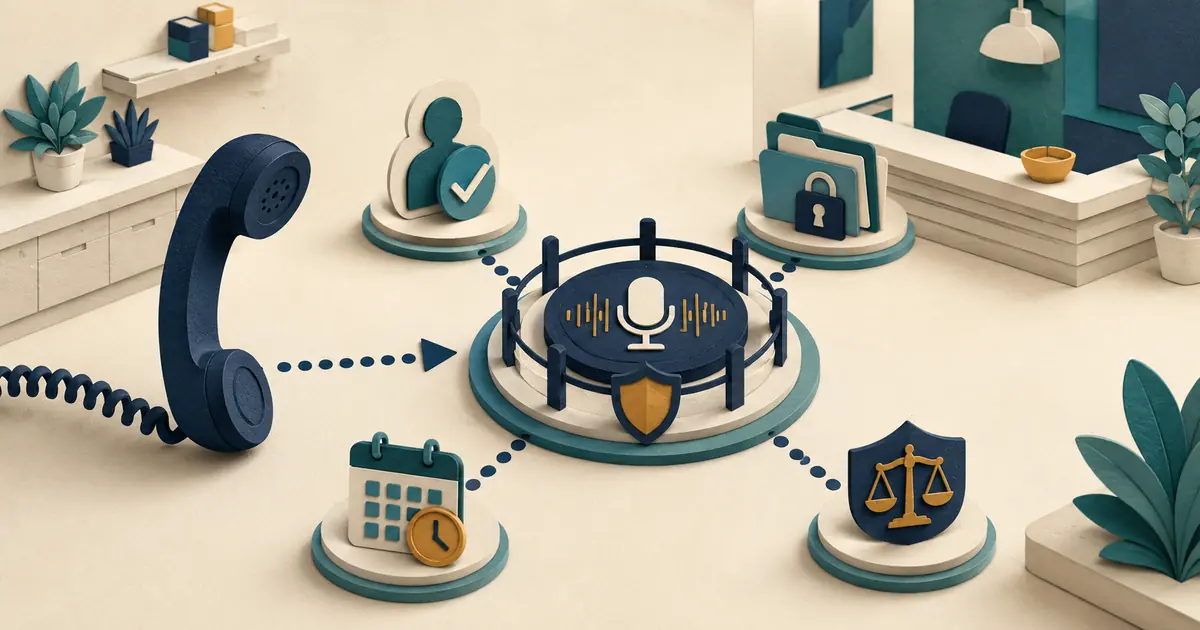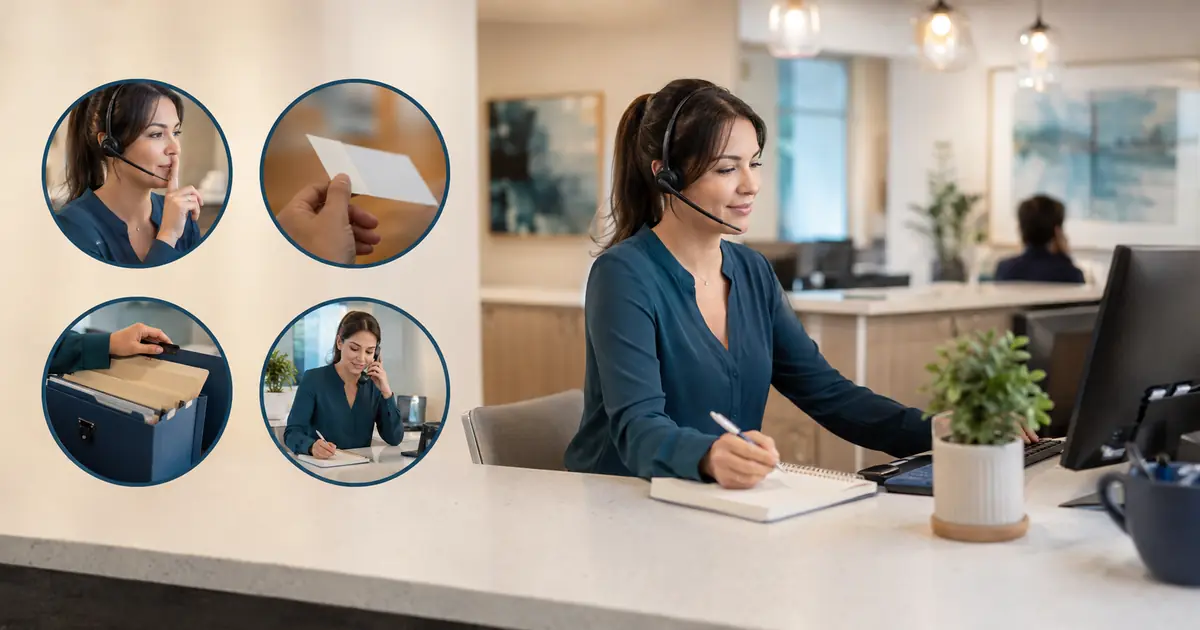
HIPAA does not prohibit dental phone calls or voicemail. HHS explains that providers may communicate with patients and may leave messages, but they should use reasonable safeguards and limit the information disclosed. A dental office manager should translate that principle into identity, workspace, voicemail, access, and documentation rules.
This article is educational, not legal advice. Have qualified privacy and legal advisers review the practice's circumstances and state requirements.
Separate intake from disclosure
A caller may volunteer information before identity is verified. Staff can listen and record the approved minimum, but should not disclose protected information until the practice's verification standard is met.
Define verification by action:
- general public information may require no patient verification;
- appointment or account details require an approved identity process;
- changes, payments, records, or sensitive disclosures may require stronger steps;
- a family member, caregiver, or personal representative requires role-specific review;
- emergency and treatment communications may follow other rules under practice policy.
Avoid asking for more identifiers than the task needs. Never read protected details aloud merely to test whether the caller recognizes them.
The phone responsibilities guide helps assign which roles may disclose or change information.
Protect oral conversations
HHS recognizes that some incidental disclosures can occur during permitted conversations when reasonable precautions are used. Practical safeguards include:
- speak quietly when others are nearby;
- move sensitive discussions away from waiting areas;
- avoid speakerphone in open workspaces;
- use headsets that limit audible sound;
- angle screens away from public view;
- do not repeat full identifiers unnecessarily;
- pause when an unauthorized person approaches;
- use private rooms for complex calls when available;
- limit conversations in hallways and shared areas;
- train staff not to discuss callers after the need ends.
Reasonable safeguards depend on the environment. Walk through the office during busy hours and listen for what patients, visitors, vendors, and other employees can hear.
Write voicemail rules
HHS gives an example of limiting an answering-machine message to the provider's name and number and asking the individual to call back. The practice should define approved templates for:
- generic callback;
- appointment reminder;
- returned request;
- office closure;
- failed contact;
- message for another household member;
- number that appears shared or uncertain.
A generic callback might be:
“This is Jordan calling from Harbor Dental for Taylor. Please return our call at 555-0100.”
Do not include treatment, diagnosis, balance, insurance, or detailed appointment information unless the practice has determined it is appropriate and authorized for that patient and channel.
The voicemail system guide covers mailbox ownership and routing.
Honor communication preferences
Record patient requests for alternate numbers, channels, times, or restrictions under the practice's policy. Make preferences visible to the people and systems that contact the patient.
A preference stored in one employee's note is not useful if automated reminders, billing, and clinical teams use other systems. Reconcile the authoritative location and update process.
Do not promise absolute confidentiality for email, SMS, or voicemail. Explain options accurately and involve privacy advisers when a requested method creates risk.
Control mailbox access
For every shared or individual mailbox, document:
- owner and backup;
- authorized users;
- authentication;
- notification devices;
- review schedule;
- assignment and escalation;
- retention;
- export and deletion;
- access removal after role changes;
- outage process.
Avoid shared passwords. Lock-screen previews should not expose unnecessary details. Personal devices require an approved policy and technical controls.
Limit notifications and transcripts
Phone systems and vendors may create caller-ID logs, recordings, transcripts, summaries, emails, texts, and push notifications. Each is another disclosure surface.
Map:
- data created;
- recipients;
- preview content;
- storage;
- access roles;
- retention;
- forwarding and download ability;
- vendor and subcontractor access;
- deletion and incident process.
Apply minimum necessary principles to fields and recipients. A broad distribution list may be convenient but inappropriate when only one role needs the request.
The HIPAA and answering-service BAA checklist helps review outsourced call handling.
Handle wrong numbers and shared phones
If someone says the office has the wrong number, verify the record through the approved process before changing it. Do not disclose why the practice called. Record the failed-contact state and route correction to an authorized owner.
When another household member answers, use the approved generic message. Do not pressure the person to identify the patient, explain the relationship, or accept clinical information.
Train for common privacy failures
Use fictional role-play:
- caller asks for another person's appointment time;
- parent calls about an adult patient;
- employee recognizes the caller socially;
- caller is on speakerphone;
- wrong number returns a voicemail;
- patient requests no messages at home;
- coworker asks what a caller wanted;
- vendor support asks to view a transcript;
- front desk must move to a public area during an outage;
- accessibility support is needed.
Score verification, minimum disclosure, workspace safeguards, documentation, and escalation—not memorized legal phrases.
Manage recordings separately
Recording and transcription add consent, notice, vendor, access, retention, and state-law questions. Do not assume a BAA answers every recording-law issue. Review the specific jurisdictions and workflow with qualified counsel.
If calls are recorded, staff should know how callers are notified, how recording is paused if applicable, who may listen, how corrections are handled, and when records are deleted.
The call recording compliance questions provide a dedicated checklist.
Audit the workflow
Review periodically:
- voicemail samples using fictional tests;
- access lists;
- abandoned shared mailboxes;
- messages without owners;
- notification previews;
- saved exports;
- personal-device access;
- retention enforcement;
- wrong-number handling;
- communication preferences;
- incidents and complaints;
- staff training.
Design for unusual locations
Privacy controls must travel with the work. During an outage, remote shift, or temporary front desk move, staff may answer calls from a space that was not designed for patient conversations. Define where calls may be taken, whether speakers or smart assistants must be disabled, how screens are positioned, and where notes may be stored.
Require headphones only when they improve privacy and do not create another unsafe access problem. A headset does not prevent nearby people from hearing the employee's side of a conversation. Staff should lower their voice, move to an approved area, and postpone disclosure when reasonable safeguards are not available.
Separate operational notices from patient content
Notifications such as “new voicemail” or “callback needed” should reveal no more than the recipient needs to manage the task. Review lock-screen previews, email subject lines, team-channel alerts, and wearable-device notifications. A secure mailbox can still leak information through an overly detailed alert.
Use role-based groups rather than personal forwarding rules. When an employee leaves or changes duties, remove access and test that old devices, saved links, and notification routes no longer expose messages. Record the change as part of offboarding.
Missed Calls Dental captures requests from eligible missed calls for front desk follow-up. The practice remains responsible for access, review, communication preferences, and follow-up. The service does not make clinical decisions or verify benefits.
Patient privacy on dental calls is built from ordinary controls used consistently: speak carefully, verify before disclosure, leave limited messages, restrict access, and make every request visible to the right owner.