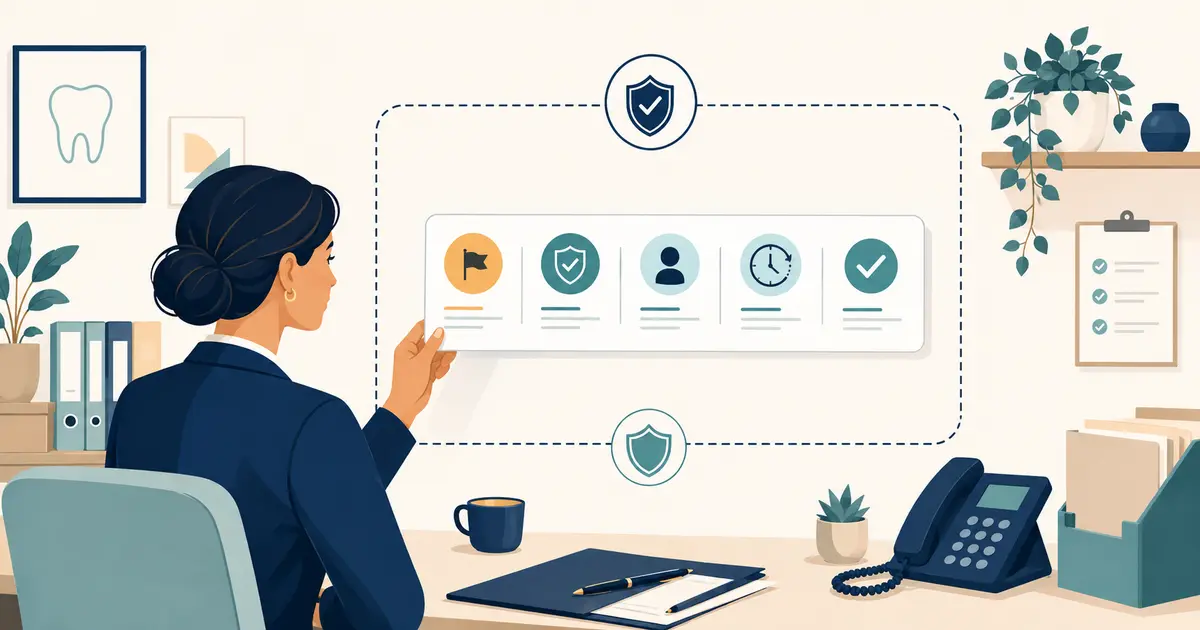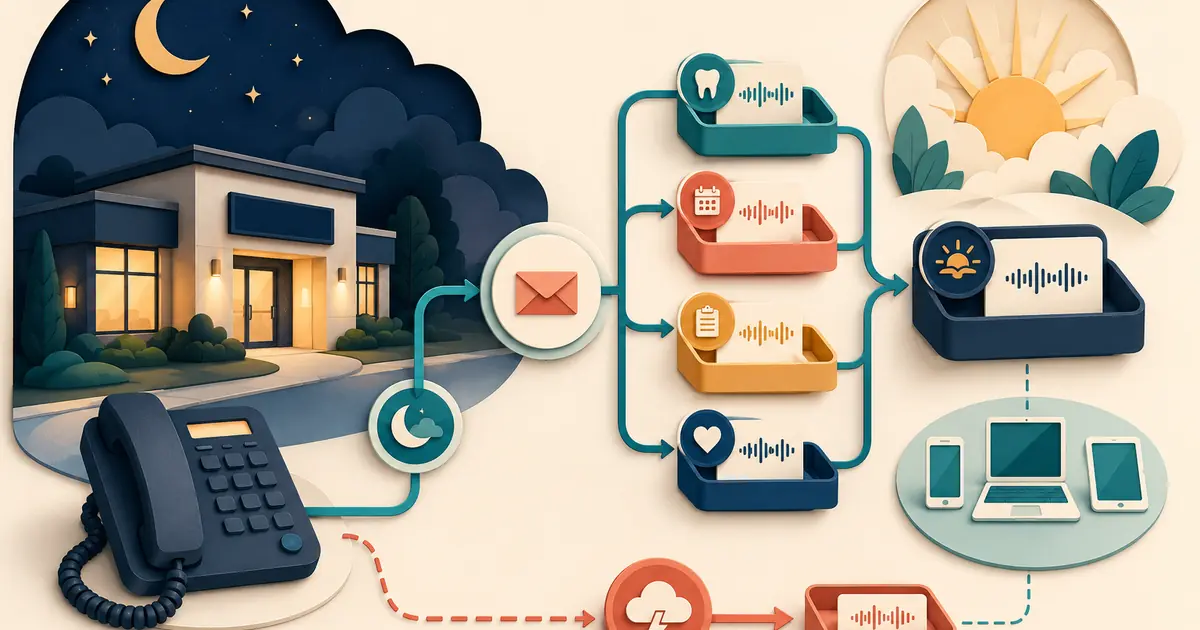
A dental office voicemail system is not a storage box at the end of a phone tree. It is a request workflow. The greeting sets expectations, the mailbox receives information, an employee reviews it, the request moves into an approved system, and someone closes the loop with the caller.
For a new practice, plan those steps before publishing the phone number. A polished greeting cannot compensate for an unowned mailbox or an after-hours route that fails during an outage.
Decide when voicemail should answer
List the call states that may reach voicemail:
- open hours after a defined no-answer interval;
- overflow when all staff are occupied;
- lunch or staff meeting;
- regular closed hours;
- weekends and holidays;
- a specific department or provider box;
- a manual closure;
- phone or internet outage fallback.
Each state may need different language and ownership. A caller during open hours should not hear “We are closed.” A holiday caller needs the actual reopening expectation. An outage path should not depend entirely on the failed system.
Place voicemail inside the full call architecture rather than configuring it as an isolated feature.
Use fewer mailboxes with clearer owners
Complex mailbox trees often shift categorization work to the caller. Begin with the smallest useful set, such as:
- general new and existing patient requests;
- administrative or billing questions, if a separate team truly owns them;
- a provider or clinical message path only when the practice has an approved workflow;
- an after-hours box with a defined opening review.
For every mailbox, record:
- purpose;
- public prompt;
- authorized users;
- primary and backup owner;
- required review times;
- escalation rule;
- where messages are documented;
- retention and deletion policy;
- outage and vacation coverage.
Do not create personal boxes that become inaccessible when an employee leaves. Use managed accounts and role-based access.
Write a caller message that produces usable requests
A routine closed-office greeting can follow this structure:
- identify the practice;
- state that the office is closed;
- give current regular or special hours;
- explain that voicemail is not monitored continuously, if accurate;
- provide practice-approved urgent-concern language;
- ask for only the information needed for follow-up;
- state the expected review window without guaranteeing an exact callback;
- repeat the public phone number or alternative path when useful.
Example:
“You have reached [practice]. Our office is currently closed and will reopen [approved day and time]. This mailbox is reviewed [accurate expectation]. Please leave your name, callback number, and a brief reason for your call. Do not leave detailed medical or payment information. If your concern may require immediate attention, follow the emergency instructions approved by our practice.”
The exact urgent language should be approved by qualified people. The dental emergency voicemail script provides a drafting framework without asking voicemail to perform clinical triage.
Do not promise a callback the workflow cannot deliver
Avoid “We will call you right back” unless the practice can meet that promise for the applicable hours and call types. Use a truthful expectation:
“The team reviews routine messages after the office reopens.”
If messages are reviewed at specific intervals, state that only when coverage is dependable. During holidays, vacations, or provider absences, update both the greeting and the staff assignment.
Create an expiration time for temporary messages. The system should alert an owner before the holiday greeting becomes inaccurate.
Minimize sensitive information in voicemail
Ask callers for enough to route the request, not a complete history. A routine prompt may request a name, callback number, contact preference, and brief general reason. Staff can collect more detailed information through the approved process after verifying identity.
Define whether audio is retained, transcribed, emailed, texted, or copied into another system. Each path changes who can access the information and how long it persists.
HHS explains that covered entities should make reasonable efforts to limit protected information to what is needed for the intended purpose when the minimum-necessary standard applies. Review the HHS minimum-necessary guidance with qualified advisors.
Do not forward detailed voicemail transcriptions to personal email or ordinary text messages merely for convenience. Send a minimal notification that tells an authorized employee where to retrieve the message securely.
Turn every message into owned work
Use a consistent review procedure:
- sign in through an authorized account;
- record the review time and employee;
- create or update the approved request record;
- classify the request using bounded categories;
- assign a named owner and due time;
- follow the approved identity process before disclosing information;
- document the callback outcome;
- delete or retain the audio according to policy.
Do not mark a voicemail “handled” merely because somebody listened to it. Completion means the request reached its owner and received the appropriate next step.
The missed-call callback script can help staff conduct the return call without assuming why the caller contacted the practice.
Connect voicemail to the after-hours route
Map the complete path:
``text Public number → schedule or no-answer rule → closed message → approved escalation option → voicemail → staff queue → callback → closed request ``
Test whether an on-call transfer returns to voicemail when unanswered, whether the caller hears duplicate messages, and whether the mailbox captures the original caller number. If the system offers voicemail-to-email or transcription, test both successful and failed delivery.
The conditional call-forwarding guide explains busy, no-answer, unavailable, and outage conditions.
Make the system accessible
Test the call path with telecommunications relay services and the communication resources the practice offers. Keep prompts at a clear pace and avoid unnecessary menu layers. Provide enough time for callers who use assistive services to respond.
HHS explains that a telecommunications relay service generally functions as a conduit when it only facilitates a call. Review the HHS relay-service FAQ and obtain advice for the practice's accessibility obligations.
Document alternative channels for people who cannot effectively use standard voice voicemail. Make those options discoverable on the practice website and in staff training.
Prepare for outages and lockouts
Ask the provider:
- Does the mailbox answer if office internet or power is down?
- Can the carrier route calls to an independent fallback?
- How do authorized employees access voicemail remotely?
- What happens when storage is full?
- How are password resets and account recovery handled?
- Can administrators see access and deletion logs?
- How are messages exported during a provider change?
Keep a tested restoration procedure. If an outage causes calls to reach a different mailbox, reconcile both systems after recovery.
Test before the number goes public
Call from outside numbers and verify:
- open-hours no-answer behavior;
- closed, lunch, weekend, and holiday greetings;
- every menu choice and mailbox;
- caller disconnect and re-entry;
- full-mailbox behavior;
- blocked caller ID;
- relay-service interaction;
- voicemail-to-email or transcription delivery;
- primary-owner absence and backup access;
- outage fallback and restoration;
- temporary message expiration.
Listen for clipping, silence, excessive menu depth, wrong hours, and unclear instructions. Leave fictional messages and confirm that each creates the correct request record and owner.
Review voicemail as part of daily operations
Place mailbox checks in the front desk daily checklist. Review at opening, defined intervals, and closing. The final check should confirm that no message remains only in the phone system without an owner.
Track a few operational measures:
- messages received by call state;
- time from message to first review;
- complete request rate;
- messages delivered to the wrong box;
- callbacks completed;
- repeat calls before follow-up;
- full-mailbox or notification failures;
- temporary greetings still active after expiration.
Use this pre-opening checklist:
- [ ] Every voicemail call state is documented.
- [ ] Each mailbox has primary and backup owners.
- [ ] Greetings are accurate and have review dates.
- [ ] Clinical-boundary language is approved.
- [ ] Prompts request only useful information.
- [ ] Audio, transcripts, access, retention, and deletion are reviewed.
- [ ] Messages become owned request records.
- [ ] Accessibility paths are tested.
- [ ] Outage and account-recovery procedures work.
- [ ] Outside-number tests cover every mailbox and schedule.
A dental office voicemail system works when it produces accurate expectations and visible follow-up. Keep the structure simple, protect the information callers leave, assign every message, and test the route under the same conditions patients will encounter.