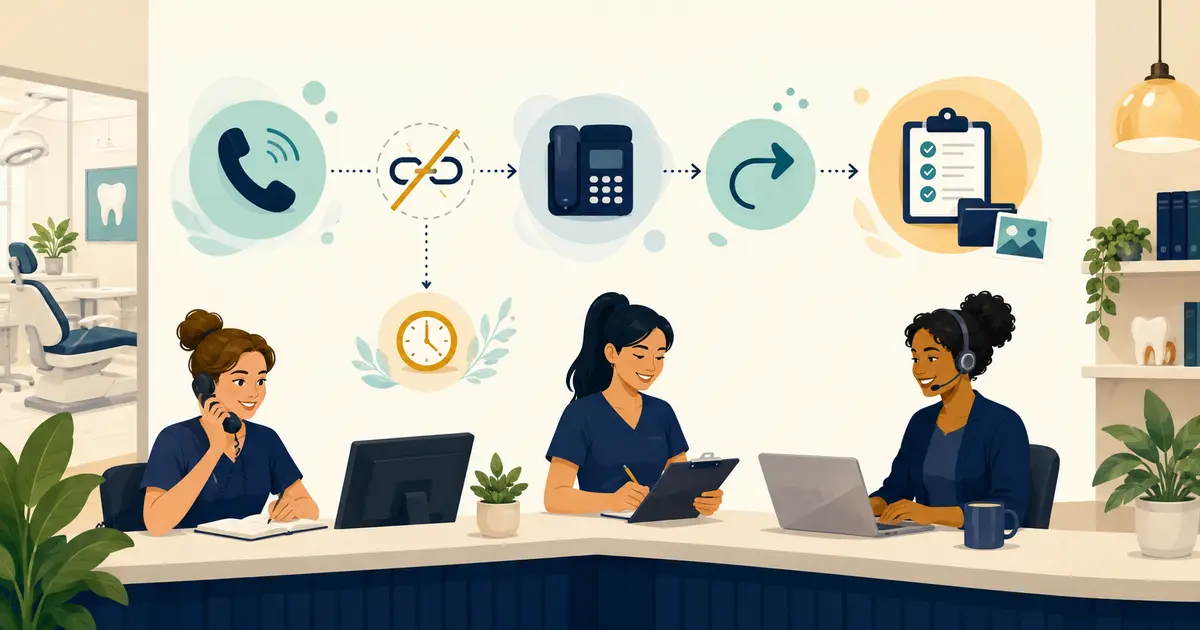
A dental emergency voicemail script should tell callers what to do if they need immediate emergency assistance, give patients the practice's approved after-hours contact path, and explain what information to leave for follow-up. It should not ask front desk staff or an automated system to diagnose symptoms or decide how serious a condition is.
The script is only one part of the workflow. The office also needs a written handoff process that tells staff who receives urgent dental concerns, how that person is contacted, what happens if the first contact is unavailable, and how the request is documented.
Separate emergency instructions from dental-office follow-up
Use two distinct messages:
- Immediate emergency assistance: the caller is directed to the official emergency path. 911.gov states that people who need emergency assistance should dial 911 immediately.
- Urgent dental concern: the caller follows the practice's approved dental contact or message process. A qualified office team member decides the clinical response.
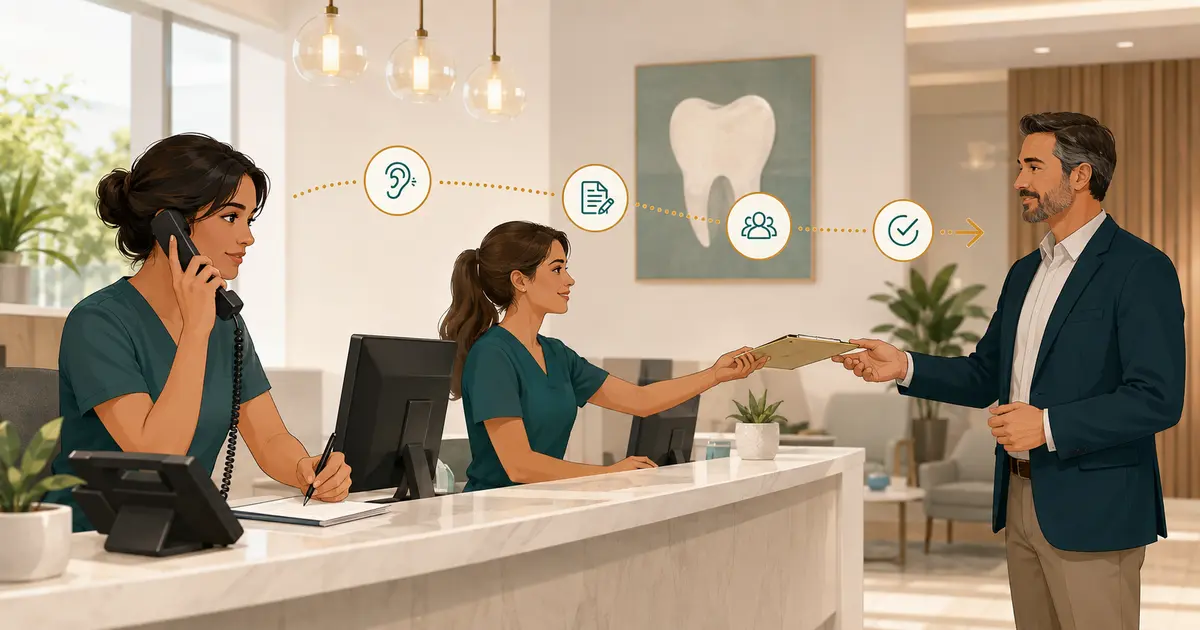
Front desk employees should not create their own symptom list or ask questions designed to determine a diagnosis. Their role is operational: listen, capture the caller's own words, follow the approved escalation rule, and state only the next step the office can actually complete.
The American Dental Association's guidance on emergency patient treatment recommends that after-hours messaging provide patients of record with an after-hours contact path and include emergency information for other callers. Each practice should have its final wording reviewed against its clinical, legal, privacy, and coverage requirements.
Build the response plan before writing the voicemail
A dental office after hours voicemail script cannot compensate for an undefined on-call process. Decide these points first:
- Which role approves the script?
- Which patients may use the after-hours contact path?
- What number or method should they use?
- Who receives the first alert?
- Who is the backup if that person does not respond?
- How is the caller's request documented for the next business day?
- What may the front desk say, and what must be handed to a clinical team member?
- Who updates the recording when coverage, hours, or contact details change?
Do not publish a personal number, promise continuous availability, or state a response time unless the practice has approved that exact arrangement. Test the complete path from the caller's perspective before relying on it.
A safe dental emergency voicemail script template
Use this as a structure, not as legal or clinical advice. Replace every bracketed field with practice-approved information and have the final version reviewed by the appropriate office leader.
“Thank you for calling [Practice name]. Our office is currently closed. If you need immediate emergency assistance, call 911. If you are a patient of record with an urgent dental concern, please [call the approved after-hours number / follow the approved contact method]. For routine requests, leave your name, callback number, and a brief reason for your call. Please do not leave detailed health or payment information. Our team will review your message [during the approved coverage period / when the office reopens].”
The final sentence must be truthful. Do not say “we will call you right away” if messages are reviewed only at opening. Do not say “a dentist is available” unless that coverage is actually in place.
Keep the recording short enough that callers can reach the action they need without listening to office marketing, directions, or a long menu first.
What the script should contain
Practice identity and current availability
State the practice name and that the office is closed or unable to answer. Avoid vague phrases that leave callers unsure whether they reached the correct office.
One clear emergency instruction
Use the practice-approved wording for immediate emergency assistance. Do not add a long list of symptoms to an administrative recording. A symptom list can become incomplete, outdated, or interpreted as clinical screening.
The approved urgent dental contact path
Specify who may use the path and what action to take. If the after-hours number changes by day, use a maintained routing method rather than repeatedly recording a person's number into the main greeting.
A minimal routine-message request
Ask for the caller's name, callback number, and a brief reason. The office can collect additional information during the return call.
A truthful review expectation
Tell callers when the message queue is actually reviewed. Separate routine next-business-day follow-up from any staffed after-hours path.
For a broader operating model, see how to handle after-hours calls at a dental office.
Protect privacy in voicemail messages
The U.S. Department of Health and Human Services explains that covered providers may leave patient messages, but should use reasonable safeguards and limit the information disclosed. HHS gives the example of leaving the provider's name and number or asking the person to call back. Review the full HHS guidance on messages left for patients when establishing office policy.
For incoming voicemail, ask callers not to leave detailed health, insurance, or payment information. For an outgoing return message:
- identify the practice;
- leave the office number and approved hours;
- ask the intended person to return the call;
- avoid repeating the dental concern;
- follow any communication preference already documented by the practice.
The missed-call callback guide includes a short neutral return-message example and a method for recording each attempt.
Use a non-clinical script for live urgent calls
When a caller reaches the front desk and says the concern is urgent, employees can acknowledge the request without interpreting it.
Open and listen
“Thank you for telling me. I will document your concern in your words and follow our office's approved process.”
Let the caller explain. Do not convert the description into a diagnosis or minimize it with phrases such as “that sounds normal.”
Confirm contact details
“May I confirm your name, callback number, and whether you are a current patient of this office?”
Collect only the information required by the practice's process. Do not promise a clinical result or a specific response time that has not been approved.
State the boundary
“I am not able to make a clinical decision. I will send the information to [approved role] using our office process.”
This is clearer than improvising advice and safer than suggesting the front desk has evaluated the concern.
Give the approved next instruction
Use the exact office wording. If the caller says they need immediate emergency assistance, direct them to the official emergency path. For an urgent dental concern, follow the approved dentist or on-call handoff. For a routine request, place it in the normal callback queue.
Document the caller's words and the operational facts
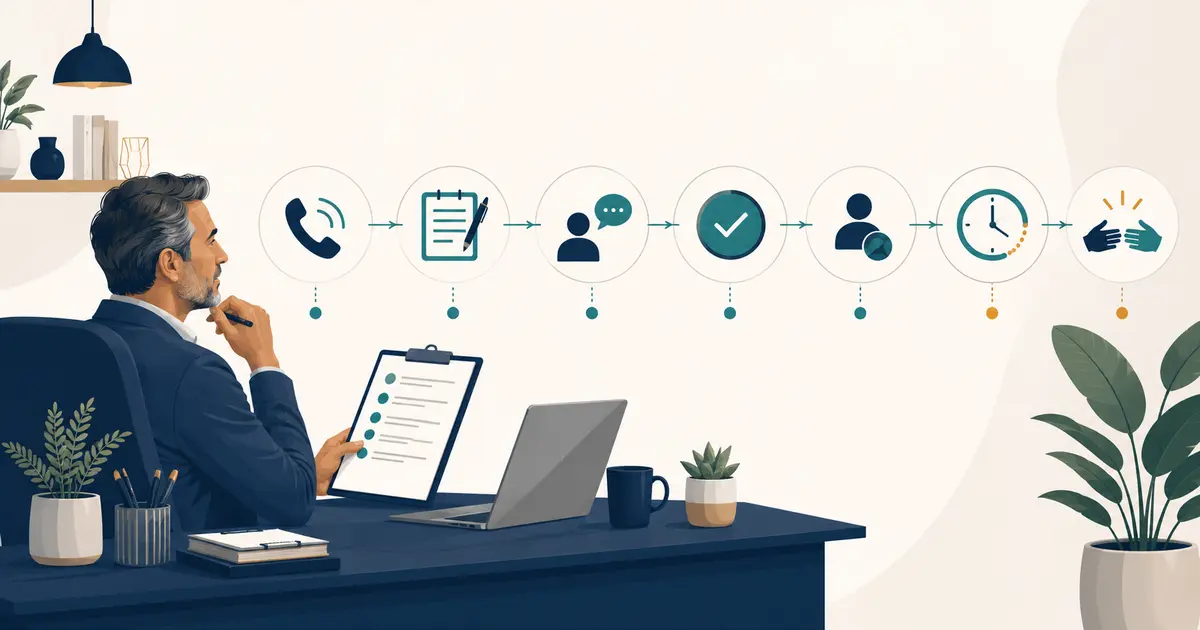
A useful handoff should answer:
- Who called?
- What callback number did the caller confirm?
- When did the contact occur?
- What did the caller say, in neutral language?
- Which approved instruction did staff provide?
- Who received the handoff?
- When was the handoff acknowledged?
- What remains pending?
Avoid adding an interpretation such as “minor,” “severe,” “infected,” or “safe to wait” unless that wording comes from an authorized clinical team member and belongs in the appropriate clinical record. Front desk notes should distinguish the caller's statement from the employee's actions.
Define escalation ownership and fallback
Every urgent-call policy needs a primary contact and a backup. “Notify the dentist” is incomplete if staff do not know which dentist, how to notify them, or what to do when there is no response.
Use a simple escalation table:
| Step | Owner | Required record |
|---|---|---|
| Receive the call or message | Front desk or approved service | Caller words, callback number, time |
| Send the approved alert | Assigned employee or automated workflow | Recipient and send time |
| Acknowledge the handoff | Designated dentist or qualified team member | Acknowledgment time and owner |
| Continue or close | Authorized office role | Next action and final status |
| Review at opening | Assigned morning queue owner | Any unresolved after-hours requests |
Do not mark the request complete when an alert is merely sent. Completion should mean the designated person acknowledged ownership or the office's written fallback rule was followed.
Train for boundaries, not diagnosis
Short practice scenarios help staff follow the process when a real caller sounds distressed. Test:
- a caller who says only that the issue is urgent;
- a caller who gives a long or unclear description;
- a person who is not a patient of record;
- a caller requesting clinical advice from the receptionist;
- an unavailable primary on-call contact;
- a voicemail with an incomplete callback number;
- a routine scheduling request left on the urgent path.
Score the employee on operational behavior: correct wording, accurate capture, proper handoff, privacy, and documented ownership. Do not score a front desk employee on whether they guessed the condition correctly.
The general dental front desk phone scripts article offers additional examples for routine calls that do not belong in the urgent workflow.
Audit the script whenever coverage changes
Review the recording and routing after staff changes, holiday schedules, new locations, or changes to the on-call arrangement. Place a real test call and verify:
- the correct greeting plays;
- the emergency instruction is clear;
- the approved after-hours path connects as expected;
- routine messages reach the correct queue;
- the primary and backup contacts receive alerts;
- the next-business-day owner can find unresolved requests.
A script with an outdated number is worse than a basic voicemail because it creates false confidence. Assign one role to own the recording and test it on a regular schedule.
Where Missed Calls Dental fits
Missed Calls Dental can answer eligible calls that a practice forwards to its MCD AI number, use approved common office information, capture the caller's request, and create a transcript and summary in Workspace.
It does not diagnose, provide clinical triage, recommend treatment, or replace the practice's emergency policy. The office must define its approved emergency wording and handoff path. The dental team reviews each request and decides the clinical next step.