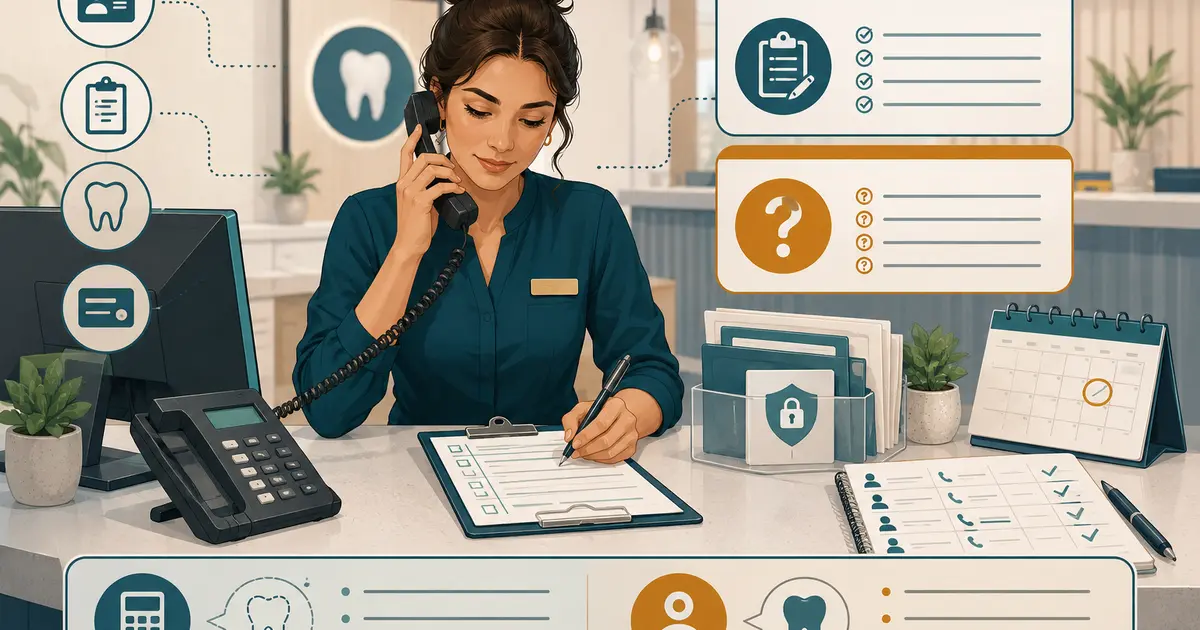
A dental front desk daily checklist should make important work visible without turning the day into a box-checking exercise. Organize it around three checkpoints: opening, midday handoff, and closing. At each checkpoint, verify phone routing, caller and patient requests, schedule changes, communication preferences, ownership, and unresolved work.
The checklist is a control for the team, not a substitute for judgment or patient-specific policy.
Assign the checklist before using it
For each section, name:
- primary employee;
- backup employee;
- completion time or event;
- evidence of completion;
- manager trigger;
- location or department covered.
Avoid “front desk” as the owner. If three employees assume someone else checked voicemail, the checklist failed before the office opened.
Use one shared version with a date, location, and employee initials. Keep permanent patient details in the approved practice system, not on a reusable paper checklist.
The phone responsibilities guide can help divide answering, documentation, escalation, and callback ownership.
Opening checklist
Phone and communication systems
- [ ] Confirm the main number reaches the correct greeting and location.
- [ ] Verify ordinary office-hours routing is active.
- [ ] Confirm holiday, weekend, or outage routes are off when they should be.
- [ ] Check phone, voicemail, answering-service, AI, portal, text, email, and web-request queues used by the practice.
- [ ] Review failed-route, failed-message, or service-status alerts.
- [ ] Confirm the day's primary and backup phone owners.
Test from an outside number after a holiday, configuration change, provider incident, or unexplained call gap. A green dashboard does not prove that callers reach the intended path.
Overnight and closed-office requests
- [ ] Reconcile voicemail, answering-service, AI, text, web, and on-call requests.
- [ ] Link duplicate contacts before assigning work.
- [ ] Identify contacts already handled by the on-call process.
- [ ] Assign every remaining request to a named employee.
- [ ] Escalate urgent-process failures under office policy.
- [ ] Set accurate statuses and next actions.
The weekend and holiday answering plan provides a more detailed reopening sequence.
Schedule and patient arrivals
- [ ] Review provider and hygiene schedules.
- [ ] Confirm cancellations, reschedules, and pending requests were completed accurately.
- [ ] Identify unconfirmed appointments according to office policy.
- [ ] Review known accessibility, interpreter, or arrival arrangements in the approved system.
- [ ] Identify schedule gaps and approved waitlist actions.
- [ ] Confirm forms, referrals, records, or authorizations needed for the first appointments.
Do not treat a captured appointment request as a confirmed visit. Verify the actual status in the authorized scheduling system.
Front desk readiness
- [ ] Sign in with individual accounts.
- [ ] Confirm printers, scanners, payment devices, and approved communication tools are available.
- [ ] Remove visible sensitive information from counters and screens.
- [ ] Review staffing changes, lunch coverage, and meetings.
- [ ] Confirm current office facts, providers, and hours for callers.
- [ ] Identify who approves exceptions today.
During-the-day controls
The checklist should not wait until closing to reveal abandoned work.
Call handling
- [ ] Keep one visible queue for missed, transferred, voicemail, and coverage requests.
- [ ] Assign new requests promptly under the office's defined review cadence.
- [ ] Link repeat callers and cross-channel messages.
- [ ] Record wrong-number, contact-preference, and opt-out signals.
- [ ] Escalate route, queue, or transfer failures.
- [ ] Preserve uncertainty when caller identity or purpose is unknown.
The unanswered-call recovery plan explains how to distinguish no-answer, busy, queue, transfer, and outage conditions.
Patient communication
- [ ] Verify identity using the approved process before discussing protected information.
- [ ] Use the patient's documented communication preference when applicable.
- [ ] Keep voicemail and text content within approved limits.
- [ ] Record consent changes, revoked permission, wrong numbers, and new contact information promptly.
- [ ] Avoid clinical, insurance, pricing, or scheduling promises outside the employee's authority.
- [ ] Assign questions that require another role.
The ADA recommends maintaining current contact preferences and promptly recording changes or revoked consent when practices call or text patients. Review the ADA guidance on phoning patients with qualified counsel for the office's program.
Schedule changes
- [ ] Confirm every cancellation, reschedule, and new appointment in the authorized system.
- [ ] Read back date, time, location, and relevant instructions.
- [ ] Distinguish requests awaiting review from completed changes.
- [ ] Notify the appropriate clinical or operational team.
- [ ] Record the caller's actual decision without judgmental language.
- [ ] Assign follow-up for incomplete changes.
Midday handoff checklist
Use a short checkpoint before lunch rotations or shift changes.
- [ ] Count new, assigned, waiting, blocked, and aging requests.
- [ ] Name the phone owner during each break.
- [ ] Transfer ownership of callers awaiting a response.
- [ ] Confirm no employee is holding work only in personal notes or inboxes.
- [ ] Check that overflow or lunch routing activates and deactivates at the intended time.
- [ ] Review unexpected queue growth or abandoned calls.
- [ ] Confirm afternoon schedule changes and arrivals.
- [ ] Escalate any privacy, access, payment, or system incident.
Use a verbal handoff for exceptions, but keep the queue as the source of operational ownership. The next employee should not reconstruct the morning from chat messages.
Closing checklist
Requests and callbacks
- [ ] Review every open request.
- [ ] Assign unresolved items to a named next-shift owner and backup.
- [ ] Record callback attempts and actual outcomes.
- [ ] Confirm no request is marked complete after only an unsuccessful dial attempt.
- [ ] Reconcile duplicate calls and messages.
- [ ] Escalate blocked or aging work.
- [ ] Verify on-call and after-hours handoffs.
Phone and after-hours routing
- [ ] Activate the correct evening, weekend, holiday, or temporary closure route.
- [ ] Confirm exact reopening information.
- [ ] Test the greeting and request destination when the route changed.
- [ ] Verify voicemail order and caller-ID behavior.
- [ ] Confirm the on-call contact and fallback.
- [ ] Name the opening-shift review owner.
Records and documentation
- [ ] Confirm relevant phone conversations and request outcomes are documented according to policy.
- [ ] Correct factual errors through the approved process.
- [ ] Keep financial information separate from the clinical record where required by policy.
- [ ] Confirm patient complaints, cancellations, missed appointments, and follow-up are described accurately.
- [ ] Remove temporary notes that were transferred into the correct system under retention policy.
- [ ] Secure screens, paper, and devices.
The ADA identifies patient records as vital practice documents and recommends accurate, relevant entries, including appropriate recaps of phone conversations and follow-up. Review the ADA documentation guidance when approving the office checklist.
Schedule and payment controls
- [ ] Confirm completed schedule changes are visible to the next shift.
- [ ] Reconcile payment-device and front-desk close procedures under finance policy.
- [ ] Assign unresolved benefit, estimate, or payment questions.
- [ ] Verify no payment details remain in unapproved notes or messages.
- [ ] Identify the next day's unusual arrivals, interpreter needs, or provider changes.
Keep the checklist usable
A checklist that takes an hour will be skipped. Use:
- short action lines;
- one owner per section;
- links to detailed procedures instead of copying them;
- conditional items for holidays, outages, or incidents;
- manager review only for exceptions;
- version date and change owner;
- periodic removal of obsolete steps.
Do not add a checkbox every time one person makes a mistake. Determine whether the problem needs training, a system control, clearer ownership, or a checklist item.
Review performance without surveillance theater
Track process outcomes:
- unassigned requests at each checkpoint;
- aging requests;
- missed or failed phone routes;
- incomplete schedule changes;
- duplicate callbacks;
- documentation corrections;
- after-hours routes left active or inactive incorrectly;
- recurring tasks skipped because ownership is unclear.
Use the data to improve the workflow. Do not score employees on raw call counts without considering volume, role, complexity, and the quality of completed handoffs.
Daily checklist implementation
- [ ] One employee and backup own each section.
- [ ] Opening verifies phone routes and overnight requests.
- [ ] Schedule states distinguish requests from confirmations.
- [ ] Communication preferences and privacy rules are visible.
- [ ] Midday handoff transfers ownership before breaks or shift changes.
- [ ] Closing assigns every unresolved request.
- [ ] After-hours routing and reopening ownership are verified.
- [ ] Documentation follows approved record policy.
- [ ] Detailed patient information stays in approved systems.
- [ ] Managers review exceptions and recurring failures.
- [ ] The checklist has a version owner and review date.
A dental front desk daily checklist is useful when it exposes missing ownership before callers and patients feel the gap. Keep it short, time-based, and connected to the real systems where requests, schedules, and records are completed.