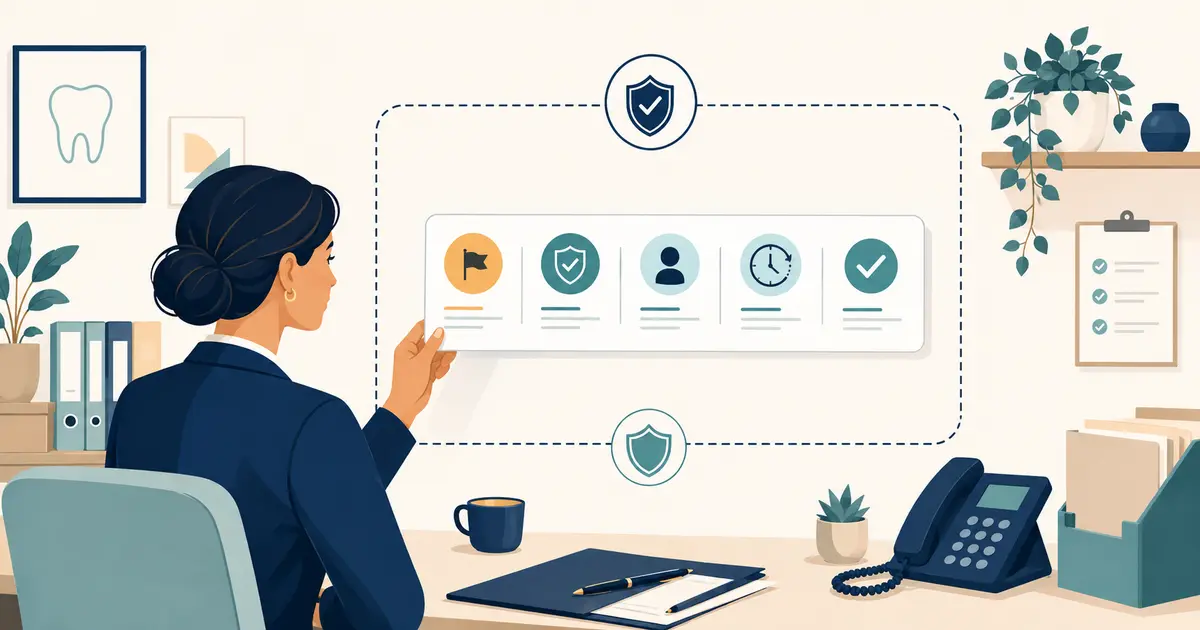
Conditional call forwarding for a dental practice routes calls only when a defined condition occurs. A busy call may go to overflow coverage. A no-answer call may forward after a set number of rings. An unavailable line may use a fallback destination. Closed-office calls may follow a separate schedule. The design is useful only when the practice knows which condition fired, where the call went, and who owns the resulting request.
For a new practice, configure these rules before public launch. A forwarded call that reaches the wrong location, loops between numbers, or disappears into an unmonitored mailbox creates a problem that caller counts alone may not reveal.
Name the call states before choosing destinations
Document the states supported by the carrier or phone platform. Common examples include:
- busy: the destination cannot accept another call;
- no answer: nobody answers within the configured interval;
- unavailable: the line or device is unreachable;
- closed: the current schedule says the practice is not open;
- manual override: staff deliberately activate a temporary route;
- outage: the primary service or internet connection fails.
The labels and technical behavior vary by provider. Ask what happens when a call is queued, when voicemail answers, when multiple devices ring, and when a destination rejects the call. Do not assume “busy” means the same thing in a cloud system as it did on a traditional line.
The broader dental office phone system guide provides a selection checklist for the underlying platform.
Build a forwarding matrix
Use one row per public number and one column per call state. Record:
| Call state | Primary destination | Timeout | Fallback | Request owner | Caller message |
|---|---|---|---|---|---|
| Open, available | Front desk group | Approved ring window | Overflow | Front desk lead | Standard greeting |
| Open, busy | Overflow group | Short | Request capture | Shift lead | Brief hold or transfer notice |
| Open, no answer | Coverage destination | Defined | Voicemail or request capture | Assigned employee | Accurate response expectation |
| Closed | After-hours path | Immediate | Closed-office mailbox | Opening employee | Hours and approved next steps |
| Outage | Independent fallback | Immediate | Secondary number | Office manager | Service-status wording |
Add rows for every location, specialty line, campaign number, and fax or nonvoice service that could be confused with a voice line. Keep the matrix in a controlled document with a named owner and change history.
Set no-answer timing from the caller's experience
A no-answer rule depends on more than ring count. Measure elapsed time from the caller's first ring until the next destination answers. Sequential ringing, queue announcements, and carrier handoffs can make a seemingly short configuration feel long.
Test:
- time to the first destination;
- time before forwarding begins;
- delay added by the carrier handoff;
- whether the caller hears silence, ringing, or a message;
- whether voicemail on the first destination intercepts the call;
- total time before a person or approved automated path answers.
Choose a window the staff can consistently meet. If the front desk normally needs more time during check-in, an overflow group may be more appropriate than an aggressive forward that pulls ordinary calls away too soon.
Prevent loops and collisions
Forwarding loops happen when Number A sends to Number B and Number B sends back to Number A, directly or through another rule. Collisions happen when carrier forwarding, phone-system routing, device rules, and an answering service each try to control the same call.
Create a simple routing diagram showing:
- the public carrier number;
- the phone platform or trunk;
- user groups and queues;
- conditional forward rules;
- outside destinations;
- voicemail and request systems;
- the final fallback.
Assign one system as the authority for each decision. Disable old device-level rules after migration, or document why they remain. Test each condition with caller ID both shown and blocked, because identity-handling rules can affect routing.
The dental call-forwarding rules guide explains how to connect technical routes to business ownership.
Preserve caller context
Ask whether the receiving destination gets the original caller number, the practice number, or both. Determine how it identifies the location and call condition. A centralized team cannot greet and route accurately if every forward looks identical.
Provide the minimum context needed for the next step:
- location or line called;
- open, busy, no-answer, closed, or outage state;
- time the call entered the route;
- whether another destination already attempted the call;
- approved script and escalation rules for that number.
Avoid placing detailed patient information in an insecure notification merely to add context. Keep sensitive request details in the practice-approved system and send a minimal alert that tells the owner where to retrieve them.
Treat after-hours routing as a separate workflow
Closed-office forwarding should not be a copy of daytime overflow. The after-hours path needs accurate hours, closure dates, approved clinical-boundary language, request ownership, and a reopening review.
Use language that distinguishes a request from a confirmed appointment. State when routine requests are expected to be reviewed. If the practice has an on-call route, document exactly when it applies and what happens when a transfer is not answered.
The dental call-forwarding answering-service guide offers a detailed setup and test plan.
Plan for outages independently
If the phone platform and its forwarding controls depend on the same internet connection, an on-platform rule may not protect the practice during an outage. Ask the carrier or platform which rules continue to operate when:
- the office loses internet access;
- the local network or power fails;
- the provider has a regional incident;
- the administrative portal is unavailable;
- credentials or integrations stop working.
Where appropriate, configure a carrier-level or otherwise independent fallback. Record the provider's support path and the identifiers an authorized employee will need. Keep an approved service-status message ready.
The dental phone outage plan includes reconciliation and restoration steps.
Protect privacy across outside destinations
Before forwarding calls to a vendor, personal device, remote employee, or external platform, map the information that destination can receive and create. Review contracts, access, authentication, device security, recordings, transcripts, notifications, retention, deletion, and incident response.
HHS explains that business-associate responsibilities depend on the functions performed and the protected health information involved. Review the HHS business-associate guidance with qualified advisors.
Limit information to what the receiving role needs. HHS also describes the minimum-necessary standard, including circumstances where it applies and exceptions that require context-specific review.
Test every condition from outside numbers
Do not validate forwarding only from an office extension. Use outside numbers and a written test matrix. For each public number, test:
- normal answer during open hours;
- simultaneous calls that create a busy or queue condition;
- no answer for the full configured interval;
- an intentionally unavailable device or line;
- closed hours, lunch, holiday, and manual override;
- primary-destination rejection;
- fallback-destination failure;
- caller hang-up during transfer;
- caller ID shown and withheld;
- return to the normal route after the test.
Record the time, path, destination, caller message, context received, request record, alert, and final owner. A test passes only when the call and its follow-up both arrive correctly.
Control changes after launch
Forwarding rules often change during vacations, staffing gaps, vendor pilots, and outages. Use a simple change record:
- requestor and approver;
- numbers and conditions affected;
- old and new destinations;
- activation and expiration time;
- test result;
- rollback instruction;
- employee responsible for restoration.
Set an expiration on temporary rules. Review the matrix after carrier, platform, number, location, staffing, or vendor changes.
Use this pre-opening checklist:
- [ ] Every public number appears in the routing matrix.
- [ ] Busy, no-answer, unavailable, closed, override, and outage states are defined.
- [ ] Timeouts are measured end to end.
- [ ] Loops and conflicting rules are removed.
- [ ] Receiving destinations get enough location and state context.
- [ ] After-hours and outage routes have separate owners.
- [ ] Privacy, vendor, device, recording, and retention controls are reviewed.
- [ ] Outside-number tests pass for every condition.
- [ ] Temporary changes expire and have rollback steps.
Conditional call forwarding for a dental practice is a chain of decisions, not a single switch. Map the states, preserve context, make failure visible, and test the complete request handoff before patients receive the number.