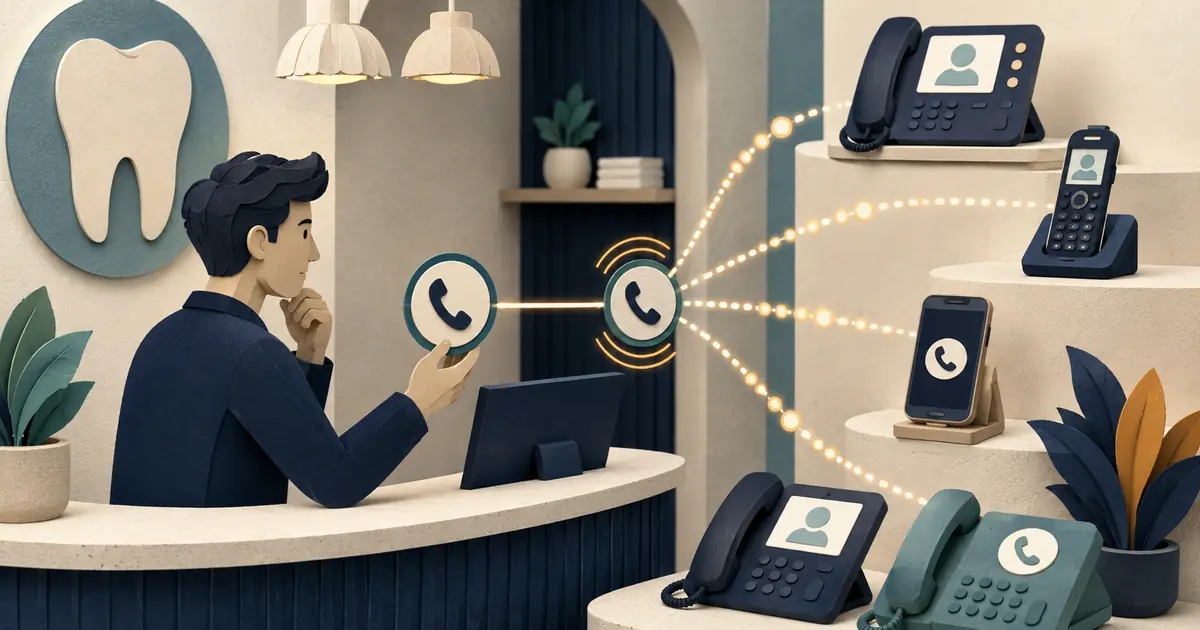
A dental office caller ID name can make an outbound call easier to recognize, but registration is not the same as guaranteed display. CNAM processes are provider- and network-dependent: the originating provider may submit a business name, while the recipient's carrier or device decides what the patient sees.
Treat caller identity as a controlled setup task, not a branding promise.
Decide the approved display identity
Choose a short, truthful name that patients can connect to the practice. Avoid a clinician's name if several providers share the line, and avoid marketing language that obscures who is calling. The spelling should match the legal or commonly used business identity accepted by the provider's registration process.
Document:
- the exact approved name;
- every outbound number authorized to use it;
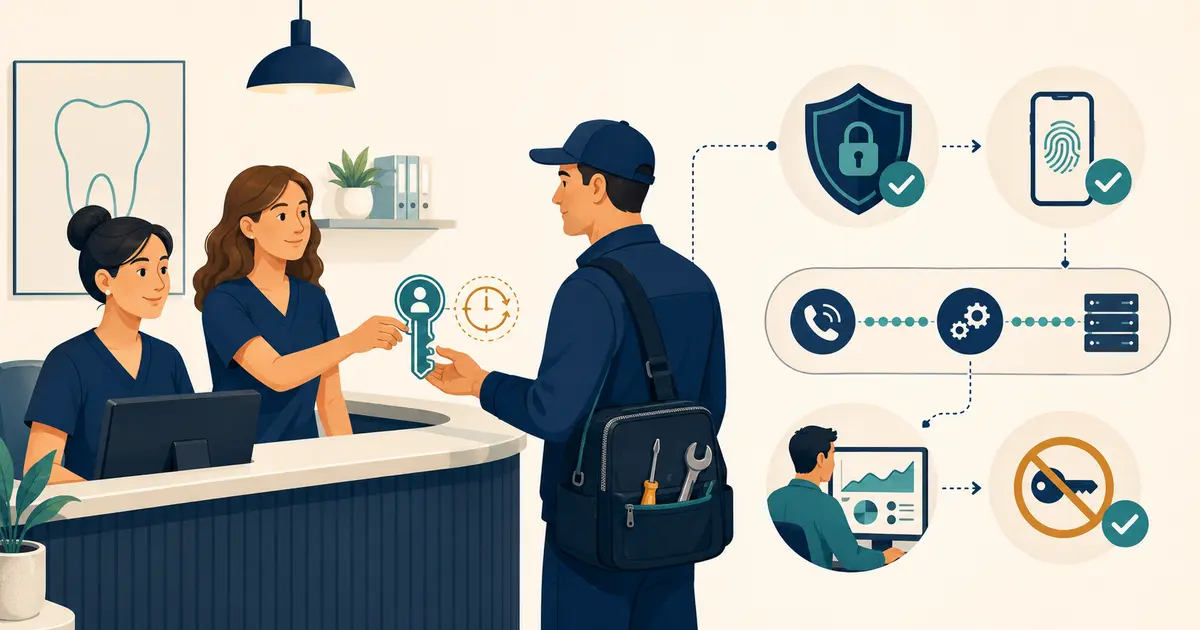
- the account owner and submitting administrator;
- the provider's eligibility and formatting rules;
- submission and approval dates;
- the date of the next verification.
The number itself should already be under practice control. Review the dental office phone-system guide and number-porting checklist before assigning a permanent identity to a temporary account.
Complete the provider-specific setup
Use the provider's current documentation. A practical sequence is:
- Verify the business and account information.
- Confirm that the number is eligible for caller-name registration.
- Submit the approved identity exactly once through the owning provider.
- Preserve the registration or support reference.
- Wait for the provider's stated propagation period.
- Test; do not infer success from an “approved” dashboard state.
Do not submit conflicting identities through several vendors for the same number. If a call platform sends from numbers owned elsewhere, map which provider controls caller ID for each route.
Test a carrier and device matrix
Place ordinary outbound calls to office-controlled test numbers, not patients. Include several mobile carriers, a landline if relevant, and common device settings.
| Test | Record |
|---|---|
| Mobile carrier A | Name shown, number shown, date, device |
| Mobile carrier B | Same fields |
| Landline or hosted desk phone | Same fields |
| Contact already saved | Whether the saved contact overrides network identity |
| Call forwarded through another route | Whether identity changes or disappears |
Separate “correct name,” “number only,” “different name,” and “blocked or labeled” outcomes. One successful test does not prove universal display.
Troubleshoot the route, not just the name
When results vary, first confirm the actual outbound number. A transfer, callback service, personal device, or secondary line may present a different number than the staff member expects. Then compare the provider account, registration state, call logs, and receiving carrier.
If the number is incorrectly labeled or blocked, use a separate correction process rather than repeatedly changing CNAM. The phone-outage plan can preserve a known fallback while the carrier investigates.
Govern later changes
Recheck caller identity after a carrier migration, number port, legal-name change, new location, outbound-route change, or unexpected increase in unanswered callbacks. Remove former administrators and keep recovery methods in a practice-controlled account.
Front-desk scripts should still identify the practice when the patient answers. Caller ID is a recognition aid, not authentication and not a substitute for a clear greeting.
Missed Calls Dental boundary
Missed Calls Dental can participate in approved outbound or handoff workflows where configured, but it does not control recipient-carrier CNAM databases or guarantee a displayed name. It does not book or change appointments, diagnose, or verify benefits. SMS is separate and readiness-gated.
Ethan Collins is an editorial pen name. This article was reviewed for accuracy and alignment with Missed Calls Dental product information.