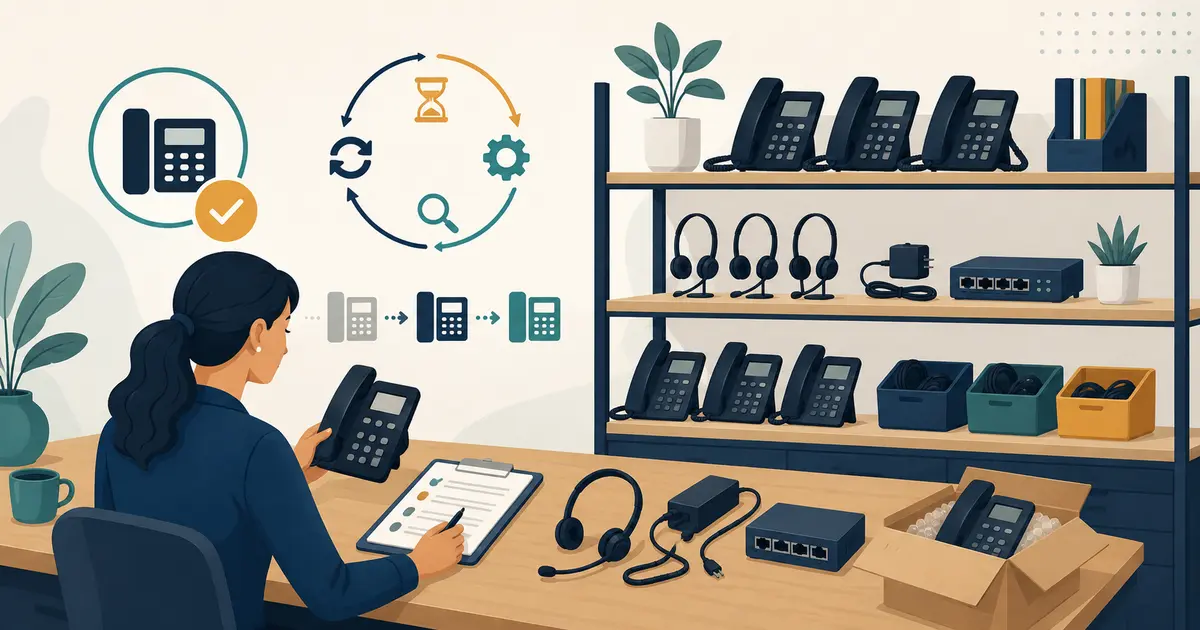
A dental phone hardware inventory should show what the practice owns or depends on, where each item is, how it is supported, and when it must be replaced. It turns a failed handset from a scavenger hunt into a controlled swap.
Inventory the complete call path
Include more than desk phones. Track headsets, cordless bases and handsets, conference devices, analog adapters, paging interfaces, routers or switches dedicated to voice, power supplies, battery backups, and approved spares. Include practice-owned mobile devices used as softphones.
For each asset, record:
- unique asset identifier and serial number;
- make, model, firmware, and hardware revision;
- assigned location and responsible role;
- network or extension assignment without recording secrets;
- purchase, warranty, support, and expected replacement dates;
- compatible power supply, headset, and accessories;
- configuration backup or standard-build reference; and
- status: active, spare, repair, retired, or disposed.
Map assets to the documented dental office phone system so the inventory shows which failure would affect a public number, operatory, or administrative route.
Build a tested spare strategy
Choose spares from actual failure impact and replacement lead time. A boxed phone is not a ready spare if its firmware, account assignment, power supply, or network configuration is unknown. Configure and test representative spare equipment, then store it securely with a dated check.
Document a swap procedure that a designated manager can follow: identify the failed asset, isolate it, install the approved replacement, validate inbound and outbound calling, check transfer and voicemail, and update the inventory.
Set replacement triggers
Do not wait only for visible failure. Replacement triggers may include vendor end-of-support, unavailable security updates, damaged cables or batteries, audio defects, incompatible platform versions, repeated support incidents, or an inability to meet current location and emergency-calling requirements.
Review the inventory before budgeting and at least on a regular schedule set by the practice. Test call quality with the dental office VoIP quality test when hardware or its network path changes.
Protect configuration and location data
Limit inventory access according to role. Do not place passwords, recovery codes, or reusable administrative secrets in the asset sheet. Use individual administrator accounts with multifactor authentication and an approved secrets process.
Movable endpoints also need location governance. If a device can place emergency calls, confirm its dispatchable-location behavior with the provider and the dental office E911 checklist when it moves.
Retire devices deliberately
Before reuse, return, recycling, or disposal, remove the device from service, revoke registrations, clear local data using the manufacturer-approved method, remove labels that disclose internal details, and retain appropriate disposal evidence. CISA recommends taking deliberate steps to protect data stored on devices before disposal or reuse.
Update the inventory immediately so a retired endpoint cannot remain an assumed fallback. If the device is lost rather than retired, follow the incident process instead of marking it disposed.
Missed Calls Dental boundary
Missed Calls Dental does not supply, inventory, configure, or dispose of the practice's phones, headsets, network equipment, or emergency-calling endpoints. It may be a configured call destination but does not control the underlying hardware path. The practice owns assets, support, security, testing, replacement, and disposal. SMS is separate and readiness-gated.
Marcus Lee is an editorial pen name. This article was reviewed for accuracy and alignment with Missed Calls Dental product information.