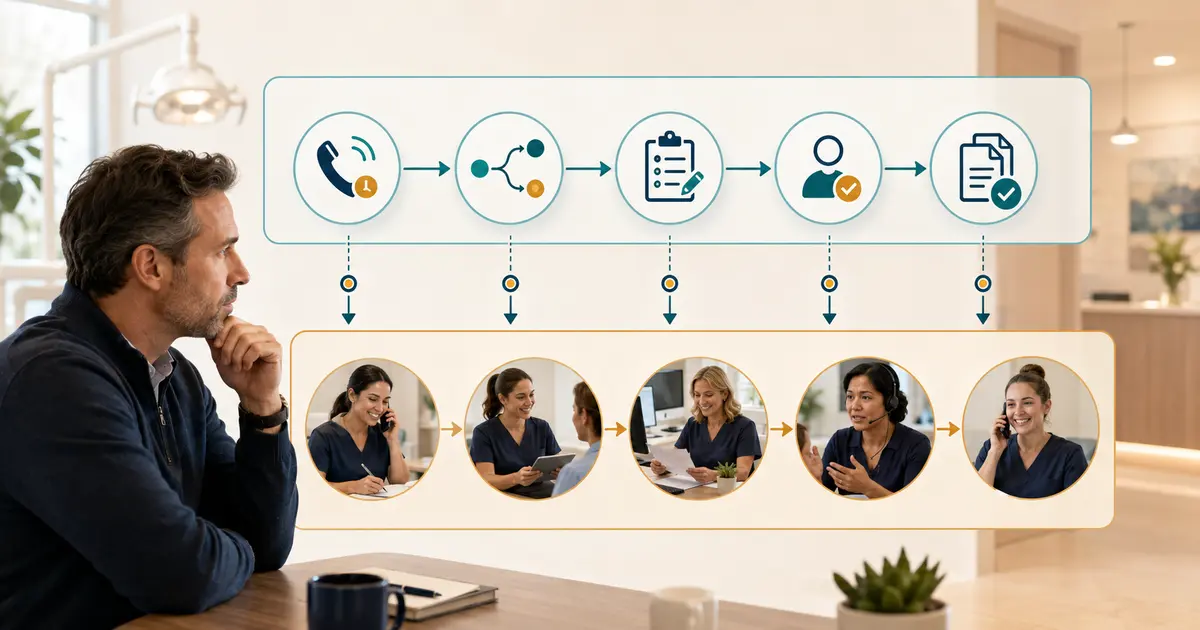
Dental missed-call automation should automate repeatable steps—detect an eligible unanswered call, route it to approved coverage, collect a narrow request, create an assigned work item, suppress duplicates, and surface unresolved follow-up. Staff should still own appointment confirmation, clinical questions, benefit and fee verification, complaints, exceptions, relationship decisions, and the final outcome.
The useful design is not “automate every missed call.” It is “automate the next safe step and make human ownership visible.”
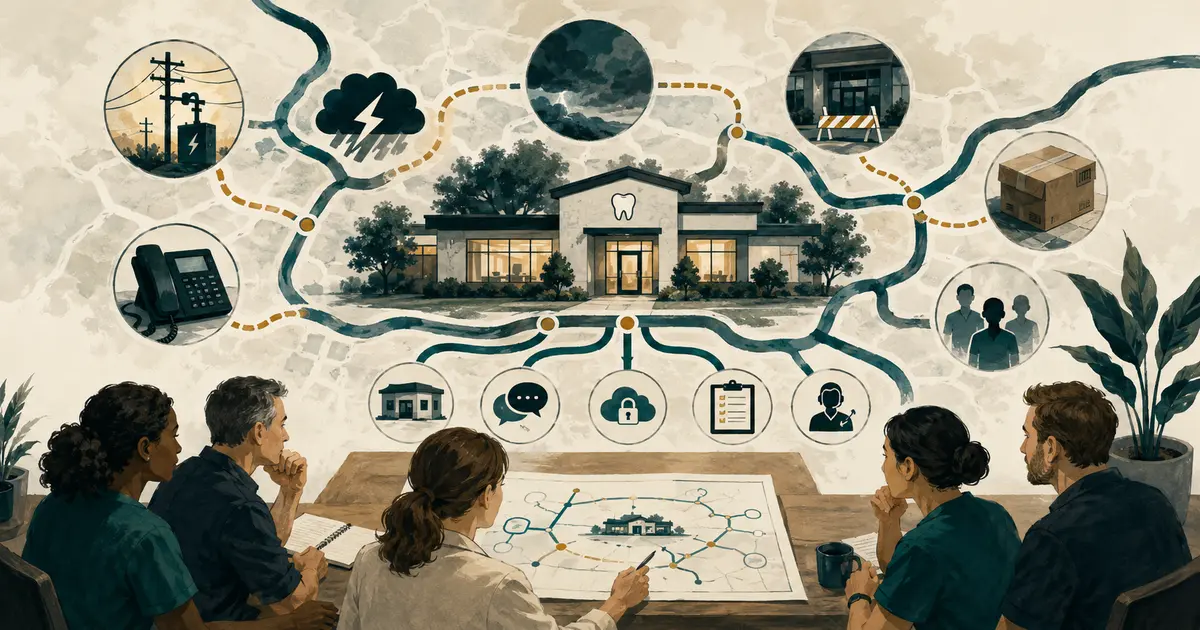
Map the current missed-call path
Before adding software, observe what happens today:
- Why was the call unanswered?
- Did it reach voicemail, keep ringing, or disconnect?
- Was caller ID preserved?
- Did staff receive a useful notification?
- Who decided whether to call back?
- Where was the attempt documented?
- Did another employee or location duplicate it?
- Was an appointment requested, scheduled, declined, or still pending?
Review several ordinary weeks by hour, location, and call condition. Separate:
- busy-line collision — staff were already on calls;
- no answer — phones rang but nobody answered;
- closed office — the call arrived outside the staffed schedule;
- routing failure — the phone system sent the call incorrectly;
- staffing or process gap — the office had capacity but responsibility was unclear;
- spam, vendor, or wrong number — not a patient opportunity.
Automation cannot repair an unknown cause. It may simply move the same confusion into a new queue.
The guide to reducing missed calls provides a baseline for measuring the problem before choosing coverage.
Automate call routing only after testing the trigger
Conditional forwarding can send busy, no-answer, unavailable, or after-hours calls to a separate destination. Define each trigger with the phone provider.
Verify:
- number of rings or seconds before no-answer forwarding;
- what the provider considers busy;
- whether original caller ID is preserved;
- whether voicemail answers first;
- whether schedules and holidays expire correctly;
- what happens if the destination is unavailable;
- whether forwarding creates charges;
- how the manager disables and restores the route.
Do not activate busy, no-answer, after-hours, simultaneous-ring, and voicemail paths together without a simple diagram. Each additional branch can create duplicate messages or loops.
The call-forwarding setup guide includes outside-call, caller-ID, failure, and rollback tests.
Automate narrow request capture
An AI or answering path can collect information the front desk needs for the next action:
- caller name when provided;
- confirmed callback number;
- intended location;
- new or existing patient when relevant;
- general reason for contact;
- preferred callback window;
- approved office facts the service may share.
Keep the scope narrow. The automated path should not:
- diagnose or give treatment advice;
- decide clinical urgency;
- promise availability;
- claim an appointment is booked, canceled, or changed without verified completion;
- confirm individual insurance benefits;
- quote an unverified treatment fee;
- collect payment unless a separately approved workflow exists;
- pretend to be human.
Use pending language:
“I can record your request for the dental office. No appointment has been scheduled yet. The front desk will review the request through its normal process.”
Automation succeeds when the office receives a useful, bounded request—not when the conversation imitates every receptionist function.
Automate text-back only through an approved path
A neutral text can acknowledge an eligible missed call and invite a simple response. It requires a separate messaging workflow, consent analysis, sender registration or verification, privacy controls, opt-out handling, and reply ownership.
“Green Valley Dental: We received a call from this number and could not connect. Reply with your name and a brief reason for calling, or call 312-555-0148. Reply STOP to opt out.”
Do not assume that voice coverage automatically includes active SMS. Carrier approval, readiness, and sender configuration can be separate. If the messaging path is unavailable, voice and Workspace coverage should not be described as unavailable unless the product actually couples them.
The front-desk missed-call text-back workflow covers eligibility, wording, STOP, HELP, wrong numbers, after-hours replies, and end-to-end tests.
The ADA advises practices to stop calls or texts when permission is revoked, respond to wrong or reassigned numbers, and examine the exact federal and state rules for their messages. Review the ADA phoning and texting guidance with qualified counsel.
Automate assignment, not accountability
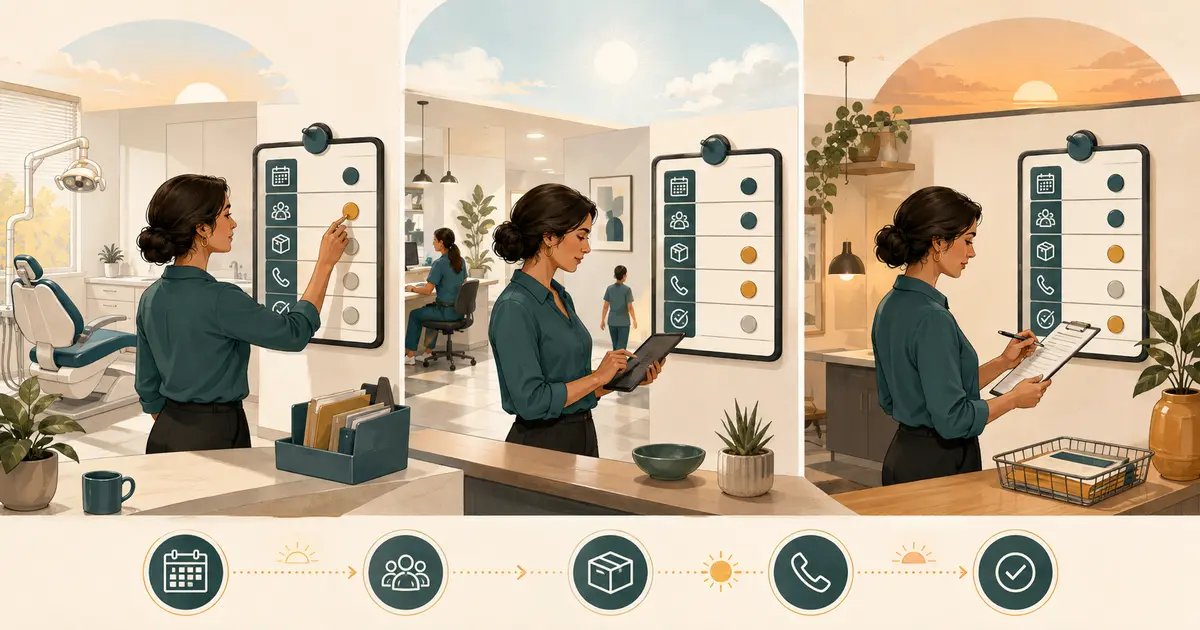
When a request arrives, software can assign it by location, call type, schedule, or team. The practice must still define who is accountable.
Each work item should show:
- source call and time;
- caller and verified return number;
- general request;
- location;
- current owner;
- pending, handled, or blocked status;
- next action;
- approved response window;
- contact attempts;
- final outcome.
Avoid sending the same request to every employee by email and text. Broadcast notification makes everyone aware but nobody responsible.
Use escalation rules for unacknowledged work:
- assign to primary owner;
- remind after the practice's defined interval;
- escalate to backup or manager;
- keep the request open until a human records the outcome.
Automation may move ownership. It should never mark a patient request handled merely because a notification was delivered.
Suppress duplicate outreach
A patient may call twice, leave voicemail, reply to a text, submit a form, or reach a second location. Configure automation to look for an active related request before starting another sequence.
Suppress a new message or task when:
- the same call already created a request;
- the number has an open conversation;
- a staff member completed a callback;
- the patient replied through an approved channel;
- the number opted out or was marked wrong;
- the request was closed;
- the new event is an automated reply rather than a person.
When two requests may represent the same caller, merge or link them under office policy and preserve the source history. Do not delete an event merely to make the queue look cleaner.
Keep decision-heavy work with staff
Automate reminders around these tasks, not the decisions themselves:
Scheduling
Staff confirm actual availability, save the appointment, and communicate the final date, time, provider, and location.
Clinical concerns
An authorized clinical role reviews and responds. Front desk and automation do not diagnose or triage.
Insurance and financial questions
Staff follow the practice's verification and estimate process. General participation information is not an individual benefit determination.
Complaints and exceptions
A manager or authorized person reviews the record, policy, and context. Automation should not issue an apology that admits fault, promise a refund, waive a fee, or end a patient relationship.
Consent, wrong numbers, and privacy incidents
Systems can detect keywords or flags, but staff must review ordinary-language revocation, possible reassignment, and misdirected information under the practice's policy.
Outcome
Staff record whether the caller was reached, an appointment was scheduled, the patient declined, another role owns the issue, or follow-up remains blocked. A captured request is not revenue and not a completed appointment.
Separate operational automation from marketing
Do not turn a missed-call recovery message into a recurring promotion without a separate, reviewed marketing program.
Keep separate:
- purpose;
- consent;
- sender and registration;
- message content;
- frequency;
- opt-out behavior;
- staff owner;
- reporting.
A patient who called the office may reasonably receive an approved response to that request. That does not automatically authorize newsletters, financing offers, review requests, or promotional campaigns.
Protect privacy across every handoff
Map where recordings, transcripts, summaries, messages, notifications, exports, and logs are stored. Identify which vendors create, receive, maintain, or transmit the information.
Review:
- required agreements;
- minimum necessary collection;
- individual accounts and roles;
- staff and vendor support access;
- encryption and administrative controls;
- retention and deletion;
- mobile-device use;
- incident notification;
- data export at termination.
HHS says risk analysis must cover all ePHI an organization creates, receives, maintains, or transmits and should identify external sources such as vendors. See the HHS risk-analysis guidance.
Do not put detailed clinical content in a lock-screen text, generic email alert, or broad team chat just because an automated tool can send it.
Add failure and stop controls
Every automation needs a safe fallback.
Define what happens when:
- caller ID is missing;
- forwarding fails;
- the AI or answering destination is unavailable;
- the request queue cannot write;
- a notification fails;
- the text sender is not approved;
- a message is blocked;
- the phone number is wrong or reassigned;
- staff do not acknowledge the task;
- usage reaches the plan limit;
- the office closes unexpectedly.
The safe outcome may be controlled voicemail, no message, manager alert, paper downtime log, or route restoration. It should not be a silent loss or uncontrolled retry loop.
Give the owner a documented way to:
- disable forwarding;
- pause AI coverage;
- pause messaging independently;
- reassign open requests;
- restore normal voicemail;
- export unresolved work;
- contact vendors;
- verify recovery with outside tests.
Pilot one narrow condition
Start with one measurable gap, such as no-answer calls during lunch or after hours.
For two to four representative weeks:
- record eligible calls;
- verify which calls reached automation;
- review captured-request quality;
- measure staff acknowledgment and follow-up time;
- record duplicates, opt-outs, wrong numbers, and exceptions;
- verify appointment and outcome status manually;
- estimate complete cost;
- collect staff feedback;
- test disabling the route.
Do not expand because call volume is high. Expand when the existing condition is reliable, staff ownership is clear, and the next condition has a defined benefit.
Measure the whole workflow
Track:
- eligible missed calls;
- calls routed successfully;
- usable requests created;
- requests acknowledged by staff;
- time to first staff action;
- callers reached;
- appointments requested and separately confirmed;
- duplicate outreach prevented;
- opt-outs and wrong numbers;
- open or blocked requests;
- routing, message, or queue failures;
- AI minutes, SMS segments, and total cost;
- staff follow-up time.
Do not claim the automation caused every appointment from a caller who interacted with it. Compare against a baseline and keep captured, contacted, requested, scheduled, and completed outcomes separate.
Dental missed-call automation checklist
Before activation, confirm:
- [ ] the missed-call causes and target coverage condition are measured;
- [ ] routing triggers, caller ID, voicemail order, failure, and rollback pass testing;
- [ ] automated capture has narrow fields and explicit authority limits;
- [ ] SMS is treated as a separately approved and ready channel;
- [ ] each request enters one queue with an owner and current status;
- [ ] duplicate, reply, opt-out, wrong-number, and closed-request suppression works;
- [ ] staff retain scheduling, clinical, benefit, financial, complaint, and exception decisions;
- [ ] privacy, vendors, access, retention, and incidents are reviewed;
- [ ] every component has a fail-safe and owner-controlled stop;
- [ ] the pilot covers one narrow condition with a baseline;
- [ ] outcome reporting distinguishes capture from confirmed results;
- [ ] the practice reviews quality and unresolved work regularly.
The best missed-call automation for dental offices does not remove people from patient communication. It removes repeated mechanical steps, gives staff better information sooner, and preserves a clear line between what the system can capture and what the dental team must decide.