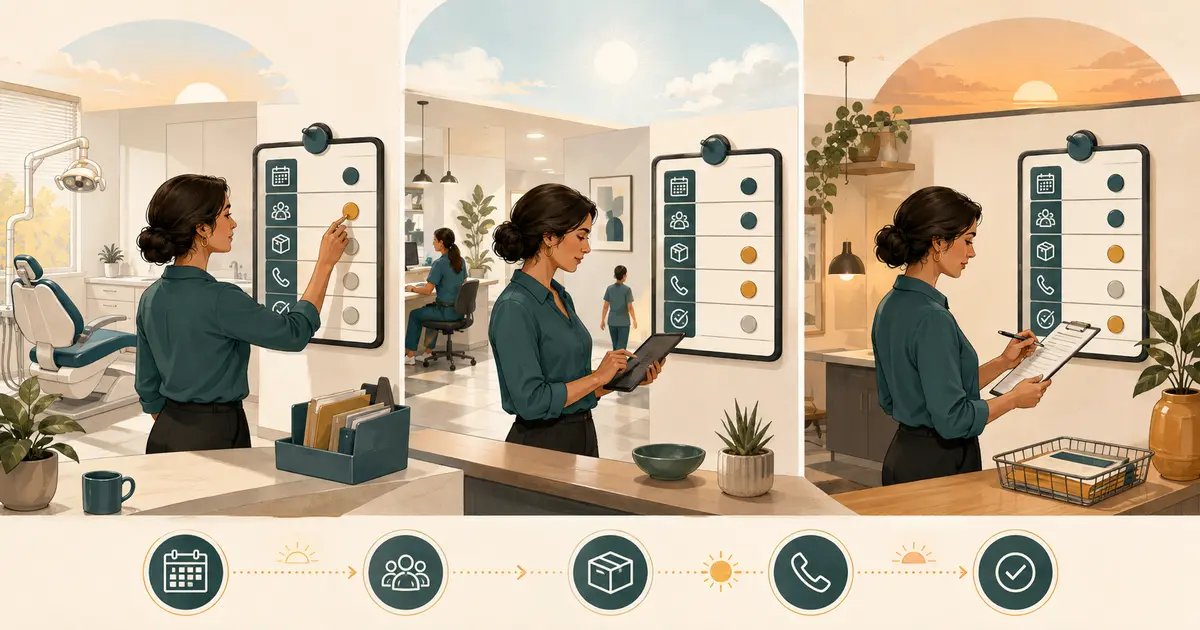
A dental practice business continuity plan explains how the office protects people, pauses unsafe work, maintains essential communication, and restores operations after a disruption. It should cover more than weather. Power loss, water damage, fire, cyberattack, phone outage, vendor failure, building access, equipment loss, and sudden staffing shortages can all interrupt care.
The plan below is an operational starting point, not a substitute for emergency, clinical, legal, insurance, IT, privacy, or local public-safety guidance. Assign qualified owners to approve the final plan. In an immediate threat, protect life and follow emergency authorities before attempting business recovery.
Copy this one-page continuity plan
Keep an accessible controlled copy, including an offline version that does not depend on the affected system.
Plan owner: Backup owner: Version and review date: Emergency services and building contacts: Decision authority for closure, relocation, and reopening: Employee check-in method and backup: Patient status channel and backup: Critical vendors and alternate contacts: IT/security response contact: Insurance contact and policy location: Approved downtime documentation method: Location of protected backups: Minimum services or communications to maintain: Reopening approval criteria: Next exercise date:
First 30 minutes
- Protect patients, staff, and visitors; call emergency services when needed.
- Stop affected clinical or business processes.
- Account for people without delaying evacuation.
- Notify the incident decision owner.
- Preserve evidence; do not troubleshoot a suspected cyber incident casually.
- Start an incident log with time, source, decisions, and owners.
First two hours
- Decide whether to close, shelter, relocate, or operate in a limited mode.
- Activate staff and patient communication.
- Identify appointments and time-sensitive handoffs affected.
- Engage building, utility, IT, vendor, insurance, or public-safety contacts.
- Protect records and equipment within safe, approved limits.
- Assign the next decision time.
Recovery
- Verify the facility, equipment, utilities, systems, supplies, and staffing needed for safe operations.
- Reconcile downtime records and unfinished work.
- Contact affected patients through approved channels.
- Document losses, decisions, and restoration work.
- Reopen only after authorized owners confirm the required criteria.
- Conduct an after-action review and update the plan.
Build the continuity system
Identify the functions that cannot simply disappear
List the practice's essential functions, then define the maximum tolerable interruption for planning purposes. Do not invent a universal target; the acceptable outage depends on the function, patient need, contractual duties, available alternatives, and qualified guidance.
Common functions include:
- protecting people on site;
- receiving and triaging urgent patient communications;
- accessing information needed for continuity of care through authorized methods;
- communicating closures and appointment changes;
- maintaining privacy and security;
- preserving or retrieving records;
- protecting temperature-, sterility-, or environment-sensitive supplies;
- maintaining payroll and essential vendor payments;
- coordinating labs, referrals, and unfinished treatment handoffs;
- documenting decisions and downtime activity.
For each function, record its owner, backup owner, dependencies, approved workaround, data needed, vendors involved, and restoration priority. The SBA's resilience guidance emphasizes documenting essential operations and dependencies, key partners, vital resources, financial readiness, and mitigation.
Build a scenario-independent decision structure
A thick binder organized by disaster type can fail when the actual incident does not fit a label. Create a common command structure that works for most disruptions.
Define who can:
- order evacuation or call emergency services;
- stop clinical operations;
- close the office or alter hours;
- approve patient communications;
- contact the landlord, utilities, and insurers;
- isolate systems or invoke cyber response;
- authorize alternate vendors;
- approve downtime documentation;
- determine reopening.
Name backups. Keep contacts in more than one protected location. A plan that lists only the owner dentist can stall when that person is unavailable.
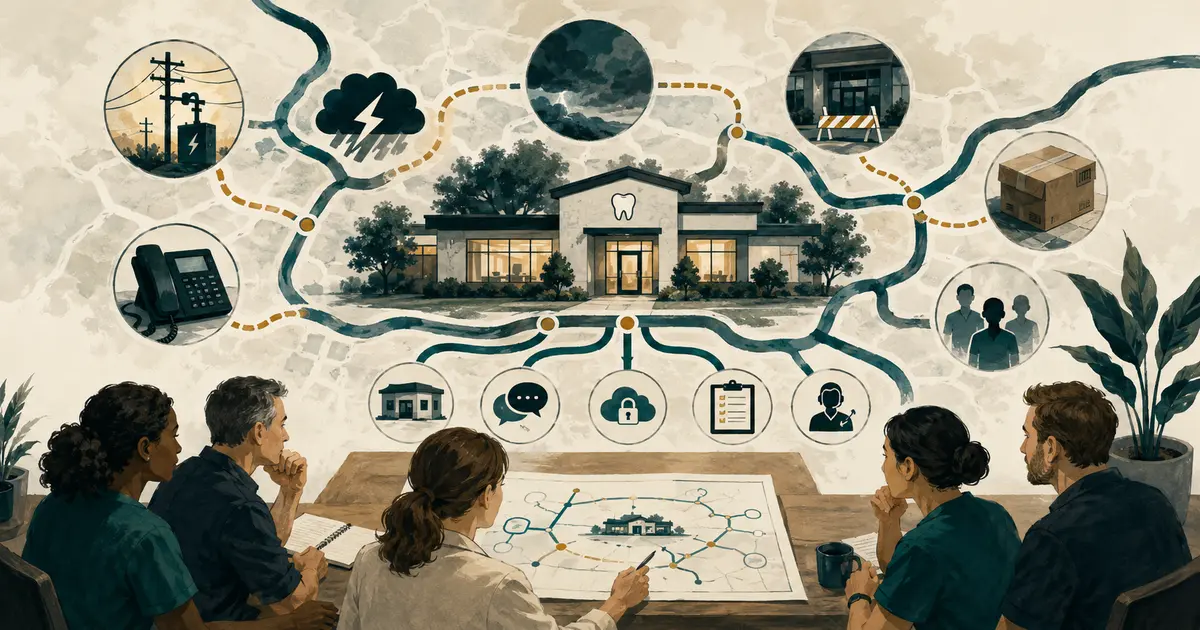
Map dependencies and alternate paths
For each critical function, ask, “What must be available for this to work?” Dependencies may include electricity, water, compressed air, internet, phones, practice software, imaging, payment systems, building access, staff, laboratory service, supplies, or a particular device.
Then define an alternate path, if one exists. Examples include an approved cloud status page, a secondary staff call tree, a paper downtime packet, an alternate lab contact, or a preapproved location for essential leadership work. Do not move care or patient data to an improvised consumer tool.
If phones fail, use the dental office phone outage message as a communication starting point. The message should state the current status, how urgent needs are handled, and when the next update will be available without exposing patient information.
Protect patient information during downtime
HIPAA obligations do not vanish during an emergency. HHS explains that providers may share patient information needed for treatment and care coordination, but other disclosures and safeguards still require careful handling. Have the privacy owner define what information is necessary, which channels are authorized, how identity is verified, and how downtime activity is recorded.
Prepare controlled paper or offline forms for:
- patient communication attempts;
- urgent-message intake and routing;
- appointment disposition;
- clinical downtime documentation, if approved;
- disclosures and handoffs;
- incident decisions;
- later reconciliation into the authoritative system.
Number packets or pages if the practice's procedure requires it. Store blank forms securely, restrict completed forms, and define who reconciles and disposes of them. Do not photograph records on personal phones or create an unapproved spreadsheet because the primary system is unavailable.
Regular, protected backups support both cyber recovery and disaster recovery. The ADA recommends regular backups with a secured off-site copy as a defense against ransomware and physical disasters. An IT owner should verify that backups are isolated as appropriate, monitored, and actually restorable. “Backup complete” is not the same as a tested recovery.
Create communications in advance
Prepare short templates for staff, scheduled patients, website or social status, vendors, and referral partners. Each template should include:
- confirmed status;
- action the recipient should take;
- approved alternative contact, if any;
- when the next update will be issued;
- language that avoids speculation and unnecessary clinical detail.
Example patient notice:
“Our office is temporarily closed because of [general operational issue]. We are contacting patients whose appointments are affected. For a dental emergency, use [approved instruction]. Please do not send private health information through social media. Our next status update will be posted or sent by [time/date].”
Do not announce a cyber “breach,” cause, safety assurance, or reopening time until the authorized incident owner has verified it. Preserve approved messaging credentials and define a backup publisher.
Plan for vendors, finances, and the facility
Maintain a protected list of the landlord or property manager, restoration company, utility, equipment service, IT/security provider, practice software, phone carrier, lab, supply vendor, waste service, payroll, bank, and insurer. Record contract or account references only where access is appropriately controlled.
Ask critical vendors:
- How is an outage reported after hours?
- What support level applies?
- What data or equipment do they control?
- What alternate service is available?
- How do they communicate a security incident?
- What documentation will insurance require?
Review business interruption and property coverage with a qualified insurance professional. Preserve current inventories, serial numbers, photographs, leases, contracts, and policy information in approved locations. The SBA recommends understanding operational dependencies, safeguarding resources, strengthening financial readiness, and identifying key partners before a disaster.
Set reopening gates
Reopening is not simply “the lights are on.” Create scenario-specific checks under qualified owners. Depending on the event, confirmation may be needed for:
- safe building access;
- utilities and water;
- infection-control environment;
- equipment inspection and manufacturer requirements;
- network and system integrity;
- access to required records;
- adequate trained staffing;
- critical supplies;
- patient notification and schedule capacity;
- unresolved hazards or restrictions.
Document who approved each gate and when. If the office returns in a limited mode, state exactly which services are available and who controls expansion.
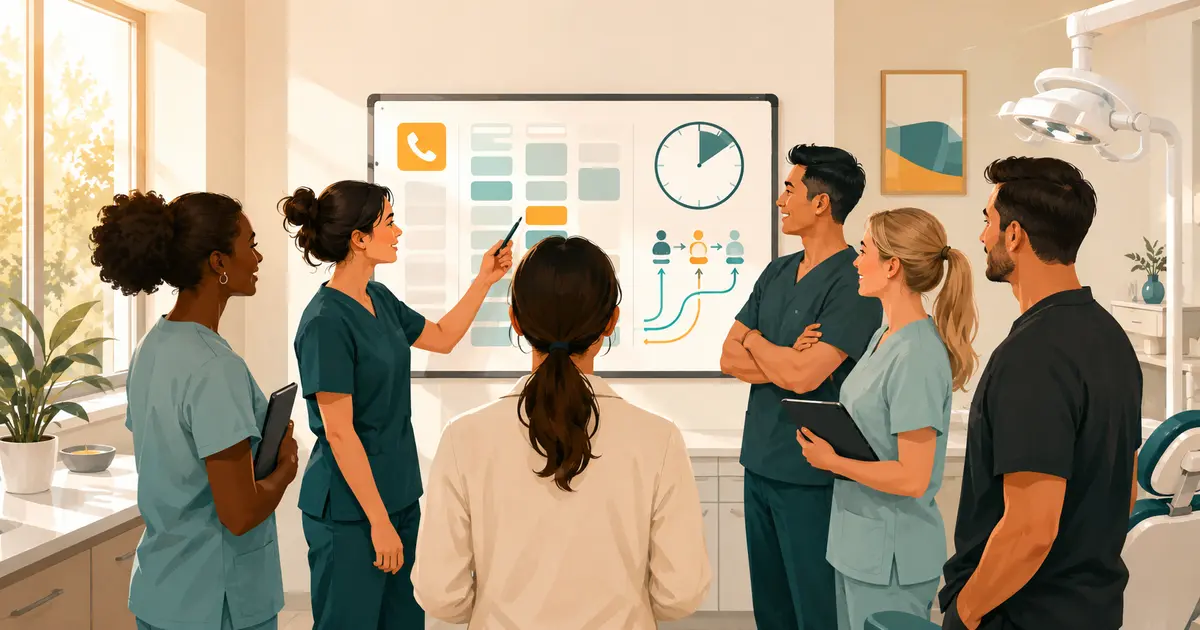
Test the plan with short exercises
The SBA recommends testing continuity plans, and its resilience guidance includes template-based preparation. A discussion exercise can take 30 minutes:
- Announce a scenario: the building loses power and phones at 8:10 a.m.
- Ask each owner what they do first and what information they need.
- Test the call tree and access to offline contacts without sending real patient messages.
- Walk through appointment disposition and urgent-message routing.
- Record gaps, owners, and due dates.
- Revise the plan and schedule a retest.
Run different scenarios: ransomware, water damage, sudden closure, key vendor failure, and inability to access the building. Include backups, not only primary leaders. Coordinate any live safety drill with appropriate professionals and authorities.
Use the dental office SOP template for each approved recovery procedure and dental office onboarding checklist to teach employees where the plan is and what their role requires.
Continuity plan audit
Quarterly or after a material change, confirm that:
- decision owners and backups are current;
- contacts work from outside the primary system;
- staff know where to report their status;
- patient messages use current channels;
- backups are monitored and restore tests are documented;
- downtime forms are current and protected;
- vendor and insurance information is accessible;
- facility and equipment recovery steps have qualified owners;
- the exercise calendar is active;
- lessons from incidents and tests were closed.
The goal is not to predict every disaster. It is to give the team a dependable structure for protecting people, communicating clearly, preserving information, and making controlled recovery decisions when normal systems are unavailable.