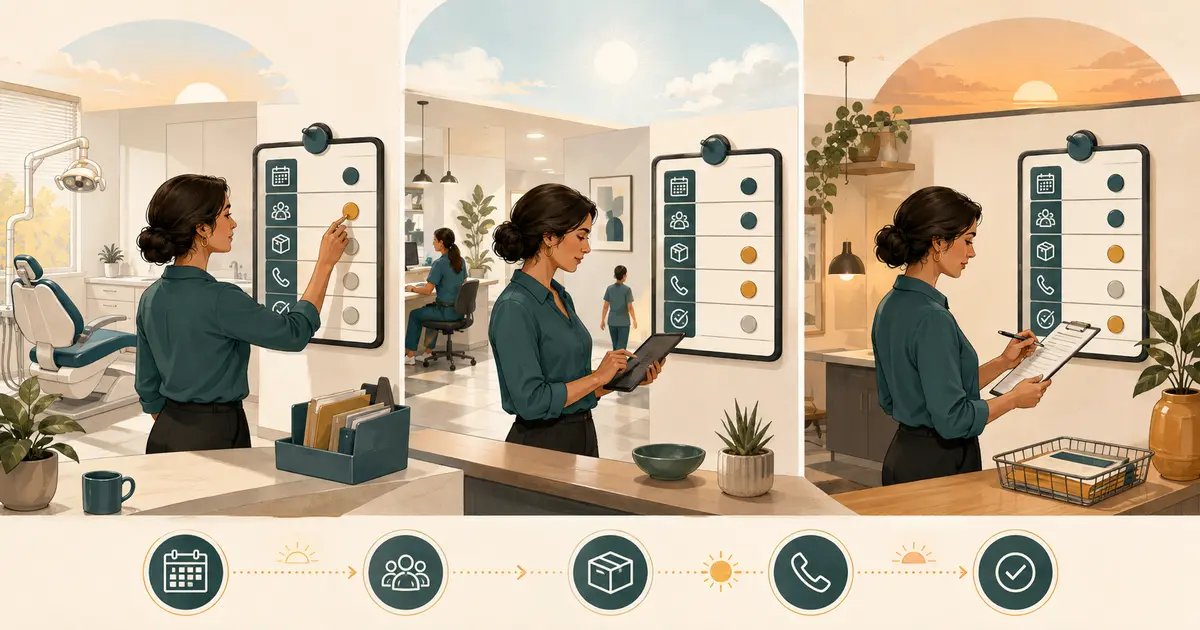
A dental office manager daily checklist should help the manager see risk early, assign ownership, and close important loops. It should not make one person responsible for every call, claim, supply, safety check, and patient concern. The checklist below uses four time blocks—before opening, morning control, afternoon control, and closing—so work is reviewed when action is still possible.
Adapt it to your staffing, services, systems, state requirements, clinical leadership, privacy program, safety program, and financial controls. Clinical care, infection prevention, security, HR, accounting, and compliance tasks must remain with qualified authorized owners.
Copy the daily checklist
Before opening
- [ ] Confirm building access and visible facility concerns.
- [ ] Review system, phone, internet, utility, equipment, or vendor outages reported overnight.
- [ ] Confirm opening coverage and identify staffing gaps.
- [ ] Review today's schedule for emergencies, new patients, lengthy visits, special accommodations, lab dependencies, and known timing risks.
- [ ] Confirm the owner for urgent messages and same-day schedule decisions.
- [ ] Check that required work areas have completed their approved opening procedures.
- [ ] Start the daily issue log: issue, owner, next action, due time, status.
Morning huddle and control
- [ ] Run a brief huddle focused on today's exceptions, not a full chart review.
- [ ] Confirm changes, arrivals, and unresolved previsit requirements.
- [ ] Review early patient flow and communicate verified delays.
- [ ] Assign unowned calls, portal messages, referrals, labs, and billing questions.
- [ ] Escalate safety, privacy, clinical, personnel, or financial-control concerns.
- [ ] Confirm breaks and coverage rather than waiting for the schedule to fail.
Afternoon control
- [ ] Recheck schedule condition, urgent demand, and remaining capacity.
- [ ] Review open patient communications and promised callbacks.
- [ ] Confirm that payment, deposit, and adjustment workflows are following assigned controls.
- [ ] Review tomorrow's major exceptions and missing dependencies.
- [ ] Check supply exceptions reported by designated owners.
- [ ] Move blocked items to a named decision owner with a due time.
Closing
- [ ] Confirm disposition of urgent messages and time-sensitive patient needs.
- [ ] Reconcile required financial and payment-control steps through authorized roles.
- [ ] Review unfinished appointments, referrals, labs, claims, records requests, and callbacks.
- [ ] Create a clear handoff for each open item.
- [ ] Confirm completion of approved closing and security procedures.
- [ ] Record outages, incidents, variances, and decisions that need follow-up.
- [ ] Identify tomorrow's first three operational risks.
- [ ] Sign or acknowledge completion according to policy.
Use a control board, not a memory test
Create one authorized daily view with five columns:
| Issue or commitment | Owner | Next action | Due | Status/evidence |
|---|---|---|---|---|
The board should contain only the minimum information needed for coordination. Do not put diagnoses, detailed treatment, card data, passwords, employee health information, or sensitive complaints on a public whiteboard. Use identifiers and systems approved by the practice.
The manager's job is to ensure each item has an owner and completion signal. “Someone will call” is not a handoff. “Jordan will call through the approved patient channel by 11:00 a.m. and update the work queue” is accountable.
Run the checklist by control point
Before opening: find the day's constraints
Review the schedule as an operating system. Look for dependencies that could cause a cascade:
- the first appointment is likely to need more time;
- a lab case has not arrived;
- a new patient has incomplete intake;
- an employee called out;
- an operatory or piece of equipment is unavailable;
- a patient needs an approved accommodation;
- an urgent visit must be placed;
- a provider or hygienist has a fixed departure time.
Do not diagnose or rearrange care beyond your authority. Bring the constraint to the clinical and scheduling owners. If the practice maintains emergency capacity, confirm how it will be used. The ADA recommends reviewing the schedule each morning and coordinating the best time for emergency patients.
If phones, systems, or utilities are down, activate the relevant plan rather than improvising. The dental office phone outage message provides a structured communication starting point.
Run a seven-minute huddle
Keep the huddle short enough to sustain. One format is:
- Safety or facility exception.
- Staffing and coverage.
- First-half schedule risks.
- New patients, urgent demand, and timing-sensitive handoffs.
- One patient-experience priority.
- Owners for unresolved items.
- Next check-in time.
Do not discuss sensitive patient or employee details where unauthorized people can hear. Do not use the huddle to criticize an individual. Performance coaching belongs in private.
Record decisions that affect the day. If a slot is protected for urgent needs, state who may release it and when. If a clinician needs a schedule adjustment, confirm which team member will contact affected patients.
Manage flow by exception
The office manager does not need to monitor every routine step. Define triggers for intervention:
- a patient has waited beyond the practice's update interval;
- an operatory is blocked;
- a clinician is running behind and later appointments are affected;
- a patient concern has no owner;
- a promised callback is nearing its due time;
- check-in or checkout has accumulated beyond defined capacity;
- a staff absence threatens breaks or safe coverage.
When a trigger occurs, confirm facts, choose an authorized response, and communicate. Avoid vague explanations such as “we are very busy.” The ADA advises acknowledging unavoidable delays and apologizing to patients whose time is affected. Use dental office KPIs to measure and improve the system, not only the symptom.
Keep clinical and safety controls with qualified owners
An office manager may coordinate the evidence that required checks occurred, but should not sign off on clinical or technical work they did not perform or assess. Define who owns:
- infection-prevention opening and closing procedures;
- sterilization monitoring and records;
- dental unit water and equipment checks;
- medications and emergency equipment;
- radiography and other regulated equipment;
- hazardous materials and waste;
- clinical incident response.
CDC guidance says dental settings should maintain site-specific infection-prevention policies, adequate supplies, training, and systematic assessment of compliance. Its sterilization guidance also emphasizes correct sequencing, manufacturer instructions, monitoring, and records. Use those qualified programs—not a generic manager checklist—as the authority.
The ADA's equipment safety checklist spans items such as X-ray, AED, amalgam recovery, sterilization equipment, dental unit waterlines, nitrous oxide, monitoring equipment, and emergency oxygen. Assign each to an appropriately trained owner and schedule; do not force every item into a daily administrative list.
Review money through separation of duties
Daily financial oversight should verify that the practice's controls happened. It should not give one person unchecked ability to receive money, post transactions, issue refunds, change adjustments, reconcile deposits, and approve discrepancies.
Depending on the practice, manager checks may include:
- required drawer or terminal opening procedure;
- exceptions in posted payments;
- adjustments, refunds, write-offs, and overrides awaiting authorized approval;
- deposit preparation and custody handoff;
- unmatched transactions;
- failed payment communications routed correctly;
- daily close or reconciliation completed by assigned roles.
Never place full card data or credentials in the daily log. Route unexplained differences to the finance owner. Document the investigation without editing the original transaction trail.
Control patient promises and handoffs
Promises create operational debt. During the afternoon check, find items such as:
- “We will call you today.”
- “The dentist will review this.”
- “We will send the referral.”
- “Billing will check the estimate.”
- “We will update the contact information.”
- “The lab status will be confirmed.”
Each needs an owner, due point, and completion record. Use the dental office SOP template for repeat workflows. If the patient disputes a chart item, route it through how to correct dental records rather than editing content from the daily control board.
Close without hiding unfinished work
A good close does not pretend every item was finished. It makes unfinished work visible and safe. For each open item, record:
- current status;
- last verified action;
- next action;
- named owner;
- due time;
- escalation if that time is missed.
Confirm that urgent messages reached the appropriate clinical owner. Verify that tomorrow's first appointments are not blocked by a known missing dependency. Store records and money under policy, complete access and alarm procedures, and ensure no sensitive material remains exposed.
If an incident occurred, preserve the facts and route it. Do not rewrite the log to make the day appear smoother.
Weekly review of the daily checklist
Once a week, examine the checklists for patterns:
- Which issue appears repeatedly?
- Which tasks often have no owner?
- Where are due times missed?
- Which “urgent” items were actually predictable?
- What is being checked but never acted on?
- Which item belongs in another role's procedure?
- Which control is duplicated across systems?
Convert a recurring issue into a process improvement with an owner and date. Remove checklist items that have no decision value, but only after the responsible program owner confirms they are unnecessary. A shorter checklist that drives action is safer than a long list completed mechanically.