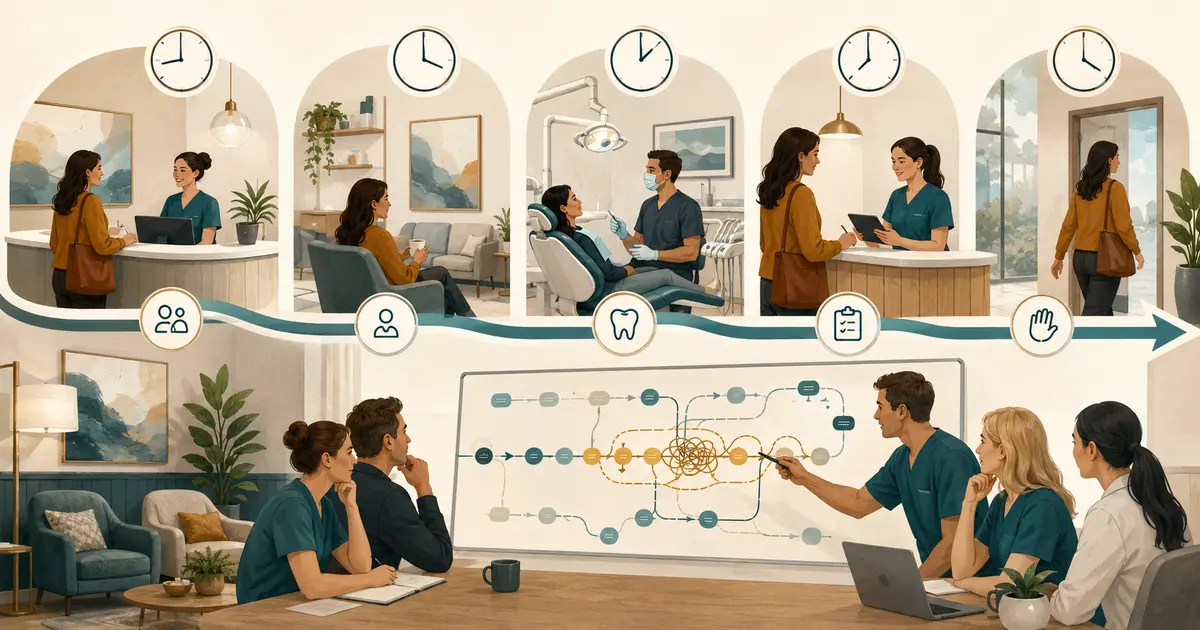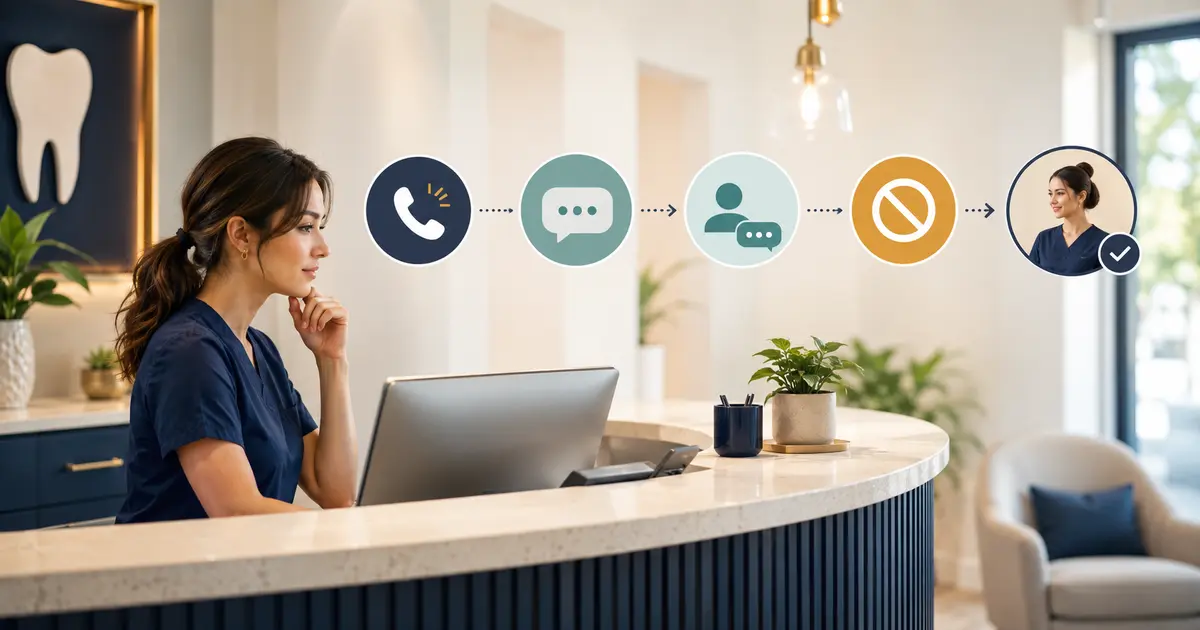
A missed-call text-back for a dental office should send one neutral, practice-identified message through an approved messaging path, then place any reply in an owned front-desk workflow. The team must verify messaging readiness, limit sensitive information, honor consent and opt-out signals, handle wrong numbers, and avoid implying that an appointment has been booked or a clinical concern has been reviewed.
An automatic text after a missed dental call is useful only when staff know what happens next. A fast message with no reply owner can create a second missed contact instead of recovering the first one.
Verify that the call and number are eligible
Do not text every phone number that appears in a call log. Before sending, the system and practice process should confirm:
- the call reached the correct dental practice or location;
- the displayed number is suitable for patient contact;
- the number is not blocked, private, malformed, or obviously non-mobile when the workflow requires mobile delivery;
- no wrong-number or reassigned-number signal is recorded;
- the recipient has not opted out or revoked permission;
- the practice's messaging program and sender have completed the applicable registration or verification steps;
- the message purpose fits the permission and program description;
- another employee or system has not already sent the same recovery message.
If the phone route does not preserve the original caller ID, the practice may see its own main number rather than the patient's. Do not send until that failure is fixed.
For application-to-person messaging over U.S. ten-digit long codes, Twilio describes A2P 10DLC registration as the carrier standard and says application-originated U.S. 10DLC traffic must be registered. Twilio also requires verification for toll-free messaging use. Review the Twilio A2P 10DLC overview and toll-free verification guidance for the sender type you actually use. Provider documentation is not legal advice; counsel should review the practice's messages, consent process, and jurisdiction.
Use a neutral first message
The first text should identify the practice, explain the contact without exposing sensitive details, give one next step, and include the required opt-out language for the program.
A conservative template is:
“Green Valley Dental: We received a call from this number and could not connect. Reply with your name and a brief reason for calling, or call us at 312-555-0148. Reply STOP to opt out.”
If the practice does not want requests by text:
“Green Valley Dental: We received a call from this number and could not connect. Please call us at 312-555-0148 during office hours. Reply STOP to opt out.”
Avoid:
- “We missed your emergency call.”
- “Your appointment is confirmed.”
- “Reply with your symptoms and insurance details.”
- “A dentist will call you in 10 minutes.”
- “Click here to book instantly” unless the linked workflow truly reserves and confirms an appointment and is approved for this use.
Do not mention a treatment, balance, diagnosis, or patient status in the opening text. The number may be shared, reassigned, or visible on a lock screen.
The ADA says practices should carefully evaluate federal and state requirements for calls and texts, record consent changes promptly, and stop contacting a number when permission is revoked or the number appears reassigned. Review the ADA guidance on phoning and texting patients with qualified counsel.
Tell the patient what text can and cannot do
Use the text thread for a narrow administrative handoff. Staff may ask for:
- the caller's name when appropriate;
- a brief general reason for contacting the office;
- the intended location;
- a preferred callback window;
- confirmation of the best return number.
Do not invite detailed clinical information. If the patient sends it anyway, acknowledge only what the office policy permits and move the concern to the approved role.
“Thank you. I will send your message to the appropriate team member. We cannot provide clinical advice by text. If you believe you may have a medical emergency, call 911 or seek emergency care according to your local options.”
Use only the practice-approved emergency wording. Front desk staff should not decide whether a symptom is urgent or tell the patient how to treat it.
For appointment requests:
“I can record your request for the scheduling team. No appointment has been scheduled yet. Which location and general time of day do you prefer?”
For cancellations or changes:
“I received your request. The appointment has not been changed yet. The scheduling team will review it and confirm the final status.”
The cancellation and rescheduling scripts show how to separate a pending request from a completed schedule change.
Route every reply to one visible owner
The front desk should not monitor replies through personal phones or a shared inbox with no assignment. Each conversation needs:
- patient or caller identity when verified;
- source call and location;
- message thread;
- current owner;
- pending, handled, or blocked status;
- next action;
- promised response window;
- outcome.
When a reply arrives, acknowledge it only if the workflow can support the expectation:
“Thank you. Jordan at Green Valley Dental is reviewing your appointment request. No time is reserved yet. We will respond through our normal office process.”
Do not send repeated “we got your message” texts from several systems. A successful acknowledgment should suppress duplicate outreach and leave one open task.
If the person calls after replying, connect the phone conversation to the text request and close or update the same item. The missed-call callback script provides a companion process for live follow-up.
Handle STOP, HELP, and ordinary-language revocation
Opt-out handling is a system rule and a staff rule. The messaging provider may block standard keywords, but employees also need to recognize plain-language requests such as:
- “Do not text me.”
- “Stop sending messages.”
- “This is not my number anymore.”
- “Call only.”
Record the change immediately and stop further messages from all office workflows that depend on the revoked permission. Do not require a patient to use a specific keyword if the applicable rule treats other reasonable methods as revocation.
For U.S. toll-free messaging, Twilio says STOP produces a network-level block and START or UNSTOP can reverse it. Twilio also documents reserved HELP behavior and sender-pool configuration. Review the provider's current toll-free opt-out handling before testing.
Test:
- STOP in several capitalization patterns;
- START or UNSTOP only under the approved re-permission process;
- HELP;
- a natural-language opt-out;
- wrong number;
- a revoked number appearing in another campaign or reminder list.
Never bypass a provider block by switching numbers or sending manually.
Treat wrong numbers as a safety event
If the recipient replies “wrong number,” apologizes that the patient no longer uses the number, or otherwise indicates reassignment:
“Thank you for letting us know. We will stop messages to this number.”
Then:
- stop the automated sequence;
- record the wrong-number signal;
- prevent other office workflows from sending to the same number;
- use an approved alternate method to verify the patient's contact information;
- do not ask the recipient for the patient's new number or details;
- do not reveal why the office was trying to reach the patient.
A delivery receipt does not prove that the intended patient controls the phone. Staff should treat identity as unverified until the practice's normal process is complete.
Set a reply window and after-hours rule
If the message allows replies, tell the patient when staff monitor them. Do not imply live monitoring around the clock unless the practice actually provides it.
An after-hours auto-response can say:
“Green Valley Dental received your message. This inbox is reviewed during office hours, Monday–Friday, 8 a.m.–5 p.m. No appointment has been scheduled. For a medical emergency, call 911 or seek emergency care.”
Adapt the wording to the practice's approved policy and actual hours. If another on-call process exists, explain how to access it without promising clinical triage from the text inbox.
Assign the first review time each morning. A message that arrived at 9 p.m. should not remain invisible because the staff assumed the system would alert someone else.
Limit frequency and prevent loops
Start with one text for one eligible missed call. A follow-up sequence requires separate approval, purpose, timing, and stop rules.
Suppress a new text when:
- an earlier message for the call already exists;
- the patient replied;
- a staff member completed a callback;
- the caller reached another office channel;
- the number opted out, revoked permission, or was marked wrong;
- the practice closed the request;
- a new missed call is clearly part of the same active conversation.
Avoid bot-to-bot loops. If the number sends an automated response, do not keep replying. Route unusual content to staff review.
Separate healthcare communication from marketing. A missed-call recovery message should not quietly add a promotion, review request, financing offer, or recurring newsletter. Different purposes can require different consent and program rules.
Protect privacy in content and notifications
HHS allows providers to communicate with patients when reasonable safeguards are used, but the practice must evaluate the content, channel, and circumstances. Limit the first message and any lock-screen notification to the minimum needed for contact.
Review:
- whether the text platform and vendors create or maintain protected information;
- which agreements are required;
- who can access conversations;
- what appears in staff email or push notifications;
- retention and export;
- staff use of mobile devices;
- how replies become part of the approved office record;
- how incidents and misdirected messages are handled.
HHS's minimum-necessary guidance explains that covered entities should limit protected information to what is reasonably necessary for the purpose. Apply that principle to templates, fields, notifications, and staff replies.
Test the workflow end to end
Use fictional information and test phones before enabling patient messaging.
Test:
| Scenario | Expected result |
|---|---|
| Eligible missed call | One approved message from the correct practice sender |
| Caller ID not preserved | No message; routing issue visible |
| Duplicate call | One active recovery conversation, not repeated texts |
| Patient replies | Reply enters assigned queue and acknowledgment follows policy |
| Appointment request | Remains pending until staff confirms actual scheduling |
| Clinical detail | Routed to approved role without diagnosis by text |
| STOP or revocation | Immediate suppression across relevant workflows |
| Wrong number | Suppression and contact-correction task |
| After-hours reply | Accurate monitoring expectation and morning owner |
| Provider or queue outage | Message fails closed or enters a visible recovery process |
Confirm delivery events, reply visibility, assignment, status changes, opt-out enforcement, and audit history. A sent status alone does not prove the front desk saw the response.
Review useful measures
Track measures that expose workflow quality:
- eligible missed calls;
- messages attempted, accepted, delivered, failed, and suppressed;
- replies received;
- time from reply to staff acknowledgment;
- time from reply to completed follow-up;
- wrong-number and opt-out signals;
- duplicates prevented;
- requests left open after their assigned window;
- routing or registration errors.
Do not use reply rate alone as proof of patient satisfaction or revenue. Review a sample of outcomes and failed cases. A lower send count may be a good result if the system correctly suppresses duplicates and revoked numbers.
Front-desk missed-call text checklist
Before enabling missed-call text-back for a dental office, confirm:
- [ ] the sender's registration or verification is complete for the actual route;
- [ ] consent, purpose, content, frequency, and jurisdiction were reviewed;
- [ ] original caller ID is preserved and eligible;
- [ ] the first message identifies the practice and limits sensitive detail;
- [ ] the message does not promise booking, availability, benefits, or clinical review;
- [ ] replies enter one assigned queue;
- [ ] after-hours monitoring expectations are accurate;
- [ ] STOP, HELP, revocation, and wrong-number behavior passed testing;
- [ ] duplicate calls and cross-channel contact do not create repeated outreach;
- [ ] clinical and urgent content follows the approved handoff process;
- [ ] notifications, access, retention, and incident handling were reviewed;
- [ ] staff measure outcomes and unresolved work, not only send volume.
The right dental office missed-call text is short. The workflow around it is deliberate: verify the route, identify the practice, protect privacy, give one honest next step, assign every reply, and stop immediately when the recipient's preference or number status changes.