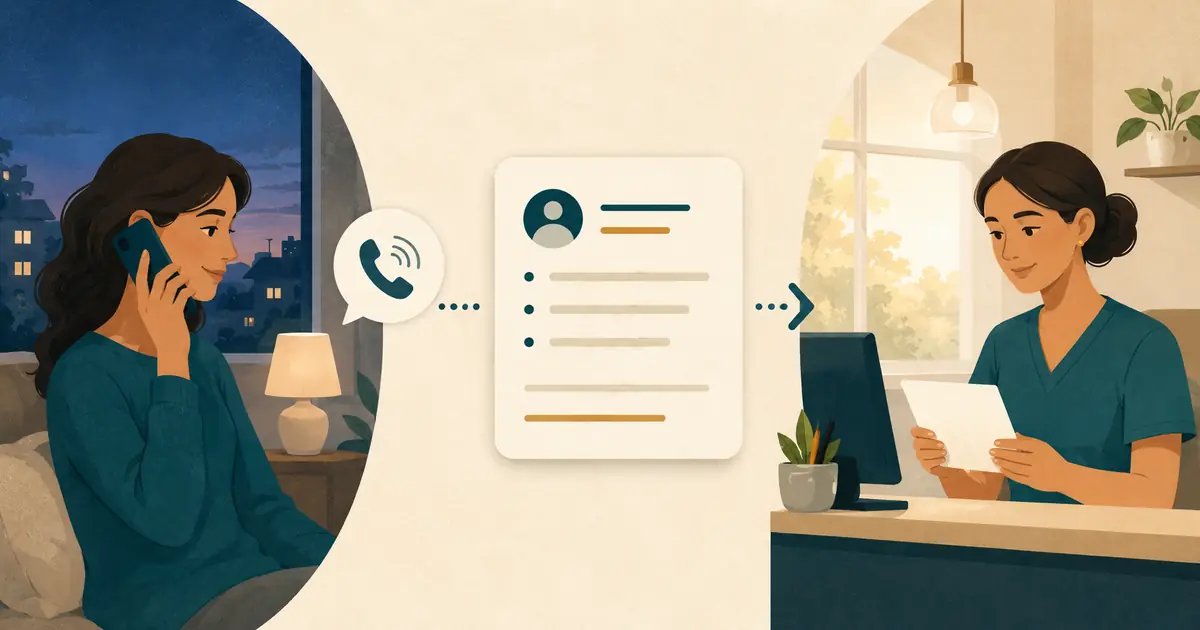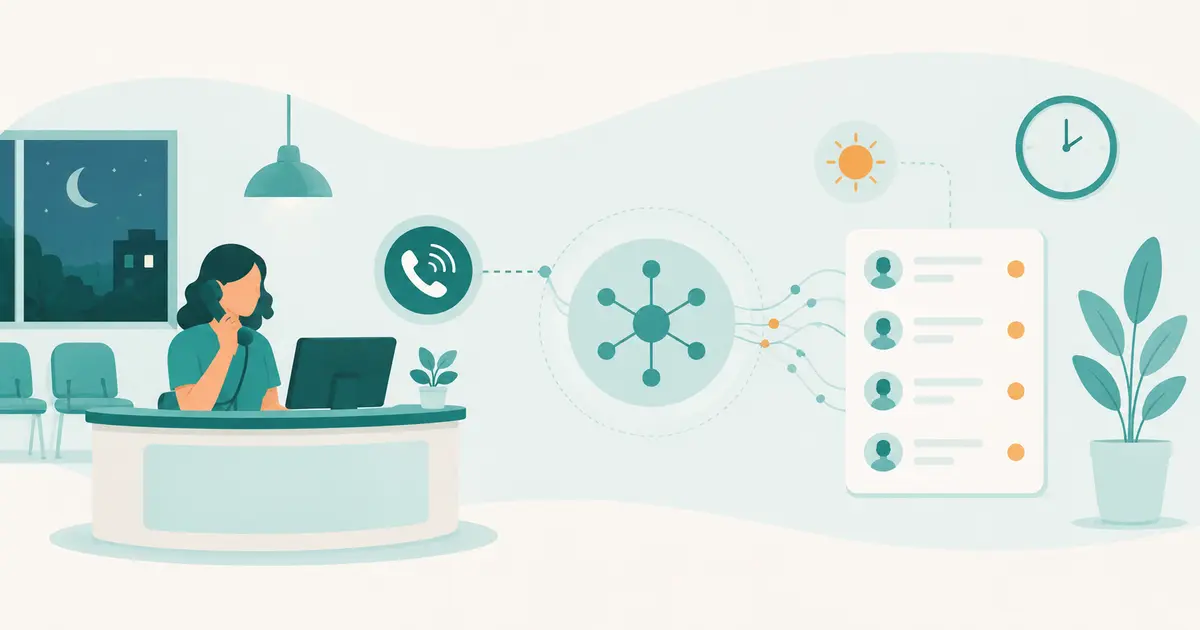
A dental emergency answering service should connect an urgent caller to the practice's approved next step without making clinical decisions. Its job is administrative: identify the practice and caller, capture the minimum useful request, present approved instructions, contact the designated on-call owner, and document whether the handoff succeeded.
The answering service should not diagnose, determine how serious a condition is, recommend treatment, or decide that a caller can safely wait. Those decisions belong to qualified clinical professionals under the practice's policies.
Define “urgent” operationally
Front desk teams often hear the word “emergency” before they know what the caller means. Do not convert that first label into a clinical category. Define what the answering workflow does when a caller uses urgent language:
- acknowledge the caller;
- follow the practice's approved emergency statement exactly;
- collect the approved minimum information;
- route the request to the designated clinical or on-call path;
- state the real request status;
- activate the fallback if the primary path fails;
- record the result.
The urgent-call voicemail script guide focuses on closed-office wording. This article focuses on live answering and on-call ownership.
Write a policy, not a symptom tree
A symptom tree asks an administrative person or system to infer severity from answers. That is clinical triage and may create unsafe confidence. An administrative policy instead defines actions based on observable workflow conditions.
For example:
- if the caller says the situation is life-threatening or requests emergency services, present the practice's approved emergency instruction;
- if the caller asks for clinical advice, explain that the answering role cannot provide it and route the request;
- if the caller identifies an established on-call arrangement, follow the approved contact path;
- if the caller cannot be connected, use the documented fallback and explain the actual status;
- if required contact information is incomplete, ask only approved administrative questions;
- if the caller declines to provide information, state the options available under policy without pressure.
Practice leadership and qualified clinical advisers should approve the policy. The answering service implements it; it should not invent it.
Build an on-call matrix
The matrix should be specific enough that a person working after hours does not have to guess.
| Condition | Primary action | Backup action | Caller language owner |
|---|---|---|---|
| Office open, clinical owner available | Warm handoff to approved role | Capture request and alert backup | Practice |
| Office closed, on-call coverage active | Contact named on-call destination | Contact second destination or approved service | Practice |
| Location-specific issue | Route to that location's owner | Central manager or approved fallback | Practice |
| Failed transfer | Retain request state and retry under rule | Escalate to backup and inform caller accurately | Practice |
| System outage | Use alternate verified channel | Manual call tree | Practice |
| No clinical coverage offered | Present approved closed-office instructions | Capture allowed administrative request | Practice |
Include effective dates, time zone, holiday exceptions, location, provider coverage, phone numbers, expected response method, retry interval, and who may change the matrix.
Never rely on an old group text or a name written beside the phone. Version the matrix and remove expired destinations.
Capture only useful information
The exact fields depend on practice policy and the receiving clinician's needs. An administrative request often includes:
- caller's name;
- callback number, repeated back for accuracy;
- patient relationship, when needed;
- practice location or provider, when known;
- caller's own plain-language reason for contacting the office;
- whether the caller reports an immediate threat to life, if that question is part of the approved script;
- preferred accessible communication method;
- time received;
- action taken and destination contacted.
Do not rewrite the caller's words into a diagnosis. Do not add an urgency label that the caller or authorized clinician did not provide. Do not ask for a complete medical history merely because the record can hold it.
HHS explains that covered entities should use reasonable policies and protocols to limit protected health information to the minimum necessary for the intended purpose. The practice should determine the information this workflow legitimately needs.
Keep the request state accurate
Use language that matches what has actually happened:
- “I have recorded your request.”
- “I am contacting the on-call person using the practice's approved process.”
- “The transfer did not connect, so I am using the backup contact now.”
- “I cannot provide clinical advice.”
- “Your request has been sent for review.”
Avoid:
- “The dentist will call in five minutes” unless an authorized person has accepted that exact commitment;
- “This can wait until morning”;
- “That is definitely an emergency”;
- “You do not need emergency care”;
- “Your appointment is confirmed” when only a request was captured;
- “Your insurance will cover it.”
The appointment request status guide explains why a request and a confirmed booking must remain separate.
Confirm a handoff in two parts
A successful on-call handoff needs transmission and acceptance.
Transmission evidence shows that the message or call reached the designated channel. Acceptance evidence shows that an authorized person took responsibility. A sent text, voicemail, or automated notification may prove only transmission.
Record:
- destination attempted;
- time and method;
- whether the connection succeeded;
- name or role accepting ownership;
- any approved response commitment;
- fallback activated;
- caller update provided;
- final request state.
If the workflow cannot record acceptance, design a timed escalation. The request should not become invisible after a successful technical send.
Recover failed paths
Test more than the happy path:
- on-call phone is busy;
- transfer rings without answer;
- voicemail is full;
- SMS alert fails;
- internet or power is down;
- holiday schedule is wrong;
- caller disconnects;
- callback number is invalid;
- wrong location receives the message;
- primary owner is unavailable;
- accessibility support is needed;
- the system repeats or duplicates a request.
For every failure, name the next owner and caller message. The weekend and holiday coverage plan helps reconcile schedule exceptions.
Protect privacy in oral and recorded channels
Use private work areas and approved devices. Avoid speakerphone where unauthorized people may hear. Verify the caller under practice policy before disclosing protected information. Keep notifications concise and avoid placing unnecessary details on lock screens, shared inbox previews, or unsecured voicemail.
HHS states that the Privacy Rule allows oral communication when reasonable safeguards are used. Its guidance gives examples such as speaking quietly and avoiding speakerphone when privacy may be compromised. If a service records or transcribes calls, the practice should separately review vendor roles, contracts, consent rules, storage, access, retention, and incident handling with qualified advisers.
Make communication accessible
An urgent workflow must not assume every caller can hear, speak, read, or use the same channel. The Department of Justice explains that effective communication depends on the nature, length, complexity, and context of the communication and the person's normal method of communication.
Document how the answering role identifies an accessibility request, reaches approved aids or services, avoids disconnecting a relay call, and hands off the need to the on-call owner. Do not ask a family member to interpret complex clinical information as a default workaround.
Run a monthly drill
Use fictional callers and test:
- the published number after hours;
- the urgent-language script;
- the primary on-call route;
- the backup route;
- failed-transfer recovery;
- caller-status language;
- message accuracy;
- acceptance evidence;
- privacy of notifications;
- one accessibility path;
- location and holiday exceptions;
- closing and audit records.
Review defects with the practice owner, manager, clinical lead, and vendor as appropriate. A drill that only confirms the number rings is incomplete.
Keep Missed Calls Dental in the right role
Missed Calls Dental can capture caller requests from eligible missed calls and provide information approved by the practice. It does not diagnose, triage, give treatment advice, verify insurance benefits, or book appointments. If a dental practice needs a clinical on-call service, it must design and staff that separate clinical pathway.
The after-hours call guide can help align open-hours, closed-hours, voicemail, AI, answering-service, and on-call responsibilities.
A dependable dental on-call answering service is not defined by a claim that it “handles emergencies.” It is defined by an approved administrative boundary, current destinations, accurate request states, confirmed ownership, tested fallbacks, privacy safeguards, and a direct path to qualified clinical responsibility.