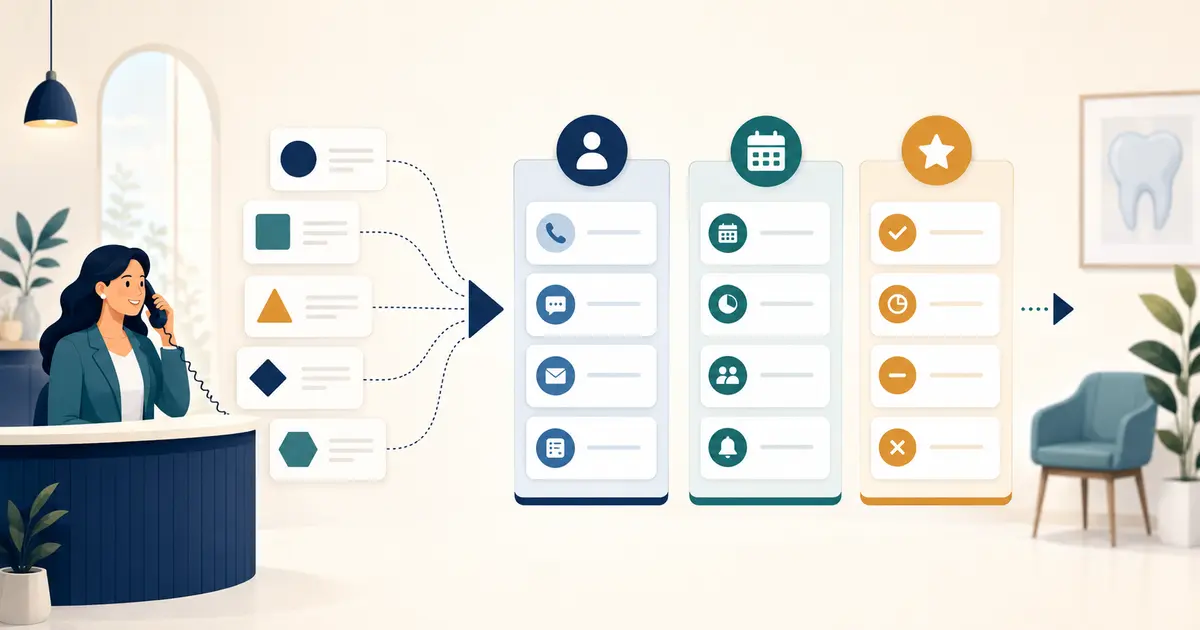
A dental call volume anomaly alert should flag a meaningful departure from the practice's normal pattern—not every busy hour or quiet morning. Build it from local history, compare equivalent periods, and require a human to confirm both the signal and the data before acting.
Define the event being counted
State whether volume means inbound attempts, unique calls, connected calls, answered calls, missed calls, or caller requests. These measures are not interchangeable. A provider may count call legs or retries differently, so record the source and definition beside the alert.
Keep volume separate from dental call answer rate. Ten calls with eight answered and one hundred calls with eighty answered have the same rate but very different workload.
Build comparable baselines
Compare Monday at 9 a.m. with prior Mondays at 9 a.m., not with the all-week average. Account for open hours, holidays, marketing launches, weather closures, school calendars, provider schedules, and known system changes. Start with several weeks of clean local history and mark periods with incomplete data.
Use both a recent reference and a longer seasonal view. A simple design may alert when volume exceeds a defined multiple of the comparable median and a minimum absolute difference. The minimum keeps tiny counts from producing dramatic but useless percentages.
Document the threshold as a starting hypothesis. Back-test it against known busy and quiet periods before enabling notifications.
Confirm the anomaly before escalation
An apparent drop may be a broken report, changed number, disabled route, timezone error, or incomplete provider feed. An apparent spike may be retries, duplicate events, a campaign, or a real patient-access issue.
The reviewer should check:
- whether the data source is current and complete;
- whether public numbers and major routes are reachable;
- whether the same pattern appears in another trusted view;
- whether an expected business event explains it; and
- whether open caller work is increasing.
Provider analytics such as Twilio Voice Insights can expose provider-specific call and quality detail. Use those fields according to that provider's documentation; do not assume every platform defines them identically.
Connect each alert to an action
A high-volume alert might trigger temporary coverage, queue review, and a check of the peak-hour staffing plan. A low-volume alert during open hours might trigger a reachability test and routing review. Both should have an owner, acknowledgment time, investigation checklist, and closure evidence.
Display the signal on the dental call analytics dashboard with its baseline window and current completeness. Avoid a red alarm without context.
Review alert quality
Track which alerts were confirmed, explained, duplicate, or caused by data quality. Review missed incidents as well as false alarms. Change one threshold at a time and retain the reason, approver, effective date, and test result.
NIST's small-business guidance emphasizes identifying critical assets and risks, protecting them, detecting problems, responding, and recovering. An alert contributes only to detection; it still needs a practiced response and recovery path.
Missed Calls Dental boundary
Missed Calls Dental can provide product-side call and request information within its supported scope. It does not observe every practice number, carrier, marketing source, staffing condition, or clinical need, and it does not independently declare an operational incident. The practice owns metric definitions, baselines, investigation, staffing decisions, and follow-up. SMS is separate and readiness-gated.
Rachel Morgan is an editorial pen name. This article was reviewed for accuracy and alignment with Missed Calls Dental product information.