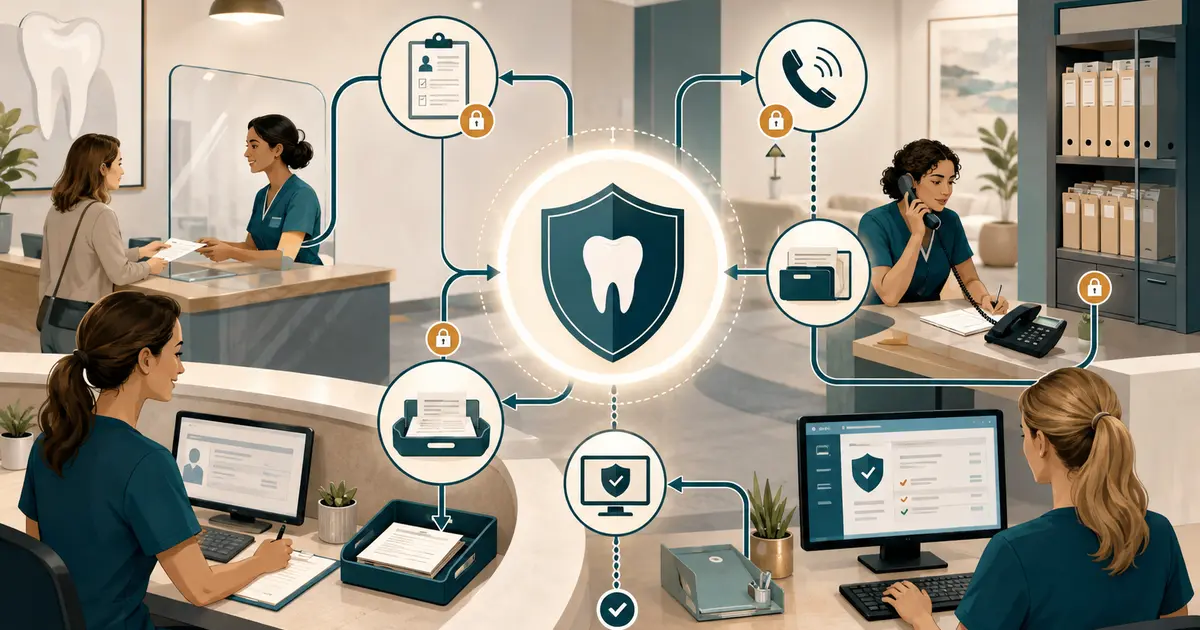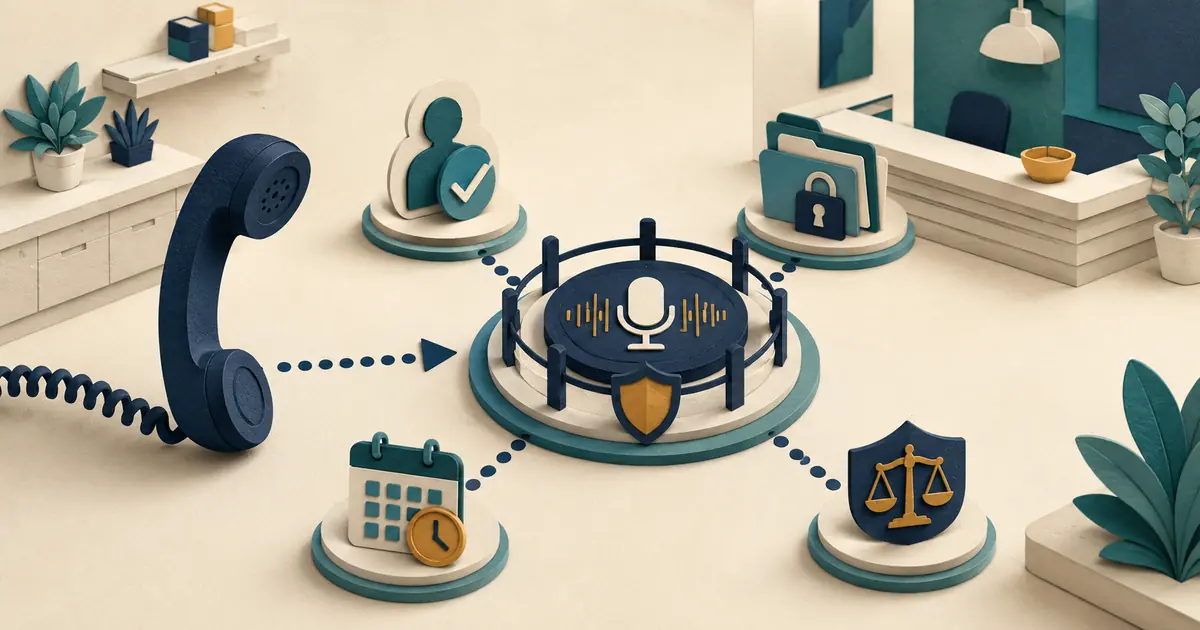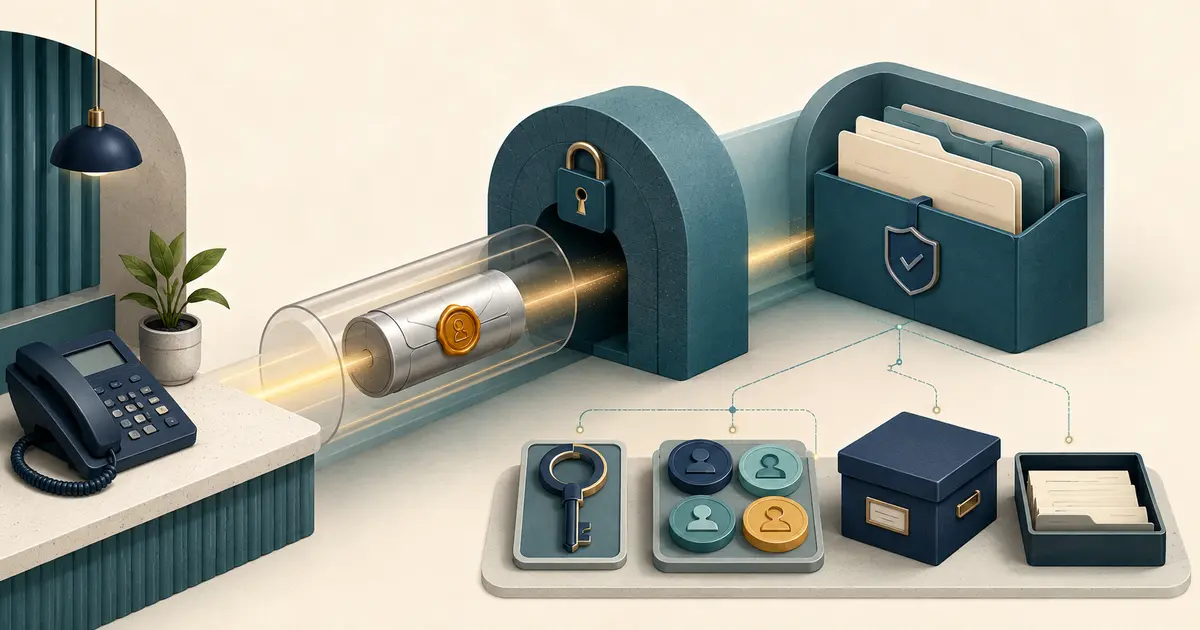
Secure messaging for dental offices requires more than encryption. The practice must choose the right channel, verify participants, limit content, control access, define retention, monitor exceptions, and train staff to move a conversation when risk changes.
This is an operational checklist, not legal advice. Qualified privacy, security, and legal advisers should review the actual systems and uses.
Classify the message before sending
Create simple content levels.
Level 1: public or general office information
Examples include posted hours, address, public phone number, and general callback process.
Level 2: limited patient logistics
Examples may include a neutral reminder or request to call, using the minimum content approved by the practice.
Level 3: sensitive or detailed communication
Examples include clinical details, records, images, benefits, balances, treatment plans, or other protected information. Route these through the practice's approved secure channel and identity process.
When a conversation moves from Level 1 or 2 to Level 3, stop and change channels. Convenience is not a reason to continue sensitive discussion in an ordinary text thread.
The patient texting best-practices guide explains the lighter-weight text workflow.
Verify identity and destination
Before sending protected information, apply the practice's approved identity checks and confirm the address, number, portal account, or recipient. Shared family contact details, recycled numbers, autofill, and copied email addresses can create errors.
For each outbound message, staff should see:
- verified recipient;
- destination;
- message purpose;
- approved channel;
- attachment list;
- sender identity;
- patient preference or restriction;
- final preview.
Do not use caller ID or a familiar display name as the sole evidence of identity.
Apply minimum necessary content
HHS explains that covered entities should limit certain uses, disclosures, and requests for protected health information to the minimum necessary for the purpose. Translate that principle into templates and fields.
Avoid copying an entire chart into a scheduling message. Remove unrelated history from attachments. Use descriptive but non-revealing notification previews. A portal alert can say a message is available without exposing its contents on a lock screen.
Review the vendor's actual security
Ask for evidence about:
- encryption in transit and at rest;
- individual accounts;
- multifactor authentication;
- role-based access;
- session controls;
- audit logs;
- mobile device behavior;
- attachment scanning;
- exports and downloads;
- backups;
- retention and deletion;
- incident detection and notification;
- subcontractors;
- termination and data return.
“HIPAA compliant” is not a complete answer. Determine the vendor's role and contract requirements. HHS sample BAA provisions cover permitted uses, safeguards, reporting, subcontractors, access, and termination.
The dental answering-service BAA checklist provides a related vendor review.
Control access by role
Not every front desk employee needs access to every conversation. Separate routine scheduling, billing, clinical, privacy, and administrative queues. Use named accounts and prohibit shared credentials.
CISA recommends multifactor authentication, especially for administrative and sensitive business access. Remove or change access promptly when a role changes. Review inactive users, broad roles, vendor support access, and downloads.
Define message states
Use visible states such as drafted, reviewed, sent, delivered, failed, replied, assigned, escalated, and closed. Do not mark a patient request resolved because the platform delivered a message.
Every inbound thread needs a primary owner, backup, monitored hours, response rule, and closure definition. Separate a patient reply from staff completion in the record.
The callback ownership guide shows how to build a response standard without an invented benchmark.
Handle exceptions
Create instructions for:
- wrong recipient;
- compromised account;
- misdirected attachment;
- patient sends urgent or clinical detail;
- patient asks to use ordinary text instead;
- shared portal account;
- inaccessible message format;
- language assistance request;
- vendor outage;
- failed deletion;
- employee access after departure;
- legal hold or record request.
Employees should know whom to notify and should not make breach, legal, or clinical determinations alone.
Set retention deliberately
Decide whether messages belong in the designated record set or another controlled record, how they link to the patient, how corrections work, and how long the platform retains copies. Keep original and corrected information distinguishable.
Ask what happens to deleted messages, exports, backups, mobile caches, email alerts, and vendor support copies. Align the technical settings with counsel-approved recordkeeping and privacy policies.
Test with fictional records
Before launch, test account creation, identity checks, wrong-recipient prevention, attachments, role limits, audit logs, mobile previews, delivery failure, patient reply, escalation, export, retention, deletion, account removal, and outage fallback.
Record the system version and repeat after a material configuration or vendor change.
Keep Missed Calls Dental in scope
Missed Calls Dental captures caller requests from eligible forwarded missed calls for front desk follow-up. It is not the practice's secure patient portal and does not access records, diagnose, triage, verify benefits, or book appointments. The practice must choose how staff follow up and which channel is appropriate.
Secure messaging succeeds when staff can explain why the channel fits the content, who may see it, what proves delivery, who owns the reply, and how the record ends.
Create a channel-selection card
Give staff a short decision aid that starts with content, not the tool. Public information can use the public channel. Limited logistics can use the approved patient-preference channel. Detailed protected information, records, images, or complex care communication should move to the approved secure system and authorized staff. Urgent or clinical content follows the clinician-approved escalation path.
Include examples of what should not be copied. A scheduling thread does not need a full clinical note; a billing message does not need unrelated treatment history; a portal alert does not need the message subject on a lock screen. Teach staff to create a new secure thread rather than forwarding a long chain with excess context.
Review usability with patients and employees. If authentication repeatedly fails, attachments cannot be opened accessibly, or alerts arrive without clear sender identity, people will create unsafe workarounds. Record the friction and fix the configuration or support path rather than blaming users.
Set a daily orphan check for inbound messages without an owner, failed deliveries, draft messages left unsent, threads waiting beyond the practice's rule, and protected information received in a basic channel. Reassign and document each exception.
Quarterly, inspect permissions, inactive accounts, administrator actions, exports, deletion tests, backup behavior, and vendor support access. Retest a wrong-recipient scenario and a compromised-account response using fictional data.
The channel-selection card should end with a simple rule: when staff cannot explain who the recipient is, why the content is needed, and who owns the reply, do not send yet. Pause and move the question to the practice's approved privacy or clinical owner.
Require a manager and privacy-owner sign-off for each production channel. Record the approved purposes, user roles, content limits, retention, incident path, and next review date. When a vendor adds a new messaging feature or AI summary, keep it disabled until the practice maps the data and tests the workflow.
Create an immediate pause procedure that blocks new outbound messages without deleting open patient requests. Staff should know how to continue through the approved alternate channel and later reconcile every unsent or unanswered item. Test the pause and restoration with fictional records so the control works during a real incident.