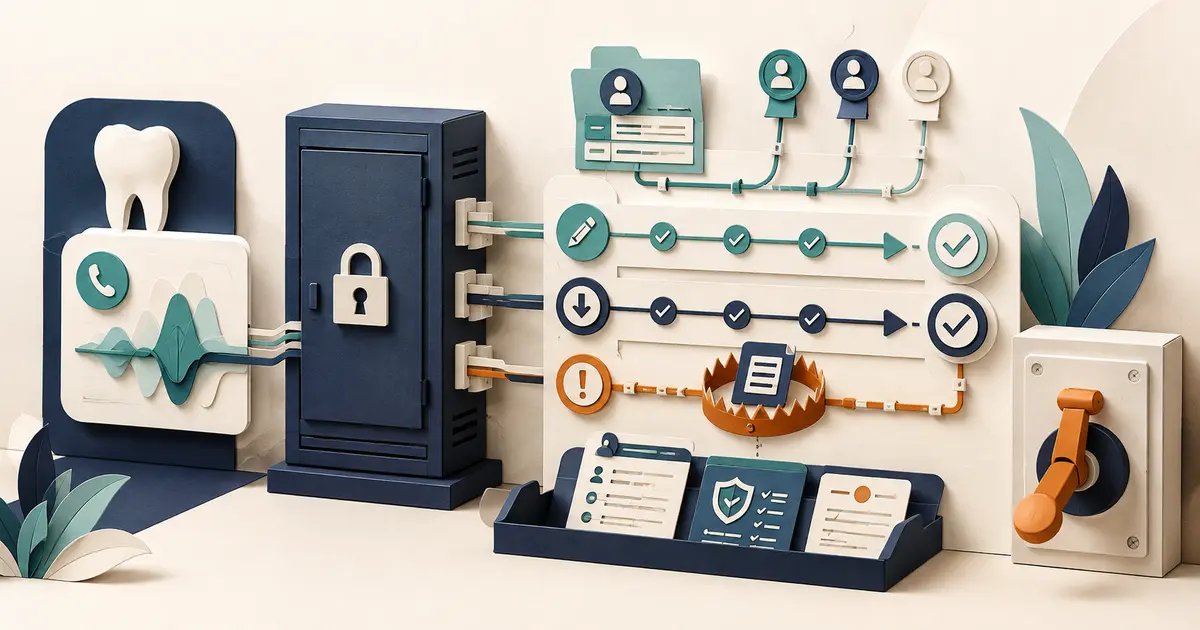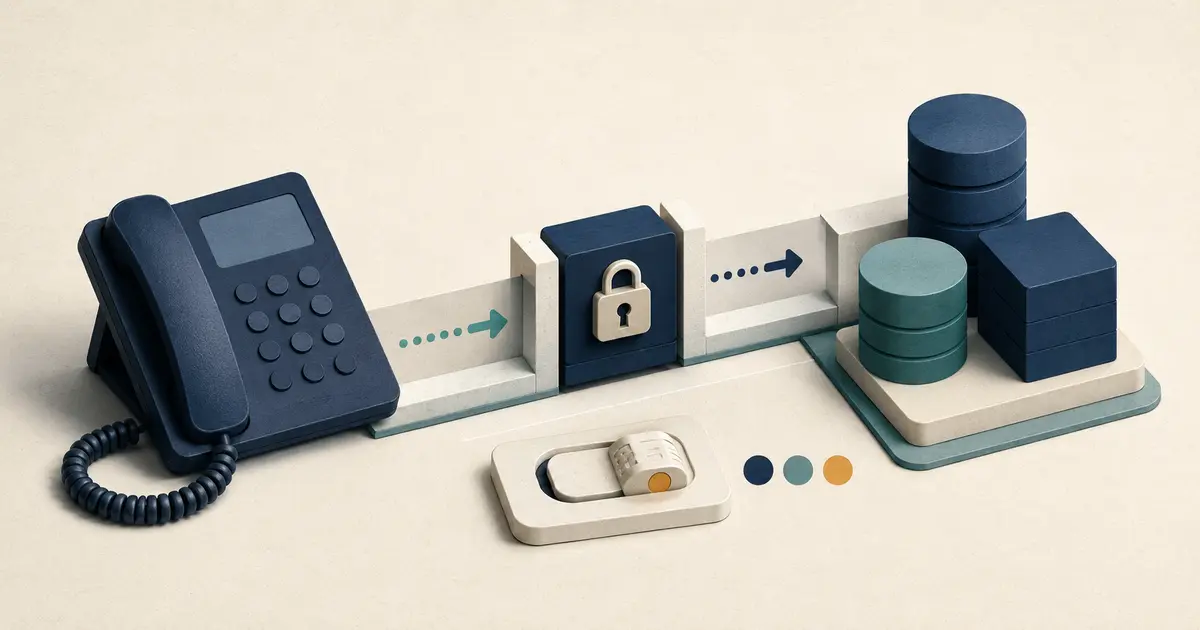
Dental missed-call software should turn an eligible unanswered call into one accurate, visible, and owned front-desk task. It should preserve the caller number, prevent duplicate outreach, show what happened, support a clear callback workflow, respect contact preferences, protect sensitive information, and expose failures. A notification alone is not missed-call management.
Evaluate the workflow from the staff member's desk, not only from an administrator dashboard.
Define what counts as a missed call
Write a rule for each phone path. A call may be considered missed when:
- the main line is not answered within a defined threshold;
- all staff are busy and overflow activates;
- the office is closed and the call reaches after-hours coverage;
- the caller disconnects before someone answers;
- a forwarded call reaches an approved answering destination;
- a phone or routing failure prevents normal handling.
Exclude calls that are not actionable, such as:
- known spam or blocked sources under office policy;
- duplicate legs of the same forwarded call;
- a call already answered by staff or an approved service;
- a test call;
- a wrong-number signal already recorded;
- a request already linked to an active conversation.
Ask the vendor to show the event logic. If the office line rings, forwards, and then creates three provider events, the software should not create three callback tasks.
The missed-call automation guide explains which steps can be automated and which should stay with staff.
Require accurate caller and route context
Each task should show:
- caller number as received;
- practice number and location called;
- call date, time, and time zone;
- route or campaign source when available;
- ring, forward, answer, and disconnect result;
- voicemail, AI, or answering-service outcome when applicable;
- whether another related request is open;
- current owner and status.
Test whether call forwarding preserves the original caller ID. If the software records the practice's own number as the caller, automated callbacks, matching, or text-back may contact the wrong destination.
Do not infer patient identity from caller ID alone. Shared, blocked, spoofed, or reassigned numbers require the office's normal verification process.
Make ownership unavoidable
Missed-call management for dentists requires more than a list sorted by time. Every actionable item needs:
- a primary owner;
- a backup owner;
- a next action;
- a due or review time;
- a clear status;
- an outcome.
Useful statuses might be:
new— not yet reviewed;assigned— one employee owns it;attempted— outreach occurred, next step pending;waiting— caller or another employee must respond;handled— the office completed the intended follow-up;blocked— a documented issue prevents completion.
The system should show unassigned and aging requests without forcing managers to export a report.
Define in the office runbook who answers, documents, escalates, and returns each call type.
Test duplicate and cross-channel control
A caller may call twice, leave voicemail, send a web request, reply to a text, and then reach an employee. The software should help staff see one developing contact, not five unrelated leads.
Ask:
- How are repeated calls from the same number grouped?
- Can two locations distinguish or share the request correctly?
- Does an answered callback suppress an automatic follow-up?
- Does a patient reply stop the next scheduled message?
- Can staff merge duplicates without losing history?
- Does a wrong-number or opt-out signal apply across relevant workflows?
- Can the system prevent two employees from contacting the caller at once?
Require an audit trail for automated suppression and staff changes. A missing follow-up and a correctly suppressed duplicate may look identical without context.
Evaluate the callback workflow
From one task, a front-desk employee should be able to understand the next step and document the result.
Check whether the software supports:
- click-to-call or a clearly displayed callback number;
- a practice-approved callback script;
- notes and outcome fields;
- assignment and reassignment;
- reminders without hidden personal tasks;
- appointment-request status distinct from confirmed booking;
- manager review;
- wrong-number and contact-preference updates;
- a visible final state.
Do not require staff to copy caller information into a personal phone, spreadsheet, or unapproved messaging tool.
The callback script and timing guide gives a practical communication pattern.
Review text-back separately
Some dental office no-answer solutions automatically send a text. Treat messaging as its own governed workflow.
Verify:
- the call and number are eligible;
- the sender is properly registered or verified for its route;
- the message purpose matches the approved program;
- consent and contact preferences are current;
- the first message identifies the practice and limits sensitive detail;
- STOP, HELP, revocation, and wrong-number signals are handled;
- replies enter an owned queue;
- duplicates and loops are suppressed;
- delivery failure is visible;
- the software does not imply booking or clinical review.
The ADA advises practices to review applicable federal and state rules, maintain current consent information, and stop calls or texts when permission is revoked. Review its guidance on phoning and texting patients with qualified counsel.
Use the missed-call text-back workflow for a detailed front-desk checklist.
Map privacy and vendor access
Determine what the software and its vendors create, receive, maintain, or transmit. Include call metadata, recordings, transcripts, summaries, messages, notifications, exports, analytics, and support access.
HHS explains that merely selling software does not automatically make a vendor a business associate, but a vendor that accesses protected health information to provide the service may be one. Review the HHS software-vendor guidance and the actual data flow with qualified advisors.
Ask:
- Which agreements are required?
- Are accounts individual and roles appropriate?
- How are users removed?
- What appears in email and mobile notifications?
- How long are each record type and backup retained?
- Can the practice export and delete information?
- How is support access approved and recorded?
- What happens after account termination?
- How are incidents reported?
Collect only the information needed for the workflow. A callback task rarely needs a detailed clinical history.
Require failure visibility and recovery
Software should make these failures visible:
- phone webhook or call event missing;
- caller ID not preserved;
- duplicate event detected;
- answering destination unavailable;
- text suppressed or failed;
- notification not delivered;
- request unassigned;
- integration or export delayed;
- user access or permission error;
- data retention or deletion job failed.
For each failure, define who is alerted, what the caller experiences, how the office recovers the request, and how the route returns to normal.
Connect the system to the dental office phone outage plan. A cloud dashboard is not a backup when it depends on the same failed connection or route.
Ask for reports that change operations
Useful measures include:
- eligible missed calls;
- tasks created and duplicates suppressed;
- unassigned requests;
- time to first review and first attempt;
- time to completed follow-up;
- requests aging past the office standard;
- contact, wrong-number, and opt-out outcomes;
- failed routes or notifications;
- calls by hour, day, and location;
- recurring reasons calls were missed.
Do not accept a “revenue recovered” figure without a transparent definition and connection to verified outcomes. The software can report a completed callback; it should not invent the value of an appointment.
Run a front-desk usability test
Give a staff member fictional tasks and ask them to:
- identify the newest actionable call;
- distinguish it from a duplicate;
- claim ownership;
- make and document a callback;
- leave an item waiting for another employee;
- record a wrong number;
- find an aging unassigned request;
- recover from a notification failure;
- close the task with an accurate outcome;
- explain what the manager should review.
Observe where the employee guesses, switches systems, copies information, or asks the vendor for help.
Dental missed-call software checklist
- [ ] The practice defines eligible and excluded missed calls.
- [ ] Caller ID, location, route, and event status are accurate.
- [ ] Forwarding does not replace the caller number with the practice number.
- [ ] Duplicate calls and cross-channel contacts are linked or suppressed.
- [ ] Every request has a primary and backup owner.
- [ ] Callback states distinguish attempts from completed follow-up.
- [ ] Appointment requests remain separate from confirmed appointments.
- [ ] Texting has independent consent, opt-out, privacy, and reply ownership.
- [ ] Privacy, vendor access, contracts, retention, and incidents are reviewed.
- [ ] Failures are visible and recoverable.
- [ ] Reports expose unresolved work and routing problems.
- [ ] Front-desk staff complete the workflow without personal tools.
The best dental missed-call software does not merely announce that a phone rang. It creates one trustworthy task, keeps ownership visible, prevents duplicate contact, and helps the front desk finish the work safely.