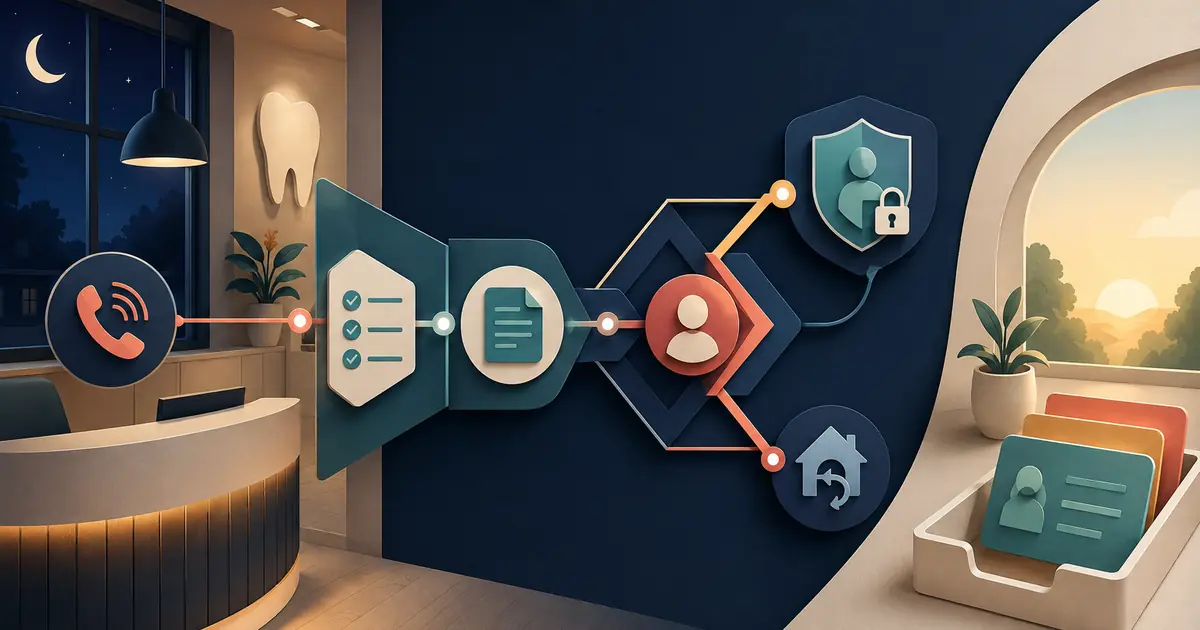
You can add AI answering to a dental office phone workflow without replacing staff. The useful starting point is not a job title. It is a set of call conditions that the current team cannot consistently cover: simultaneous calls, lunch, meetings, after-hours requests, short staffing, or a temporary volume spike.
Give automation narrow tasks inside those conditions. Keep clinical judgment, sensitive conversations, exceptions, and relationship work with people. Then measure whether the combined workflow reduces unresolved work rather than merely moving it.
The answering service versus receptionist guide offers another way to compare coverage roles without treating them as interchangeable.
Map the work before discussing replacement
For one or two weeks, classify calls and follow-up work. Categories might include:
- new-patient information and appointment interest;
- established-patient scheduling requests;
- confirmations, cancellations, and rescheduling;
- billing and insurance questions;
- clinical concerns and provider messages;
- directions, hours, and general practice information;
- vendor, spam, and wrong-number calls;
- accessibility or language needs;
- calls that arrive while staff are serving someone in person.
Record time of day, outcome, required follow-up, and whether the request was completed. Do not judge employee effort from call counts alone. The purpose is to find repeatable work and coverage gaps.
The front desk workload guide helps separate useful work from avoidable rework.
Choose conditions, not an entire role
A first pilot could cover only:
- calls after the regular closing message begins;
- overflow after the front desk ring group has had a fair chance to answer;
- calls during a fixed staff meeting;
- basic practice-fact questions;
- appointment requests that staff will confirm later.
Avoid launching with every call and every task. A narrow pilot protects the patient experience and makes comparison possible.
Write both allowed and prohibited tasks. The AI may state approved hours, capture a callback request, repeat details, and send the request to a named queue. It should not diagnose, provide clinical advice, promise insurance payment, invent a fee, decide urgency, or state that an appointment is booked unless a verified scheduling transaction has completed.
Keep people at the high-judgment points
Front desk employees understand context that may not appear in a script: provider preferences, complicated scheduling constraints, a caller's frustration, an accessibility need, a disputed balance, or a history the clinical team should review.
Reserve human ownership for:
- clinical or symptom-related questions;
- medication and treatment requests;
- upset or vulnerable callers;
- identity or privacy exceptions;
- complex financial and benefit questions;
- unusual scheduling constraints;
- complaints and service recovery;
- any request the automation cannot classify from approved rules.
The AI should say what it cannot do and create a clean handoff. It should never use confidence as a substitute for authority.
Design the handoff with the staff who receive it
A request is useful only when the front desk can act without replaying the whole call. Ask staff which fields they need. A general request record may contain:
- caller name under the approved process;
- callback number and contact preference;
- new or established patient status;
- practice location;
- approved reason category;
- requested day or time window;
- short caller-supplied note when appropriate;
- call time and source;
- transfer or escalation attempts;
- destination owner and expected review time.
Staff should help define the categories, wording, and exceptions. Run fictional calls, show the resulting records, and revise the form before launch.
Use the AI front desk guide to map the complete call-to-owner workflow.
Explain the change to employees clearly
Uncertainty creates more anxiety than a specific operating plan. Tell the team:
- which call conditions the pilot covers;
- which responsibilities remain with employees;
- what data the system creates;
- who can review calls and for what purpose;
- how quality will be evaluated;
- how employees can report problems;
- what happens when the system fails;
- when the pilot will be reviewed.
Do not introduce hidden individual surveillance through the project. If recordings, transcripts, or analytics are used, establish legitimate purposes, authorized access, retention, and employee expectations with appropriate legal and HR advice.
Protect privacy across the entire vendor chain
Map audio, transcript, extracted data, integrations, notifications, analytics, support access, backups, and deletion. Identify every vendor and subprocessor that creates, receives, maintains, or transmits protected information on behalf of the practice.
HHS explains business-associate relationships and, in current guidance, gives cloud and AI service examples. Review the HHS business-associate guidance with qualified advisors.
Confirm:
- contract and agreement requirements;
- role-based access and authentication;
- audit logging and review;
- encryption and secure notifications;
- retention and deletion for each data type;
- correction and patient-record workflows;
- incident reporting and cooperation;
- termination and data return or destruction.
Detailed call content should stay in approved systems. A text or email alert can identify that work is waiting without reproducing sensitive details.
Test the AI and the surrounding system
Use a fixed fictional scenario set:
- routine request with complete information;
- caller who changes dates mid-call;
- caller asking whether the request is confirmed;
- fee or insurance question beyond the approved facts;
- clinical concern requiring the approved boundary;
- angry caller requesting a person;
- relay-service or accessibility call;
- wrong location or outdated hours question;
- notification failure;
- phone or integration outage.
Score fact accuracy, scope compliance, request completeness, transfer outcome, and staff correction time. NIST's AI Risk Management Framework Playbook provides voluntary actions for governing, mapping, measuring, and managing AI risk.
Measure total work, not just automation activity
Compare a baseline and pilot using:
- eligible calls and answer outcomes;
- requests delivered to the correct owner;
- complete request rate;
- time to staff review;
- repeat calls about the same unresolved need;
- corrections and clarification callbacks;
- transfers attempted and completed;
- unresolved requests at opening and closing;
- staff minutes spent on routine intake and exception repair;
- patient complaints or misunderstandings;
- fallback events and recovery time.
An impressive automation answer rate can hide poor handoffs. The pilot is useful when callers receive accurate next steps and employees face less preventable rework.
Redesign staff time intentionally
If the pilot reduces interruptions, decide where the recovered capacity goes. Examples include:
- serving patients at check-in and checkout;
- completing pending insurance or referral work;
- recovering missed calls;
- auditing tomorrow's schedule;
- resolving older requests;
- training and script calibration;
- improving accessibility and communication preferences.
Without a deliberate plan, saved minutes may disappear into another unmanaged queue.
Publish the new division of work in the daily checklist and coverage schedule. Employees should know when automation is active, which queue to watch, who reviews exceptions, and who takes over if the route or integration stops working.
Expand only after the narrow workflow is stable
Review the pilot with front desk staff, managers, privacy and security owners, and qualified advisors. Identify which failures came from the AI, outdated practice facts, routing, capacity, or unclear ownership. Correct the cause and retest.
Use this owner checklist:
- [ ] Call types and coverage gaps are measured.
- [ ] The pilot uses narrow, named conditions.
- [ ] Allowed and prohibited tasks are written.
- [ ] People retain clinical, sensitive, and exception work.
- [ ] Staff helped design the handoff.
- [ ] Employee communication and review practices are clear.
- [ ] Privacy, vendors, access, retention, and incidents are reviewed.
- [ ] Fictional scenarios test AI and surrounding systems.
- [ ] Total unresolved work and corrections are measured.
- [ ] Rollback is ready before launch.
Adding AI answering to a dental office phone workflow does not require replacing the front desk. Use it as a bounded coverage layer, let employees own judgment and relationships, and expand only when the combined system produces accurate, visible, and manageable work.