Dental social media ideas are useful only when the team can publish them responsibly and consistently. A good post answers a real question, shows what the office is like, or gives a prospective patient a clear next step. It does not need a trend, a dance, or an identifiable patient.
Social content works best as one channel inside a measured dental marketing strategy, not as a separate race for followers.
This guide gives you 30 prompts plus a simple monthly planning board. Adapt each prompt to services the practice actually offers. Have a qualified clinician review clinical information, obtain appropriate written authorization before sharing identifiable patient content, and follow federal, state, professional, and platform rules.
Build a one-month content board
Create four columns in a spreadsheet or project board:
| Content lane | Purpose | Monthly starting point |
|---|---|---|
| Answers | Resolve common non-diagnostic questions | 4 posts |
| People and place | Make the office familiar | 3 posts |
| Process | Explain what happens before or after a visit | 3 posts |
| Community | Connect the practice to its location | 2 posts |
The counts are a planning example, not an algorithm. Publish less often if the team cannot review material carefully. For every card, add an owner, format, draft date, reviewer, publication date, permission status, and link or call to action.
One prompt can produce several formats. A 60-second video can become a captioned clip, a short article, a still image, and a staff talking point. Review each final format independently because cropping, captions, or a shortened description can change meaning.
30 dental social media post ideas
Patient questions and education
- “What should I bring to a first visit?” List only the items and information your office actually requests. Distinguish a request from a requirement.
- “What happens after I request an appointment online?” Explain whether staff calls, texts, or emails and whether the request is pending until confirmed.
- A dental term in plain English. Define one common administrative or general oral-health term without diagnosing readers.
- Questions to ask before choosing a toothbrush. Offer general considerations and remind people that individual needs vary.
- How to update contact or insurance information. Show the approved channel, what to have ready, and when to send it.
- What to expect when the office is running behind. Explain how the team communicates delays and what options callers may have.
- How referrals to specialists work. Describe the administrative handoff, records process, and who to contact with questions.
- A seasonal oral-health reminder. Tie it to a real behavior—travel packing, sports mouthguards, or replacing a worn brush—not a manufactured holiday sale.
Team and office
- Meet a role, not just a person. Explain what a hygienist, dental assistant, treatment coordinator, or office manager helps patients navigate.
- A quiet office tour. Show the entrance, reception area, hallway, and checkout route when no patients or protected information are visible.
- Accessibility walkthrough. Point out parking, entry, elevator, restroom, or communication accommodations that are accurate for the location.
- What the team does before opening. Feature preparation without exposing schedules, records, passwords, or private screens.
- A continuing-education takeaway. Share a general lesson and accurately identify the course or credential. Avoid implying a qualification the training did not confer.
- Team recommendation for a local lunch or coffee stop. Keep it genuine and disclose any material relationship.
- “Why I chose dentistry.” Let a clinician tell a short personal story without turning it into a superiority claim.
Practice processes
- How appointment reminders work. Explain available channels and how patients can update preferences.
- What a waitlist request means. Clarify that joining a list does not guarantee an earlier appointment and tell patients how offers are made.
- How the office handles a missed call. Show the response process and the safest information to leave, without inviting sensitive details on voicemail.
- A payment-options explainer. Describe what staff can explain and what needs individual confirmation. Keep insurance and financing statements precise.
- How records requests are routed. Explain identity verification, authorized review, expected next communication, and secure delivery at a high level.
- A “before you arrive” checklist. Include directions, arrival timing, forms, and what to do if plans change.
- How the team prepares for weather closures. Tell followers where official updates appear and how affected appointments are handled.
Community and culture
- Local event guide. Share logistics for an event the practice participates in, including date, place, accessibility, and the practice's actual role.
- Community partner spotlight. Explain the relationship and disclose sponsorship or compensation.
- Staff volunteer day. Show the work with permission from the organization and every identifiable person.
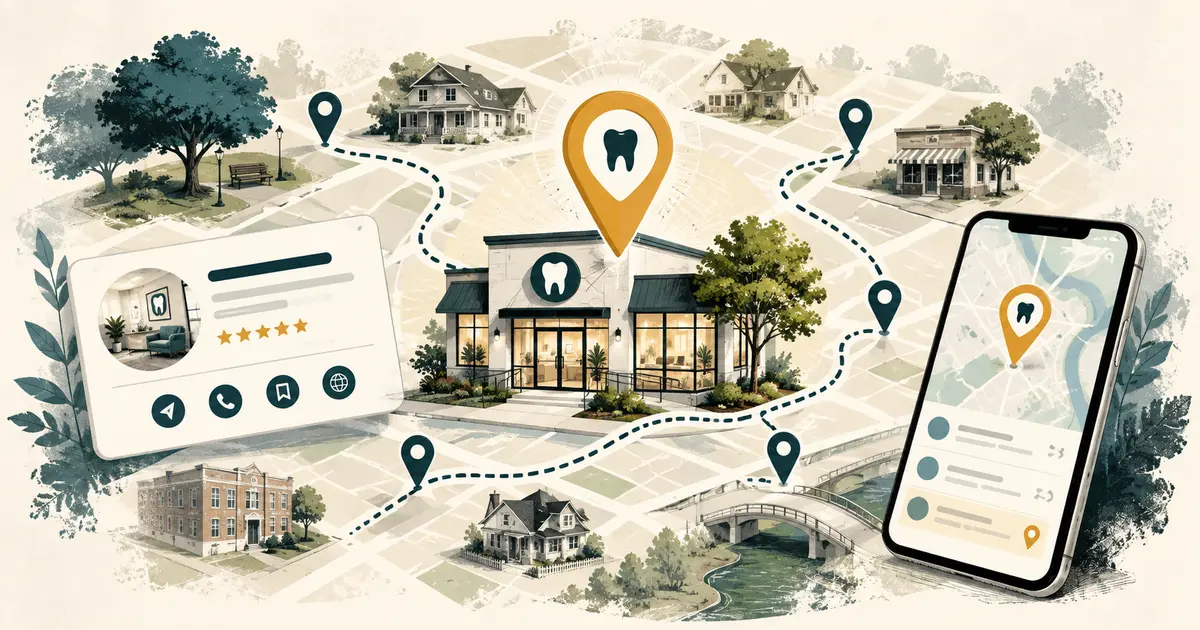
- Local newcomer tips. Offer a small map of parking, transit, or nearby landmarks that helps someone find the office.
Conversation starters
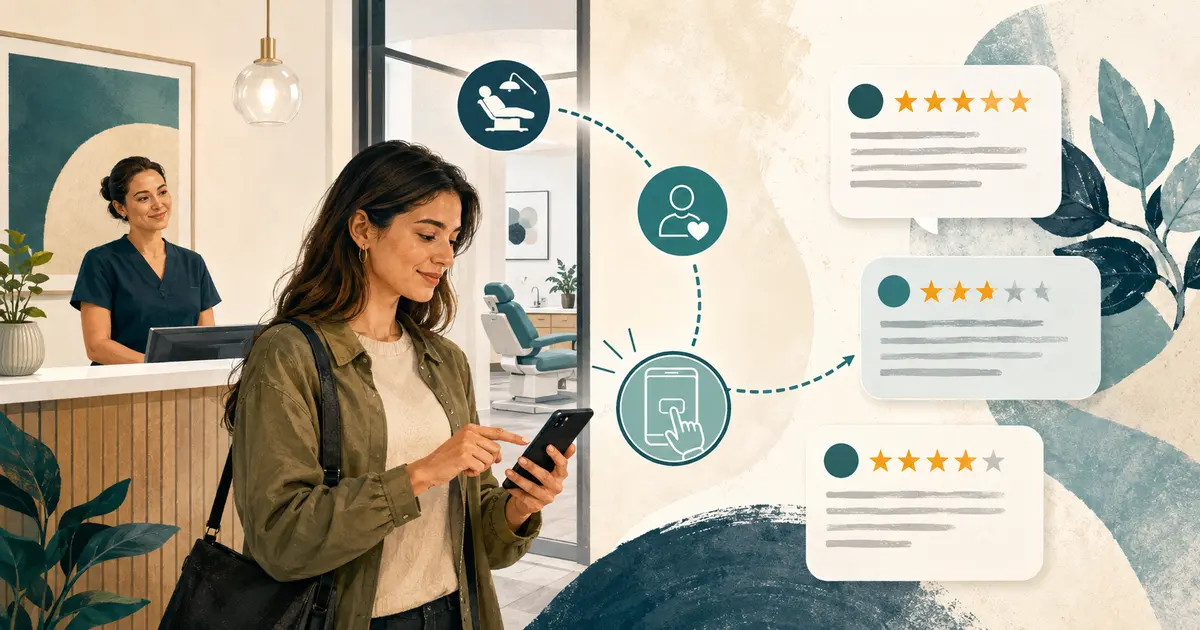
- “Which appointment reminder is easiest for you?” Use the answers as informal feedback, not clinical research.
- Myth-versus-fact card. Choose a narrow claim, cite a reliable source, and obtain clinical review.
- Question box for general topics. State that the channel cannot provide diagnosis or private account help and direct personal matters to an approved contact route.
- Month-end recap. Link the most useful answers, office updates, and next month's verified hours in one post.
Turn prompts into publishable posts
Use this seven-line brief:
Audience: Who needs this information? Question: What exact question does it answer? Takeaway: What should a reader know or do? Evidence: Which reliable source or approved office policy supports it? Asset: Photo, video, graphic, carousel, or text? Permission: Whose image, voice, story, trademark, or property appears? Next step: What useful, accurate action follows?
Draft the main point before choosing a format. The first sentence should make sense without an image. Add captions to video and useful alternative text to meaningful images. Do not put all essential information inside a graphic where screen readers and search engines may not receive it.
For a reusable office workflow, include social publishing in the dental office SOP template: drafting, clinical review, privacy review, approval, publication, monitoring, correction, and archiving.
Protect patient privacy
The ADA cautions that a patient photo, video, message, or enough contextual detail to identify someone may implicate privacy requirements. Being in a public area or posting about an experience does not automatically authorize the practice to share or confirm it.
Use a documented authorization process reviewed by qualified counsel or privacy professionals. The form and workflow should address the specific media, purpose, channels, duration, revocation handling, and storage. Do not rely on a casual verbal “yes,” a tagged post, or a general treatment consent.
Before publishing, inspect the entire frame and audio for:
- faces, voices, names, appointment cards, and computer screens;
- whiteboards, schedules, labels, radiographs, and reflections;
- conversations in the background;
- minors or visitors who did not authorize use;
- location or timing details that reveal more than intended.
When permission is uncertain, use staff demonstrations, empty-room footage, licensed assets, or illustrations.
Keep claims accurate and current
The FTC says advertising must be truthful, not misleading, and supported when appropriate. Apply that standard to captions, video speech, overlays, hashtags, testimonials, and links.
Avoid phrases such as “best dentist,” “pain-free,” “covered by all insurance,” or “results guaranteed” unless qualified advisers determine the claim is lawful and substantiated. Do not present general education as a personal diagnosis. Put meaningful limitations near the claim rather than hiding them in a profile link.
Create an expiration date for posts about hours, availability, events, team members, prices, or promotions. Correct material errors promptly and document what changed.
Use a weekly production routine
Monday: Select one prompt from each active content lane. Confirm facts and permissions.
Tuesday: Draft captions and shot lists. Gather sources and internal policy references.
Wednesday: Record or design assets in one batch. Keep patients and private material out of the production area.
Thursday: Complete clinical, privacy, accessibility, and brand review. Schedule approved posts.
Friday: Monitor questions and route account-specific or clinical requests to the proper channel. Record topics that deserve a future answer.
The office manager should know who can approve a correction or removal outside normal hours. Keep platform credentials in a managed account, not a departing employee's personal login. Include this access in the dental office onboarding checklist and offboarding process.
Measure useful attention
Match metrics to the post's job:
- educational post: meaningful viewing, saves, qualified questions, article visits;
- office update: reach among followers, link clicks, fewer repeated questions;
- location post: direction actions, calls, location-page visits;
- recruitment post: visits to the correct careers page;
- campaign post: qualified inquiries and scheduled appointments under a privacy-safe attribution plan.
Likes can show resonance, but they do not prove patient growth. Review comments for recurring confusion and reportable issues. Never copy a public comment into the patient record without an approved reason and process.
Use a monthly retro: what helped patients, what consumed time, what created questions, what needs updating, and what should stop. Thirty dental social media ideas can fill a calendar; a disciplined review system turns them into trustworthy communication.