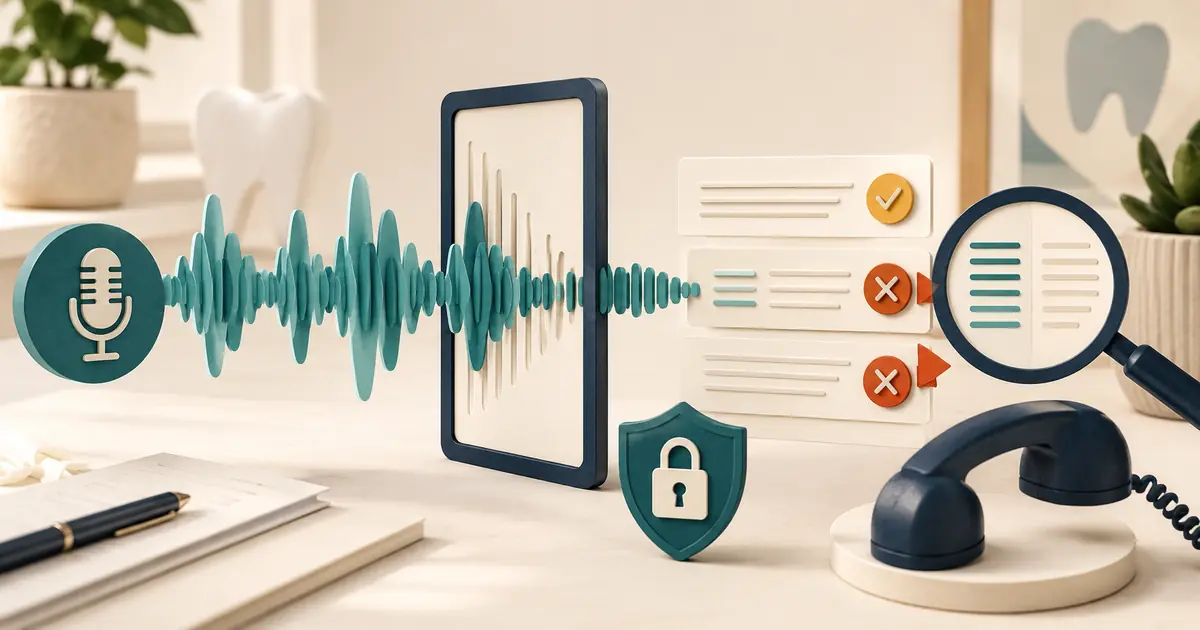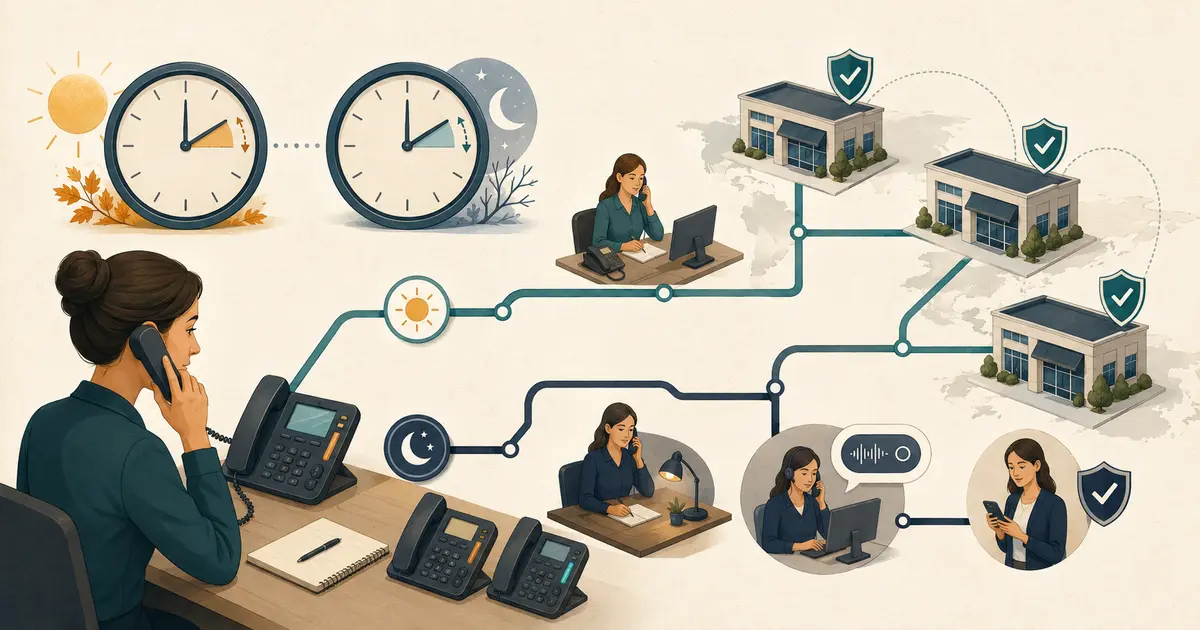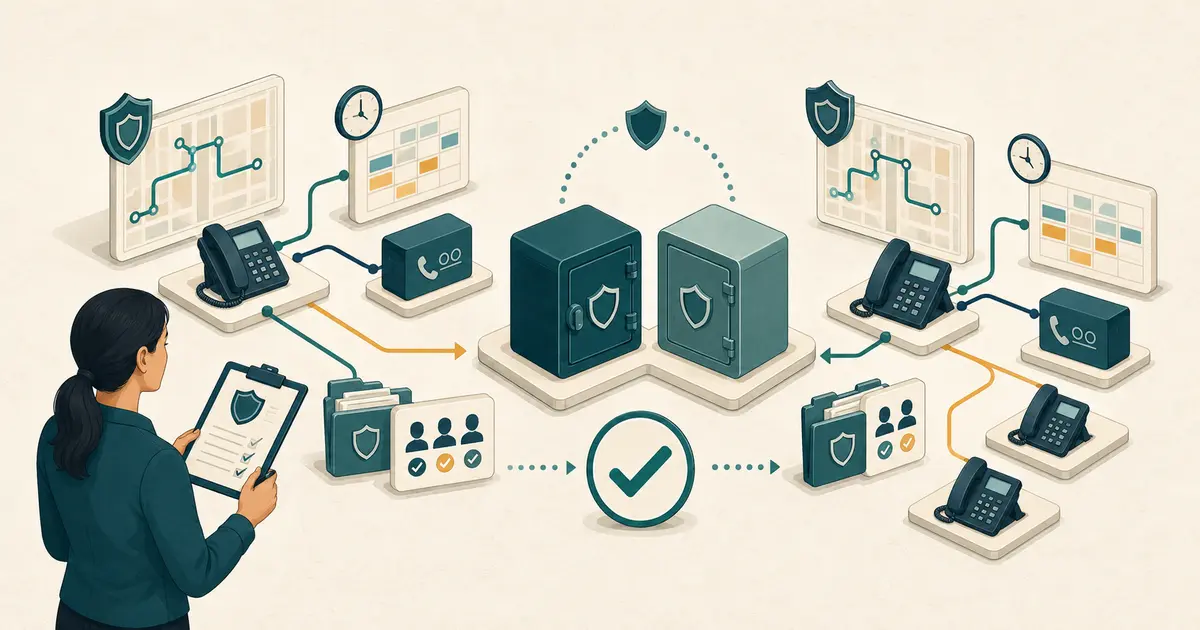
Dental phone test data cleanup is the controlled removal or retention of fictional calls, voicemails, transcripts, messages, users, routes, exports, and devices created during setup. Complete it after acceptance testing and before the office begins receiving real caller information.
Inventory every place testing left a trace
Start from the phone-system acceptance test and answering-service test plan. For each scenario, identify where artifacts could exist:
- carrier and phone-platform call logs;
- voicemail boxes, recordings, and transcriptions;
- AI summaries, callback tasks, and quality-review samples;
- SMS or email notifications sent to test accounts;
- downloads, screenshots, spreadsheets, and support tickets;
- temporary users, shared mailboxes, devices, and administrator access;
- forwarding, emergency, holiday, and fallback routes;
- browser sessions, mobile apps, and local device caches.
Use fictional names during testing and authorized, team-controlled phone numbers or contact methods for any real call or message. Do not copy real patient data into a test simply because it is available.
Decide what must remain as evidence
Do not delete blindly. Keep the minimum evidence needed to prove that required tests passed: scenario identifier, date, tester, expected result, actual result, defect, retest, and approval. Where a screenshot or recording is unnecessary, retain the result rather than the richer artifact.
If a provider contract, security review, or legal requirement affects retention, route the decision to the appropriate owner. The call-data retention policy should distinguish test evidence from operational call data.
Run cleanup by system owner
Assign each system to a named owner and use provider-supported deletion or reset methods. Remove temporary accounts and permissions, revoke test integrations, clear downloads from approved devices, empty test voicemail where appropriate, restore ordinary business and after-hours routes, and confirm alerts now reach production owners.
For data that cannot be removed immediately, document the location, reason, access restriction, owner, and scheduled disposition. Do not mark the cleanup complete because the visible dashboard looks empty; vendor backups, exports, and downstream notifications may still exist.
Perform a clean-state call
After cleanup, place one final fictional call through each launch-critical route. Verify that:
- the correct greeting and destination are active;
- no test name, number, script, or mailbox appears;
- temporary staff and vendors no longer receive alerts;
- caller identity and timestamps display as expected;
- the resulting test record follows the approved retention path;
- the owner can explain which residual artifacts remain and why.
Document the final check without re-creating the entire test-data set. If the clean-state call reveals an old route or user, reopen the cleanup item and retest after correction.
The FTC's information-security guidance recommends keeping only what the business needs, restricting access, and disposing of information securely. HHS minimum-necessary guidance also supports limiting unnecessary information. Applied before opening, those principles keep a test environment from becoming an accidental production archive.