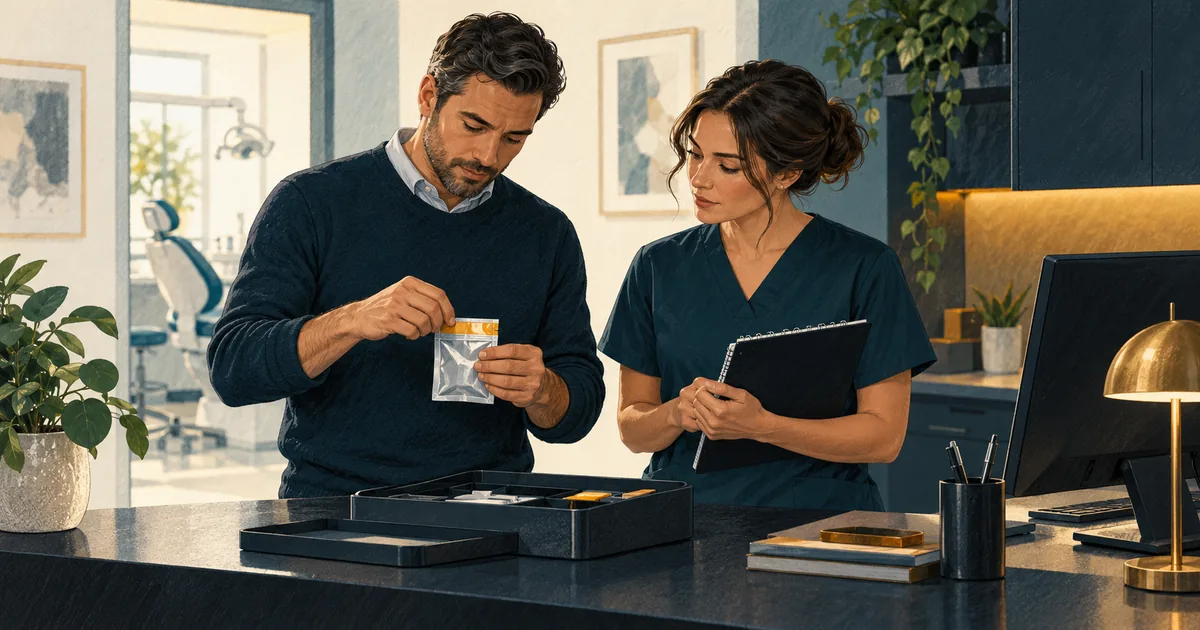
When a patient sends a dental photo by text, the front desk needs a defined intake and handoff process. Receiving an image does not establish that the channel is approved for clinical assessment, that the recipient is the correct patient, or that someone qualified has reviewed it. Acknowledge the communication within the office’s approved procedure and route it to the responsible person.
Dental patient photos in text messages can reveal health information even when the image contains no face. The sender, surrounding conversation, and patient record may identify the person. Review the whole message rather than treating the attachment as anonymous.
Establish what the channel can handle
Before inviting images, confirm whether the communication service supports attachments, where they are stored, who can access them, and how the practice transfers relevant information into its approved records process.
Document whether the channel is monitored, when staff review it, and what callers should do for time-sensitive concerns. Do not let an automated receipt imply a clinical review or promise a response time the team cannot deliver.
The secure dental messaging guide helps review channel choice. HHS also explains the need for reasonable safeguards when providers use electronic communication in its email guidance. The practice’s reviewer should assess the particular texting arrangement rather than assuming email guidance approves every messaging product.
Use a receipt that sets the correct expectation
An office-approved acknowledgment might say:
“Thank you for your message. Our team will route it for review through the office’s usual process. This message does not confirm a diagnosis or an appointment.”
Adapt the wording to the actual service and office procedure. Staff should not interpret the image, recommend treatment, or assure the sender that nothing is wrong. Clinical questions belong with the appropriate clinician workflow.
Limit the copies created during handoff
Avoid downloading the image to a personal phone, forwarding it through an informal group chat, or photographing the screen. Each extra copy creates another place to manage access and retention.
Use the approved transfer method and record enough context for the receiving staff member to understand the request. The dental AI privacy and security guide can help keep administrative capture focused without replacing the clinical team’s information requirements.
Resolve identity and routing uncertainty
If the sender cannot be matched confidently, follow the practice’s verification process. Do not attach an image to the nearest name in search results. If it appears to concern another person, pause disclosure and escalate the question.
Track the message as awaiting review until an authorized person accepts the handoff. “Received” and “reviewed” should mean different things in staff instructions, even if the vendor interface uses only one status.
Preserve the product boundary
Missed Calls Dental’s documented paid service captures caller requests and provides transcripts and summaries in Workspace. That does not establish image interpretation, photo intake, or clinical advice capabilities. Confirm attachment handling separately before directing patients to send images through any service.
Close the workflow with a known record location, responsible reviewer, and next contact action. The patient’s decision to send a photo should result in an orderly handoff, not an unofficial clinical conversation in the reception inbox.