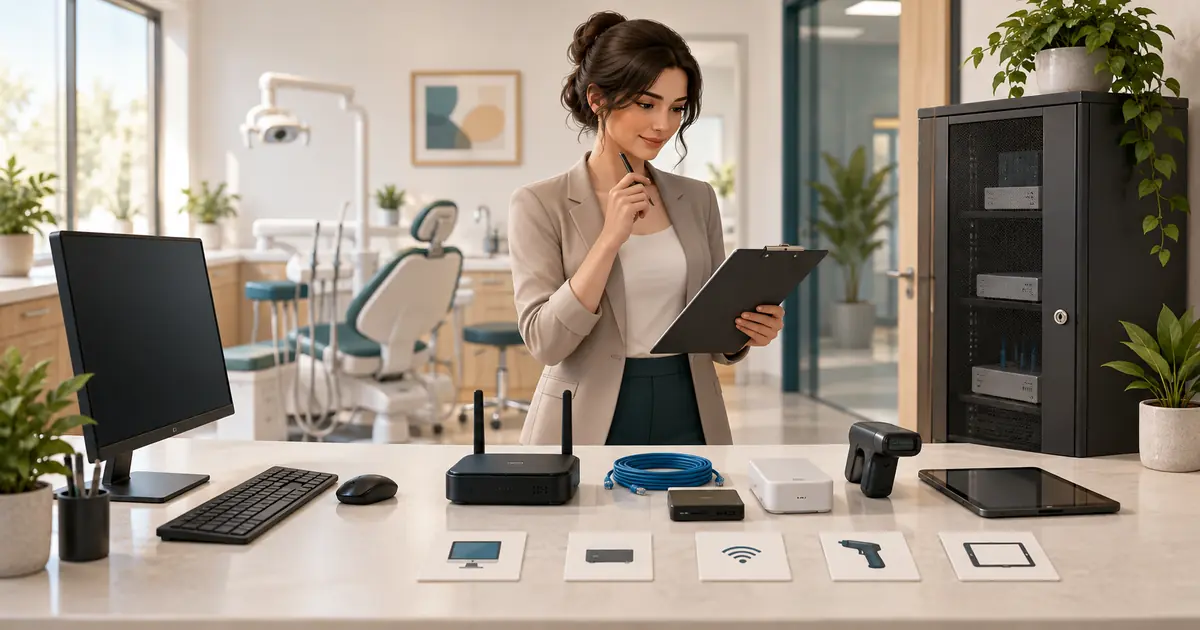
A dental office IT setup checklist should end with employees completing the office's opening-day workflows on the actual installed systems. Work backward from that test: identify software requirements, compatible devices, connectivity, accounts, data protection, recovery, and the vendor responsible for each dependency.
Appoint one practice-side coordinator before placing orders. That person keeps the plan consistent across the IT provider, software vendors, equipment installer, contractor, and clinical lead. Tie the IT acceptance date to the broader dental office opening plan so unfinished technology is visible before patients are scheduled.
Describe the working day before specifying computers
List the tasks each role will perform and where. Include reception, operatories, imaging, private financial discussions, management, and any approved remote work. Record simultaneous use rather than just the total employee count.
For each workflow, identify the required application, connected equipment, information handled, and consequence of an outage. This becomes the basis for a coordinated specification.
| Workflow | Questions to resolve with the responsible vendors |
|---|---|
| Appointment administration | Which devices, browsers, accounts, and licenses are required? |
| Clinical documentation | Where will clinicians access records, and what equipment must work with the application? |
| Imaging access | Which workstation, viewer, storage location, connectors, and licenses are supported? |
| Scanning and printing | Which formats, destinations, drivers, and privacy arrangements are needed? |
| Payments and claim administration | Which approved systems and access roles are involved? |
| Calls and secure communication | What connectivity, handsets, routing, and approved information channels are required? |
Do not assume that software labeled “cloud” removes local hardware requirements. Ask for the vendor's current requirements for the exact product and configuration. Have the IT provider reconcile conflicts before equipment is purchased.
Obtain one coordinated requirements packet
Request written specifications for supported operating systems, processors and memory, storage, displays, browsers, peripherals, network connections, and licensing. The appropriate specifications depend on the selected systems; a universal computer shopping list cannot establish compatibility.
Keep a device register with location, assigned function, exact model, warranty, support owner, and expected installation date. Include network equipment and shared devices as well as computers. Coordinate this register with the opening equipment checklist so a scanner or imaging workstation is not omitted or ordered twice.
Resolve installation boundaries explicitly. If the software vendor configures an application but excludes the imaging connection, identify who completes and verifies that connection. For each handoff, name the receiving person, prerequisite, and acceptance evidence.
Document substitutions before accepting them. A replacement computer may need a fresh compatibility check even if its advertised specifications appear stronger. Require the affected vendor to confirm support for the proposed configuration.
Finish premises and connectivity dependencies
Give the contractor and IT provider the final device locations before cabling and cabinetry are completed. Have qualified professionals coordinate outlets, network drops, cable routing, equipment ventilation, physical access, and appropriate power protection.
Record the internet service installation date, responsible account owner, support contact, and dependencies that could delay activation. Ask the IT provider to assess the connection against concurrent application use, voice traffic, uploads, and the vendors' requirements.
Test connectivity from the actual work areas. A successful connection beside the router does not establish reliable use in a distant operatory. Have the provider verify the approved separation of guest access and business systems and document the resulting configuration.
Evaluate any backup connection by what it can support. During a controlled test, identify which applications remain usable and which require the downtime procedure. Record how staff recognize a failure, who activates the alternative, and who confirms normal service has returned.
Establish accounts and information responsibilities
Create a role-and-system access list. Identify employees, administrators, vendor support users, and the approver for each account. Have IT configure named access, appropriate permissions, multifactor authentication where supported, screen protection, updates, and approved remote support under the practice's security plan.
For a HIPAA-regulated practice, the Security Rule requires a risk assessment, assigned security responsibility, appropriate access arrangements, and contingency procedures that include backup and restoration. Have the responsible professionals evaluate the complete setup against applicable requirements before patient information is introduced. HHS summary of the current Security Rule.
Keep ownership of domains, subscriptions, and essential administrator access with the practice through approved accounts. Record how an authorized backup can obtain access if the usual administrator is unavailable. Store credentials in the approved protected system, separate from the general opening checklist.
Review cloud-service responsibilities before signing. HHS explains that a provider maintaining electronic protected health information on a covered entity's behalf is a business associate even if it cannot decrypt the information. The appropriate business associate agreement and the practice's risk analysis remain necessary. HHS cloud-computing guidance.
Ask who handles backup, export, incidents, support access, and data return at termination. Put unanswered questions on the opening issue list with an owner.
Require a recovery demonstration
Define which data and configurations must be recoverable and how much interruption the practice can manage. Have the IT provider explain the backup scope, failure alerts, protected copies, credentials, restore sequence, and responsibilities shared with application vendors.
The joint CISA, FBI, NSA, and MS-ISAC ransomware guide recommends offline encrypted backups and testing their availability and integrity in recovery scenarios. Use that principle to require actual restoration evidence from your provider. Joint StopRansomware Guide.
A “backup successful” message is only one piece of evidence. Ask the provider to restore representative test material in an appropriate isolated environment and demonstrate that authorized users can open it. Record missing licenses, permissions, or other dependencies discovered during the exercise.
Accept workflows with the team present
Run a rehearsal using fictional patient records and vendor-approved test methods. Include simultaneous work, employee account changes, scanning, retrieving test images, approved communications, and the relevant downtime process.
| Acceptance item | Evidence to retain |
|---|---|
| Employee can complete assigned workflow | Role, workstation, test steps, result, and reviewer |
| Connected systems work together | Exact configuration and vendor confirmation |
| Access follows the approved role | Authorized and restricted actions checked |
| Recovery can be performed | Restore result, elapsed time, and unresolved dependencies |
| Support ownership is usable | Contact path and a successfully routed test issue |
For a hypothetical opening, four workstations may function individually while the purchased license permits only two simultaneous users. A concurrent rehearsal exposes that mismatch before the first busy morning. Record the correction and repeat the affected test.
Have the opening decision-maker review unresolved items and their operational effect. File the accepted configuration, training records, support contacts, renewal dates, and maintenance responsibilities. Then move recurring checks into the ongoing cybersecurity program. IT readiness should remain understandable after the installers leave.