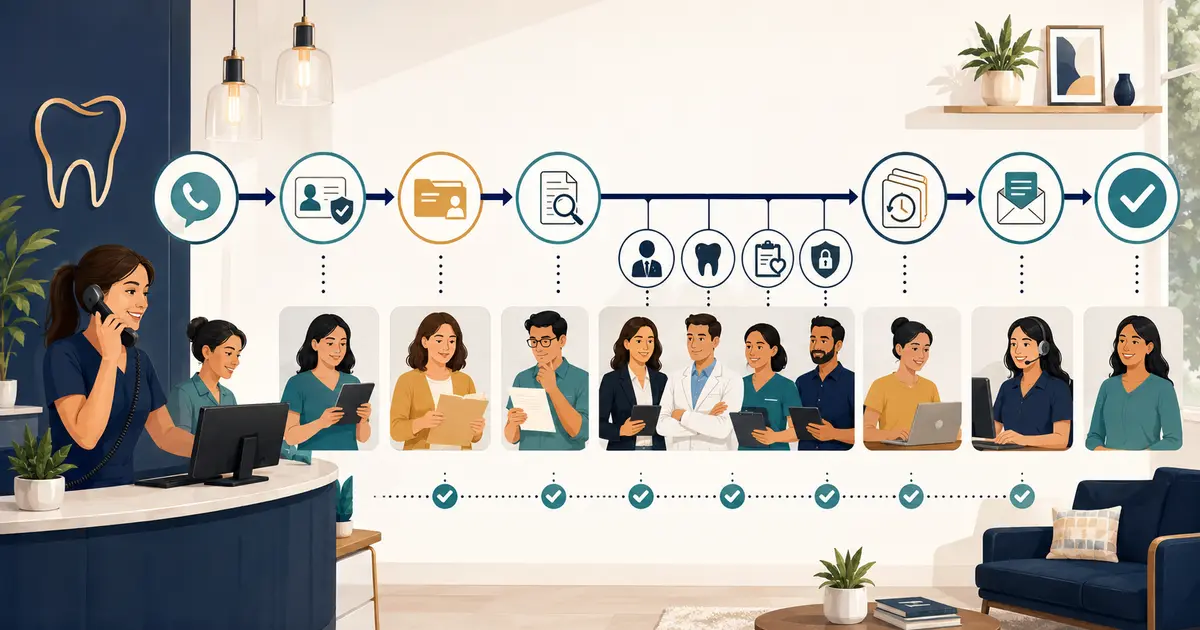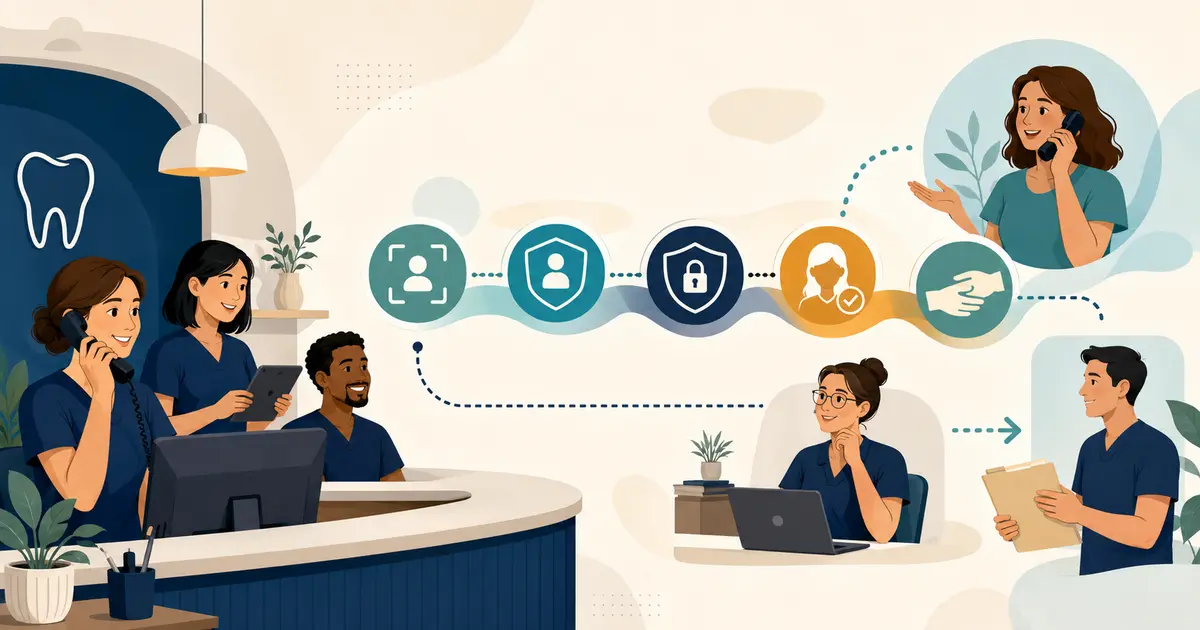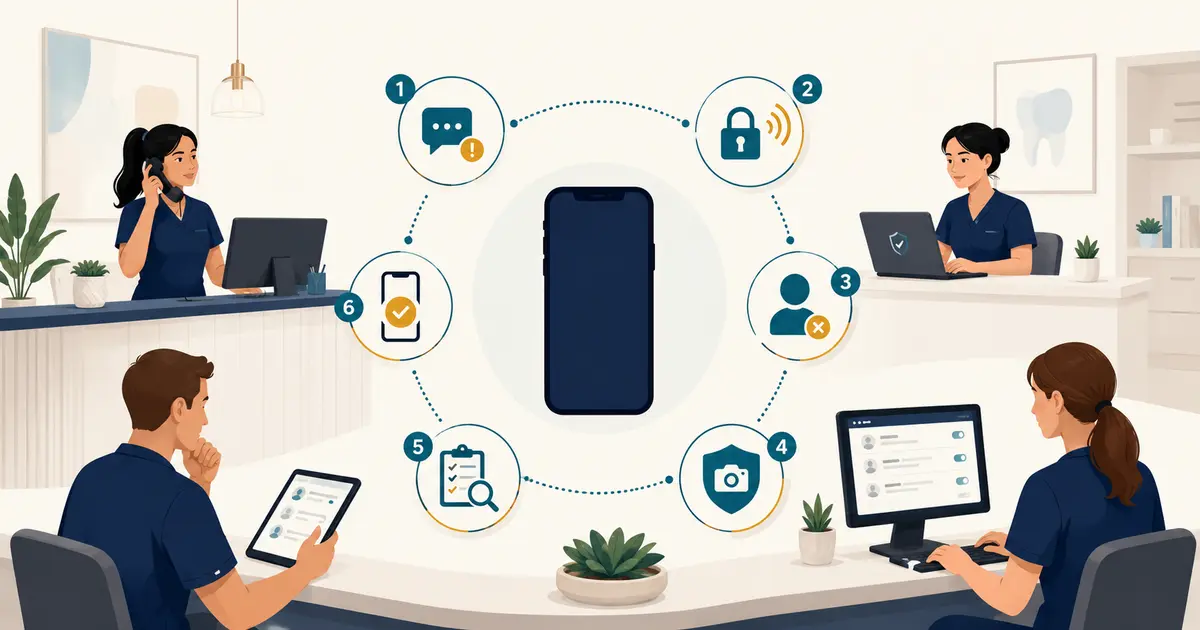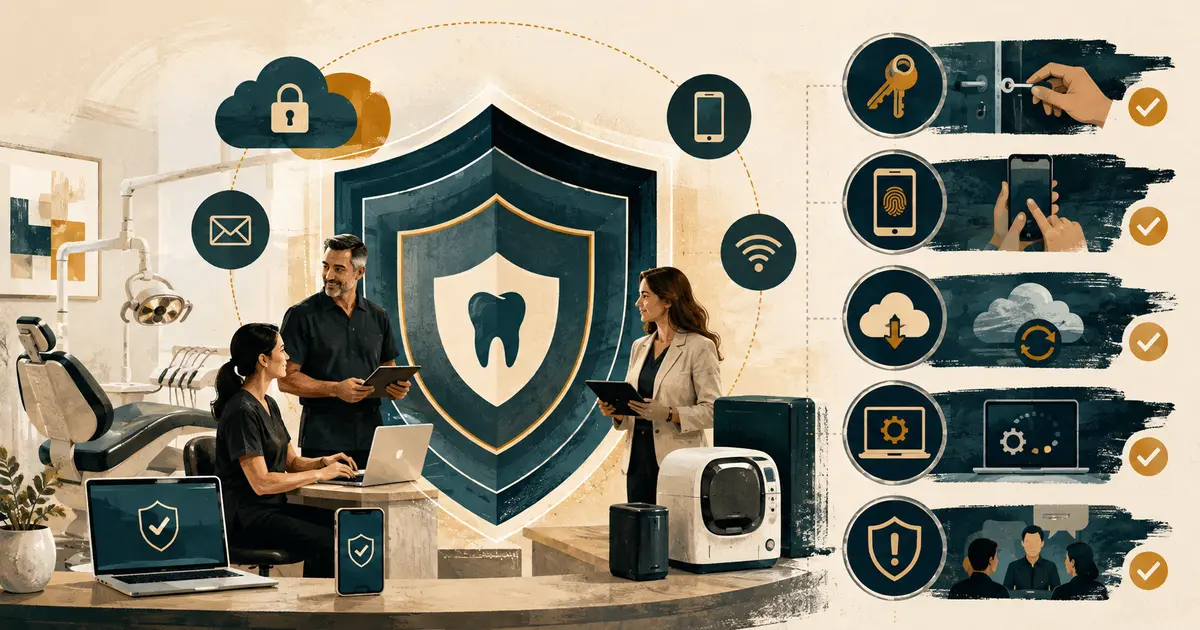
A dental office cybersecurity checklist should connect technology controls to patient care and daily work. Patient records, imaging, email, phones, payment tools, insurance portals, backups, remote access, and vendor accounts all create dependencies. A practice cannot protect what it has not identified or recover what it has never tested.
This checklist supports a conversation with qualified security, privacy, legal, and IT professionals. It does not certify HIPAA compliance, replace a required security risk analysis, or guarantee that an attack will be prevented. Requirements depend on the practice, systems, contracts, state law, and whether the practice is a HIPAA covered entity.
25-point dental practice cybersecurity checklist
Know what you have
- [ ] Inventory computers, servers, tablets, phones, network equipment, printers, imaging devices, and removable media.
- [ ] Inventory applications, cloud services, patient portals, email, payment, insurance, messaging, and remote-access tools.
- [ ] Identify where electronic protected health information is created, received, maintained, or transmitted.
- [ ] Assign a business owner and technical owner to every critical system.
- [ ] Record critical vendors, contracts, support paths, data locations, and recovery dependencies.
Control access
- [ ] Give each workforce member a unique account; prohibit shared logins where systems support individual access.
- [ ] Match access to current job duties and review privileged access separately.
- [ ] Require multifactor authentication where available, beginning with email, administrators, remote access, cloud storage, and other sensitive systems.
- [ ] Use an approved password manager and strong, unique credentials.
- [ ] Disable access promptly when a worker or vendor no longer needs it.
Secure and maintain systems
- [ ] Maintain supported operating systems, applications, browsers, and device firmware.
- [ ] Apply patches through a documented, risk-based process.
- [ ] Use appropriately configured endpoint, email, firewall, and network protections.
- [ ] Encrypt devices and data as determined by the risk analysis and qualified guidance.
- [ ] Restrict and monitor remote access, vendor access, and administrative tools.
Protect recovery
- [ ] Back up critical data and configurations on a defined schedule.
- [ ] Keep protected backup copies appropriately isolated from routine accounts and ransomware paths.
- [ ] Monitor backup failures and assign an owner to resolve them.
- [ ] Test restoration of representative systems and data; document results.
- [ ] Maintain approved downtime procedures and protected offline contacts.
Prepare people and response
- [ ] Train the workforce to recognize phishing, suspicious attachments, credential requests, and unexpected MFA prompts.
- [ ] Provide a simple way to report a suspected incident immediately.
- [ ] Maintain an incident response plan with privacy, legal, IT, insurance, communications, and leadership contacts.
- [ ] Preserve logs and evidence; define who can isolate systems.
- [ ] Exercise one scenario and close the gaps found.
Begin with a documented risk analysis
HHS describes risk analysis as a foundational element of Security Rule compliance. It should identify where electronic protected health information exists, potential threats and vulnerabilities, current safeguards, likelihood and impact, and the level of risk. The process must reflect the practice—not a downloaded checklist with every box marked “complete.”
Map information across:
- practice management and electronic dental records;
- digital radiography and imaging;
- email and file sharing;
- phones, voicemail, texting, and portals;
- eligibility, claims, payment, and clearinghouse services;
- laptops, tablets, mobile devices, and remote work;
- printers, scanners, copiers, and local storage;
- vendors, labs, referrals, backups, and archives.
For each flow, record who uses it, what information it carries, how access is granted, where data is stored, how it is backed up, and what happens when it is unavailable. Keep the risk analysis and resulting risk-management decisions under version control. Update them after material technology, vendor, location, workflow, or threat changes.
Apply controls to the highest-risk workflows
Make identity the first control
Compromised credentials can bypass otherwise sound technology. Require unique accounts and remove access that no longer fits the role. Separate routine and administrative accounts. Review dormant accounts, shared mailboxes, service accounts, vendor access, and remote-support tools.
CISA recommends requiring MFA wherever possible and prioritizing administrative, sensitive-data, and remote-access accounts. It also notes that phishing-resistant methods are stronger than text or email codes. Work with qualified IT owners to select and configure the strongest practical method each system supports.
Create an access lifecycle:
- A manager requests access based on a documented role.
- The system owner approves the least access needed.
- IT provisions a named account and required MFA.
- The employee receives security training.
- Access is reviewed after role changes and periodically.
- Termination or separation triggers prompt, verified removal.
Use the dental office onboarding checklist to coordinate access creation and make offboarding equally explicit.
Treat email as a high-risk workflow
Train staff to pause when a message creates urgency, requests credentials, changes payment instructions, sends an unexpected file, or triggers an MFA prompt they did not initiate. Give them a safe verification channel that does not rely on replying to the suspicious message.
The ADA explains that a covered dental practice's written security risk analysis should include patient information in email and that reasonable safeguards may include verifying addresses and limiting the information sent. A practice also needs procedures for patient requests and potential breach response.
Define:
- which system is approved for patient information;
- when encryption or a portal is used;
- how recipients and attachments are verified;
- what may be left in voicemail;
- how misdirected messages are reported;
- whether automatic forwarding is prohibited;
- how mailbox delegation is controlled;
- how suspicious messages reach IT/security.
Do not ask an employee to forward a suspicious attachment broadly for inspection. Use the approved reporting method.
Patch and segment without disrupting care
Unsupported devices and delayed patches create exposure, but an untested update can disrupt clinical operations. Maintain an inventory with model, operating system, support status, owner, location, and patch method. Coordinate imaging and clinical-device changes with vendors and qualified owners.
Use maintenance windows, backups, rollback planning, and post-change checks. Separate guest access from business systems. Limit unnecessary communication between devices and networks. Do not connect an old device to the patient network merely because it still powers on.
CISA's small-business guidance highlights phishing resistance, strong passwords, MFA, software updates, logging, backups, and encryption as core practices. The exact architecture should come from a qualified assessment.
Make backups a recovery system
Ransomware may encrypt both production data and reachable backups. Define what is backed up, how often, where copies are stored, who can delete them, how failures are alerted, and the order of restoration. Protect backup administration with separate credentials and MFA where supported.
Run restoration tests. A test should document:
- selected system or data;
- backup date and source;
- isolated test environment;
- time and steps required;
- integrity checks;
- missing dependencies;
- corrective actions and retest date.
The ADA recommends regular backups with a secured off-site copy and staff training as defenses against ransomware. Connect technical recovery to the dental office phone outage message, including how the office handles appointments, urgent messages, and downtime records while systems are unavailable.
Review vendors as part of your security boundary
Inventory vendors that access systems or patient information. Confirm what they host, subcontract, log, back up, and support. Determine with qualified guidance whether a business associate agreement is required and whether the contract addresses incidents, data return, deletion, availability, and termination.
Ask:
- Does the vendor support individual accounts and strong MFA?
- How is privileged support access approved and logged?
- How quickly must the vendor notify the practice of an incident?
- Who owns the data and how can it be exported?
- What happens if the service is unavailable?
- How are backups tested?
- How is access removed when the contract ends?
Do not assume a “HIPAA compliant” marketing label resolves the practice's obligations or configuration decisions.
Build an incident response people can actually use
The first instruction should be memorable: Stop, disconnect or isolate only as trained, and report immediately. Do not investigate on your own. Depending on the incident, powering down or changing a system may destroy evidence or complicate response, so define actions with the security owner in advance.
The response plan should name:
- incident lead and backup;
- IT/security response provider;
- privacy and legal decision owners;
- cyber insurer and notification requirements;
- system and vendor contacts;
- evidence-preservation steps;
- business continuity activation;
- internal and patient communication approval;
- breach assessment and notification process;
- recovery and post-incident review.
Do not declare that an event is or is not a reportable breach based on intuition. HHS and state requirements can be fact-specific. Preserve what happened, when it was discovered, who had access, systems affected, actions taken, and qualified decisions.
Test with a realistic scenario
At a 30-minute tabletop, tell the team: “At 8:20 a.m., three computers display a ransom note and the practice software is unavailable.” Ask who calls whom, whether devices are isolated, how phones and appointments are handled, where downtime forms are, and who approves external messages.
Record every missing contact, uncertain decision, inaccessible document, and unowned task. Assign due dates and retest. A completed checklist is useful only when the practice can act under pressure.