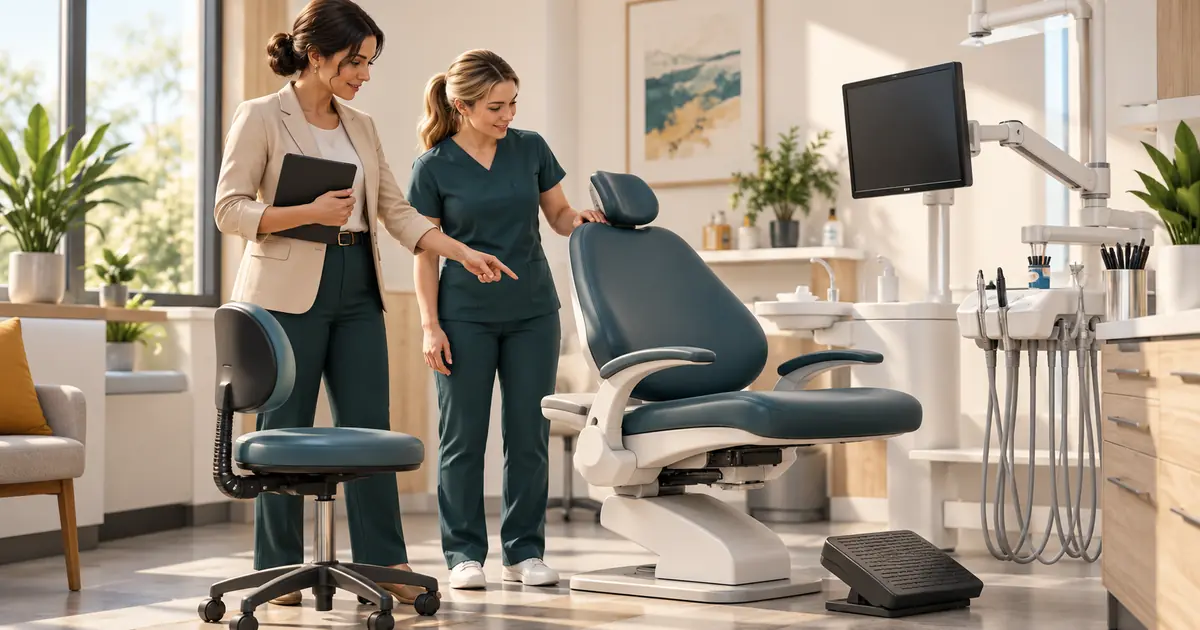
A dental office ergonomics review should start with the work employees actually perform: where they look, reach, sit, stand, carry supplies, and repeat the same movement. Ask the people doing that work what feels difficult, record specific conditions, and assign changes that can be checked during a normal shift.
The manager coordinates the workplace review. A qualified ergonomics professional can assess complex workstation or task concerns, while employees with symptoms need the appropriate health-care evaluation. A checklist cannot diagnose a condition or prove what caused it.
Observe a task before rating the workstation
Choose several representative tasks across reception, treatment support, instrument processing, and storage. Watch the task from preparation through cleanup, including the moment someone retrieves a missing item or switches to a shared computer.
NIOSH identifies force, repetition, awkward or static posture, and the intensity, frequency, and duration of exposure as relevant considerations. It recommends observing work and gathering information from people familiar with the task. Use those factors to describe the job, without labeling an employee's symptoms yourself. NIOSH guidance on identifying ergonomic risk factors.
Make an observation note with five fields:
- Task: What was the employee trying to complete?
- Setup: Which equipment, room, and materials were involved?
- Observed difficulty: What reach, interruption, obstruction, or adjustment was visible?
- Employee comment: What did the employee report in their own words?
- Next review: Who will assess the concern or authorize a change?
Observe shared stations with more than one user. A setup that works for the opening receptionist may require adjustment for the person covering lunch. Check whether both know how to operate the chair and monitor controls.
Review the reception station as a working arrangement
Ask an employee to demonstrate an ordinary combination of tasks, such as taking a call, reading an insurance response, and entering a note. A tidy desk can still require repeated turning between a distant monitor and telephone.
| Area | Question for the review | Possible next step to evaluate |
|---|---|---|
| Chair and support | Can this employee adjust the chair and place their feet on the floor or suitable support? | Check adjustment controls and individual fit |
| Keyboard and pointer | Can the employee use both without an awkward wrist position or extended reach? | Review placement and usable work-surface space |
| Screen and documents | Are viewing distance, glare, and document placement workable? | Assess screen settings, placement, and a document holder |
| Under-desk space | Is there enough room for knees and feet? | Find another approved location for stored boxes |
| Shared use | Can the next employee reset the station? | Demonstrate adjustments and record the setup process |
These screening questions reflect areas covered by the NIOSH computer workstation checklist. A flagged answer is a prompt for investigation, not a failed medical examination.
Test changes with the whole reception workflow. Moving a screen may improve viewing while making patient information visible from the waiting area. Moving a scanner may shorten one reach but block the payment terminal. Ask both the employee and the responsible privacy or operations reviewer to check the revised arrangement.
Give clinical and support areas their own review
Have the clinical lead and appropriate specialist assess treatment-area concerns. The ADA's ergonomics discussion includes front-office design and questions about equipment fit, stools, and operatory configuration. This supports evaluating the actual user and working environment when considering equipment. ADA workplace ergonomics guidance.
The manager can collect the information a reviewer needs: room, equipment model, who uses it, which adjustment is difficult, and when the difficulty occurs. Preserve the clinician's authority over patient positioning, instrumentation, and technique.
For storage and processing areas, ask staff to walk through replenishment and movement of materials. Where do deliveries first land? Which items are repeatedly moved twice? Is an available cart usable on the actual route? Does rearranging storage interfere with the approved instrument-processing workflow?
Coordinate proposed changes with the safety and infection-prevention owners before implementation. Use the dental office OSHA review for the broader hazard program and its required processes.
Turn an observation into a specific trial
Avoid an action item such as “buy ergonomic equipment.” Describe the condition to improve, the proposed change, the approval needed, and the observation that will show whether it helped the task.
Consider this hypothetical reception example. A manager observes that a stack of supply cartons prevents the covering employee from pulling the chair into the desk. The employee also cannot reach the scanner comfortably from the resulting position.
The trial record could read:
Observation: Cartons occupy the working leg space; scanner use requires repeated reaching. Proposed change: Relocate the cartons to approved storage, then review scanner placement with both reception users. Owner: Office manager, with IT support if cables need moving. Verification: Both employees demonstrate the call-and-scan task; check clearance, cable routing, screen privacy, and comments. Follow-up: Revisit after an agreed trial period and record remaining concerns.
This creates a decision the manager can carry out and review. It makes no promise that a layout change will resolve pain. If discomfort continues, preserve the report and use the appropriate assessment process.
Compare equipment proposals using a demonstration when practical. Include adjustment range, cleaning compatibility, space, support, return terms, and employee usability in the review. A product's marketing label alone is insufficient acceptance evidence.
Plan variation that the team can actually use
Ask where the working day allows a change of task or position, and where continuous coverage prevents it. Assign coverage explicitly so a planned pause does not disappear whenever the phone rings.
Task variation must remain within each employee's training and authorized duties. Moving between two tasks with the same difficult reach may leave the original concern unresolved. Have the reviewer evaluate the proposed pattern instead of assuming that any rotation is beneficial.
Discuss workload themes through the staff-retention check-in process. Keep symptom reports and requests for support separate from the employee's performance review, and restrict sensitive information to the appropriate employment or health process.
At follow-up, record what was installed, who tested it, what employees reported, and what remains open. Keep photographs free of patients and private screen content. Reopen the review when a workstation, equipment choice, employee assignment, or task changes. The useful endpoint is evidence that a specific workplace concern received an appropriate response.