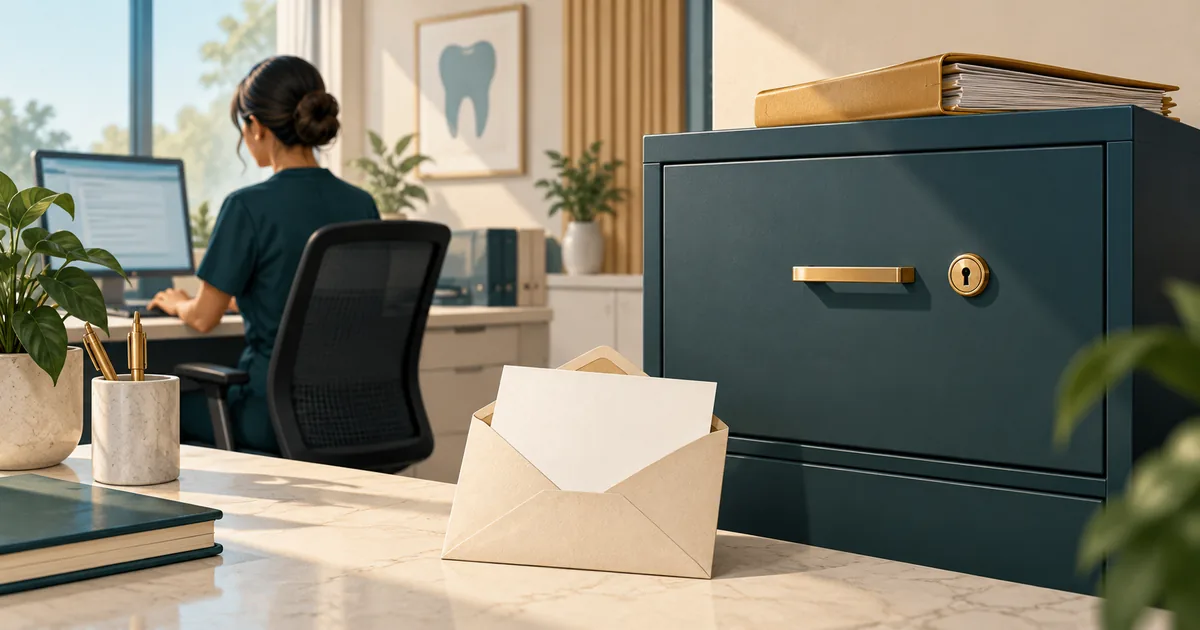
Dental call summary email privacy depends on what the email contains and where copies can travel. A staff alert saying there is a new request is different from an email containing a patient’s full transcript. Choose the least information staff need to know that work is waiting, then review the request in the approved system.
This article addresses internal staff notifications. It does not decide whether a particular email to a patient is permitted or replace the practice’s patient communication policy.
Decide whether email is an alert or a working record
Start with the staff action. If the action is “open the request queue,” the email may not need a patient’s name, reason for calling, or transcript.
| Email element | Question to ask |
|---|---|
| Subject line | Does it reveal a patient or care detail on a lock screen? |
| Preview text | Does hidden or introductory text expose more than the subject? |
| Body | Does the employee need these details before opening the system? |
| Attachment | Does this create an unnecessary separate record copy? |
| Link | Does access still require appropriate authentication? |
Use a neutral subject and body when that meets the workflow. A neutral message still needs correct recipients and an approved email arrangement.
Follow the copies outside the inbox
An email can appear on a phone lock screen, a desktop notification, a smartwatch, a shared mailbox, or an automatically forwarded account. Ask the office’s technology owner to inspect the actual configuration rather than assuming the primary inbox is the only destination.
HHS’s Security Rule summary describes protections for ePHI, including information maintained or transmitted electronically. Use that framework when the notification contains patient information.
The dental office cybersecurity checklist helps place these copies in the office’s broader assessment.
Test what an employee actually sees
Use a fictional request and inspect the notification on an approved desktop and phone. Check the subject, preview, body, attachment behavior, and destination after selecting the link.
Then test an account that should not have access. It should not gain access simply because someone forwarded the email. Verify the actual behavior and report any unexpected exposure to the authorized administrator.
These are acceptance criteria to check, not claims that a particular vendor has passed them.
Keep patient preferences separate
A patient’s request for email contact does not automatically authorize copying that patient’s information to every staff address. Patient-directed communication and internal work notification have different recipients and purposes.
HHS discusses reasonable safeguards for patient email in its email communication guidance. Staff should use the practice’s approved process for that separate interaction.
Preserve one place to manage the request
Missed Calls Dental provides call transcripts and summaries in Workspace for staff follow-up. Review the actual notification configuration before assuming that an email contains a full summary or that replying to it updates the request.
Agree where employees assign work and record completion. The front-desk shift handoff guide can help prevent a request from being treated as completed simply because someone read an alert.
A useful notification gets the right person to the right task with minimal exposed information. It should not quietly create a second patient-request system spread across inboxes.